Check button control

<< Click to Display Table of Contents >>

Manual > Control Reference > Basics >

Check button control


Check button control (CheckBox)


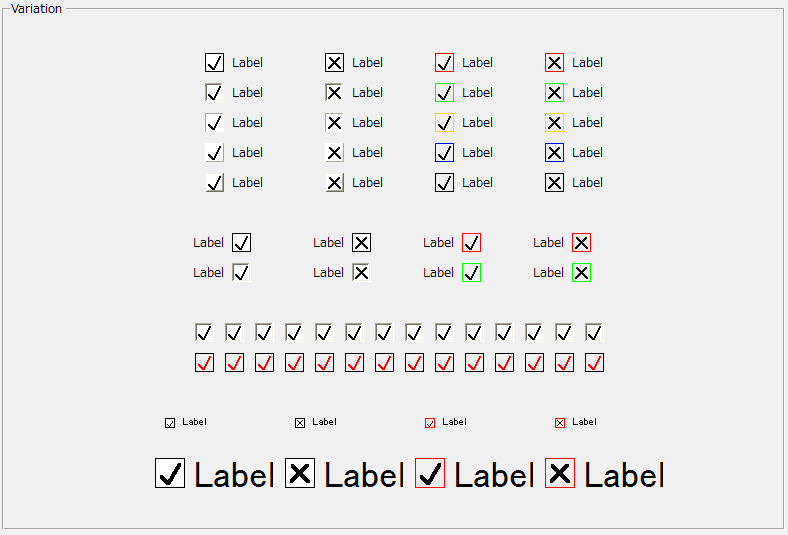
Check button control is a control that the operator can toggle between the TRUE/FALSE (On/Off) states.


cr_0034


Click the check box


Clicking the checkbox with the mouse toggles its state between TRUE/FALSE (On/Off). The Check button control that has the focus can also toggle its state with the Enter key. After pressing the checkbox with the mouse, the operator can cancel the operation by moving the mouse away from the checkbox before releasing the mouse button.


Switch Value


Checkboxes have a SwitchValue property, which switches between ON/OFF depending on the state of the checkbox.


1) When the value changes, the OnSwitchChanged event occurs.

2) You can bind a tag to SwitchValue to turn the tag's value ON/OFF.