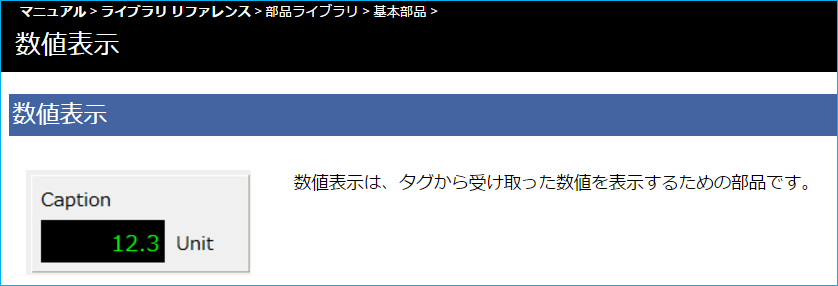
Using the Reference Manual from Panel Editor
The Control Reference Manual is an online manual that describes the properties, methods, and events of each object.
You can open it directly from Panel Editor by following the steps below.
■ Open the manual from the script editor
If you want to know about a control's methods (or events), select the letter of the method (or event) you want to know about and press the F1 key.
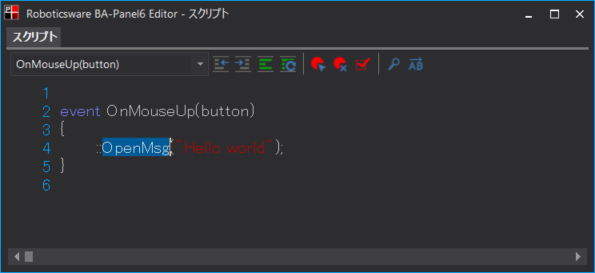
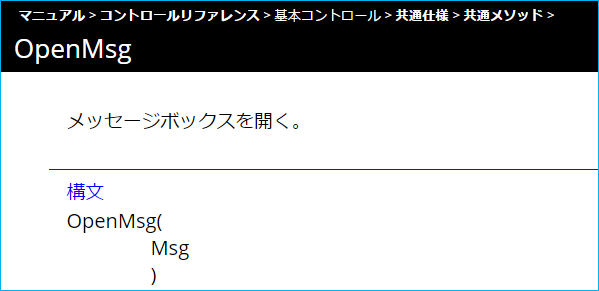
For example, if you select "OpenMsg" and press the F1 key, the "OpenMsg" method page will open as shown below.
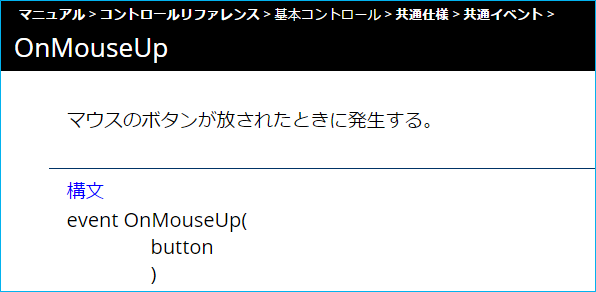
Alternatively, if you select the "OnMouseUp" event and press the F1 key, the "OnMouseUp" event page will open as shown below.
■ Open the control reference
If you want to learn about a control, select it on the form and press F1.
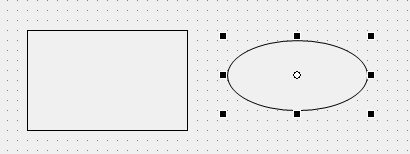
For example, after selecting Ellipse control, you can press the F1 key to view the Ellipse control page.
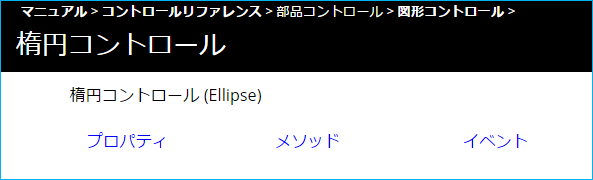
■ Open a reference from the properties
If you want to know about the properties of a control, select the target property from the property page as shown below and press the F1 key.
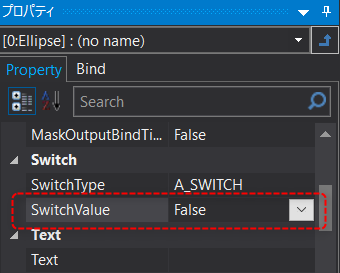
For example, after editing the properties of Ellipse control, you can press the F1 key to view the explanation page for the properties of the target control.
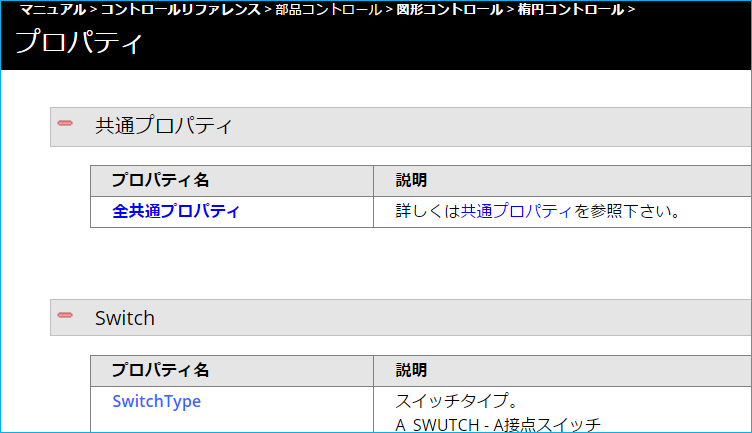
■ Open the part library reference
If you want to know about the part library, select the part pasted on the form as shown below and press the F1 key.
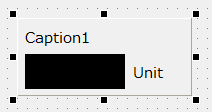
This will open a page detailing the part in question.