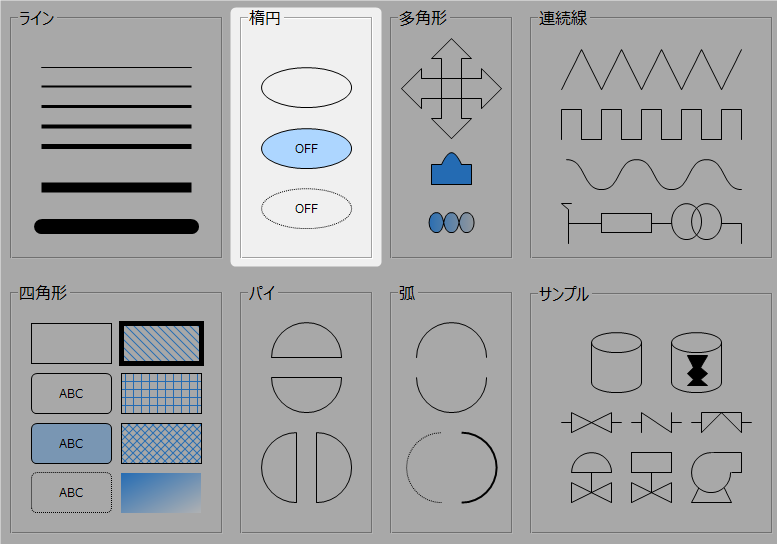
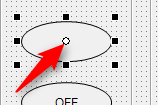
2D shape controls have a SwitchValue property that switches between ON/OFF when pressed with the mouse.
1) When the value changes, the OnSwitchChanged event occurs.
2) You can bind a tag to SwitchValue to set the tag's value to ON (TRUE) or /OFF (FALSE).
3) The SwitchType property determines how the SwitchValue changes when the mouse is pressed. The SwitchType property can be selected from the following five types.
|
|
|
|
A_SWITCH
|
A-contact switch
|
While pressed, SwitchValue will be turned ON.
|
B_SWITCH
|
B-contact switch
|
While pressed, turns SwitchValue OFF.
|
ON_SWITCH
|
ON switch
|
When pressed, it turns SwitchValue ON.
|
OFF_SWITCH
|
OFF Switch
|
When pressed, it turns SwitchValue OFF.
|
ALTERNATE_SWITCH
|
Alternate Switch
|
When pressed, it inverts SwitchValue (when OFF it turns it ON, and when ON it turns it OFF).
|
|