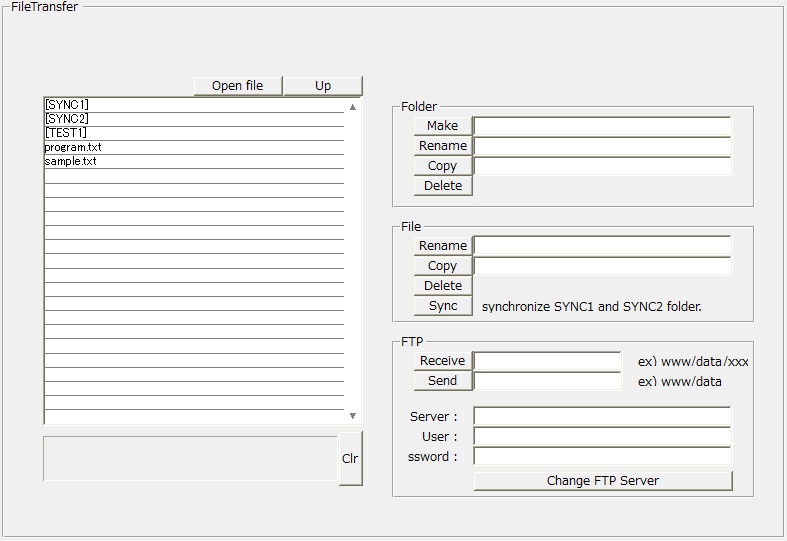
File transfer control (FileTransfer)
File transfer control is used to send and receive files between the server (the PC on which the server is running) and the client (the PC on which the browser is running), Controls for browsing, copying, renaming, and deleting files on the server.
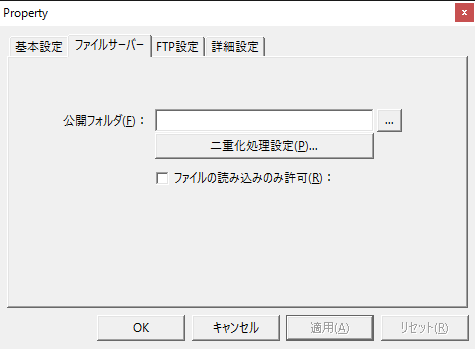
To transfer files, you need to configure the File server action on the server. The File server action allows you to set a public folder and make files and folders under it accessible. If you do not specify a path for the public folder, all files will be accessible to the client. If you do not want to allow writing to the server's public folder, check "Allow only reading of files." You can also set multiple File server actions.
|