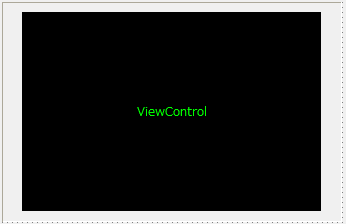
Set the BasedFormName property of View control to specify which form to embed as the base form.
Also, the name specified in the FormName property of View control will be the form name used when accessing the embedded form from a script. If you omit the FormName property, the name specified in the BasedFormName name will be the form name referenced from a script.
You can access it from your script like this:
|
::FormName.ControlName.Text = "hello";
|
|

|
When the OnInitialize event is called, the form instance has not yet been created, so the call in the above example will fail.
If you want to initialize objects in the form you want to display in the OnInitialize event, force the form to be opened in the view using the OpenForm method of View control as follows:
event OnInitialize()
{
 this.OpenForm("BasedFormName", "FormName");
 ::FormName.ControlName.Text = "hello";
}
|
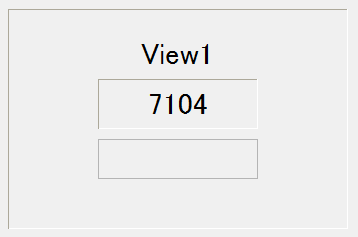
When you run it in a browser, you'll see a form embedded within another form.
Multiple View controls can be pasted into one form.
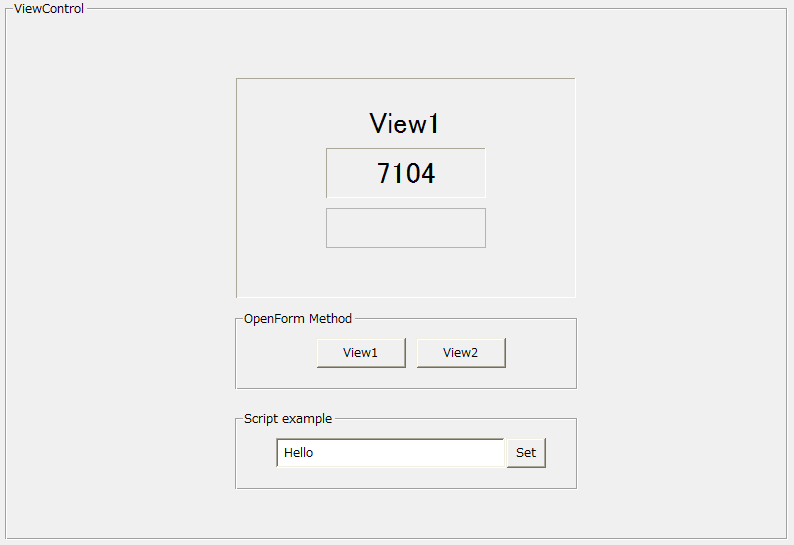
The basic form embedded in View control can be dynamically switched even at runtime using the OpenForm method.
|