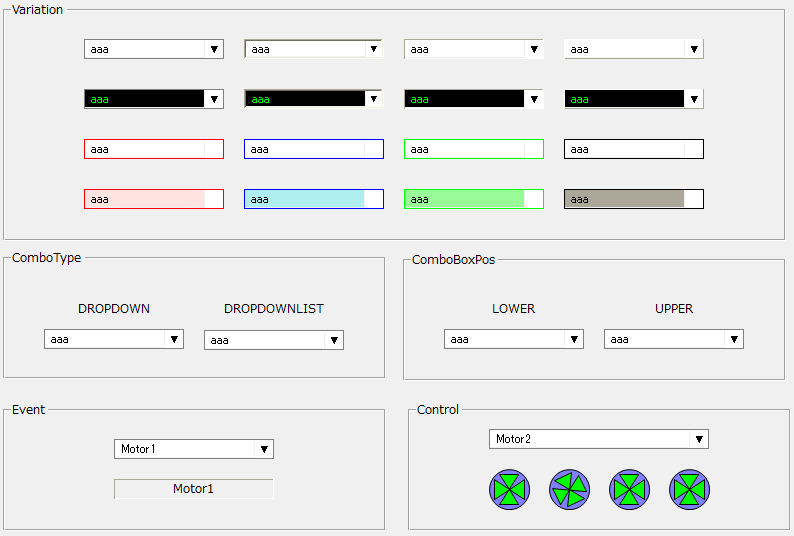
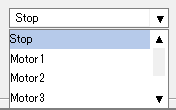
List box control allows you to select one from a multi-line text list. The selected line is copied into the edit box.
1) When an operator changes the row selection, the OnSelectChanged event is called. In the following sample, the OnSelectChanged event is used to display the index and text of the currently selected row in an edit box.
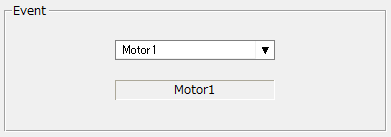
|
event OnSelectChanged(index,text)
{
 parent.Label.Text = text;
}
|
|
2) The index of the currently selected row (row number starting from 0) can be obtained with the SelectIndex property. By output binding to SelectIndex (e.g. OUT : $D0), the currently selected index will be output to a tag in real time. In the sample below, the $D0 tag is bound to the SelectIndex property. When the top row is selected, $D0 will be 0. Each time you move to the next row, the value of $D0 will be 1, 2, 3, etc.
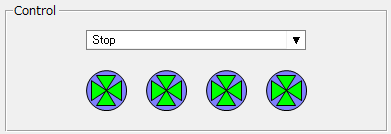
3) By input binding (e.g. IN : $D0) to the SelectIndex property, you can change the selected row in real time according to the tag value.
4) To obtain the content (text) of the currently selected row, use the Text property.
|