overview
FA-Panel provides a "visual theme" switching function.
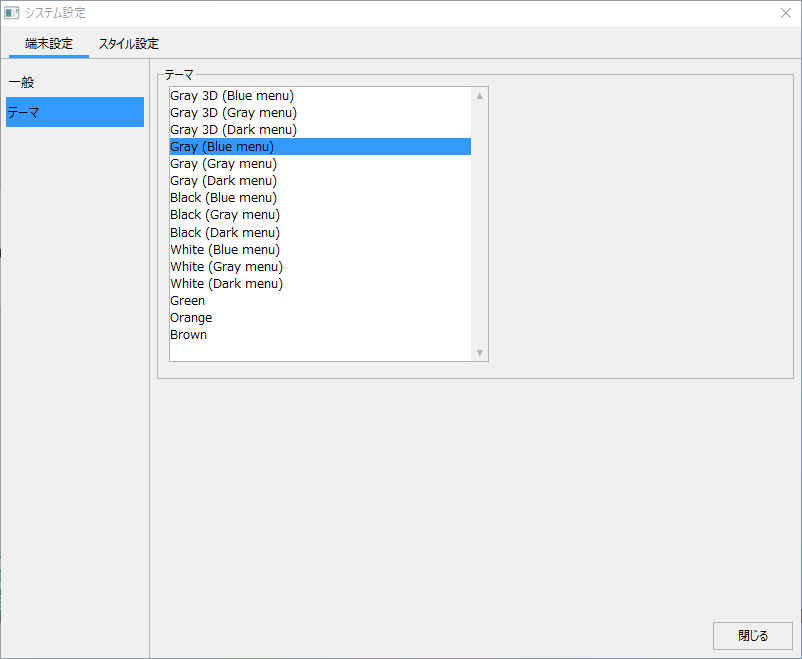
By switching visual themes, you can dynamically change the appearance of the screen display. For example, in the "Standard Framework" of FA-Panel, you can switch the display color and button expression (3D display or flat display) during operation by switching the "Theme" from the system settings. In addition to choosing a visual theme from the themes that are provided as standard in the system, you can also customize the colors of the themes registered in the system and freely add new themes.
(Standard framework system settings screen)
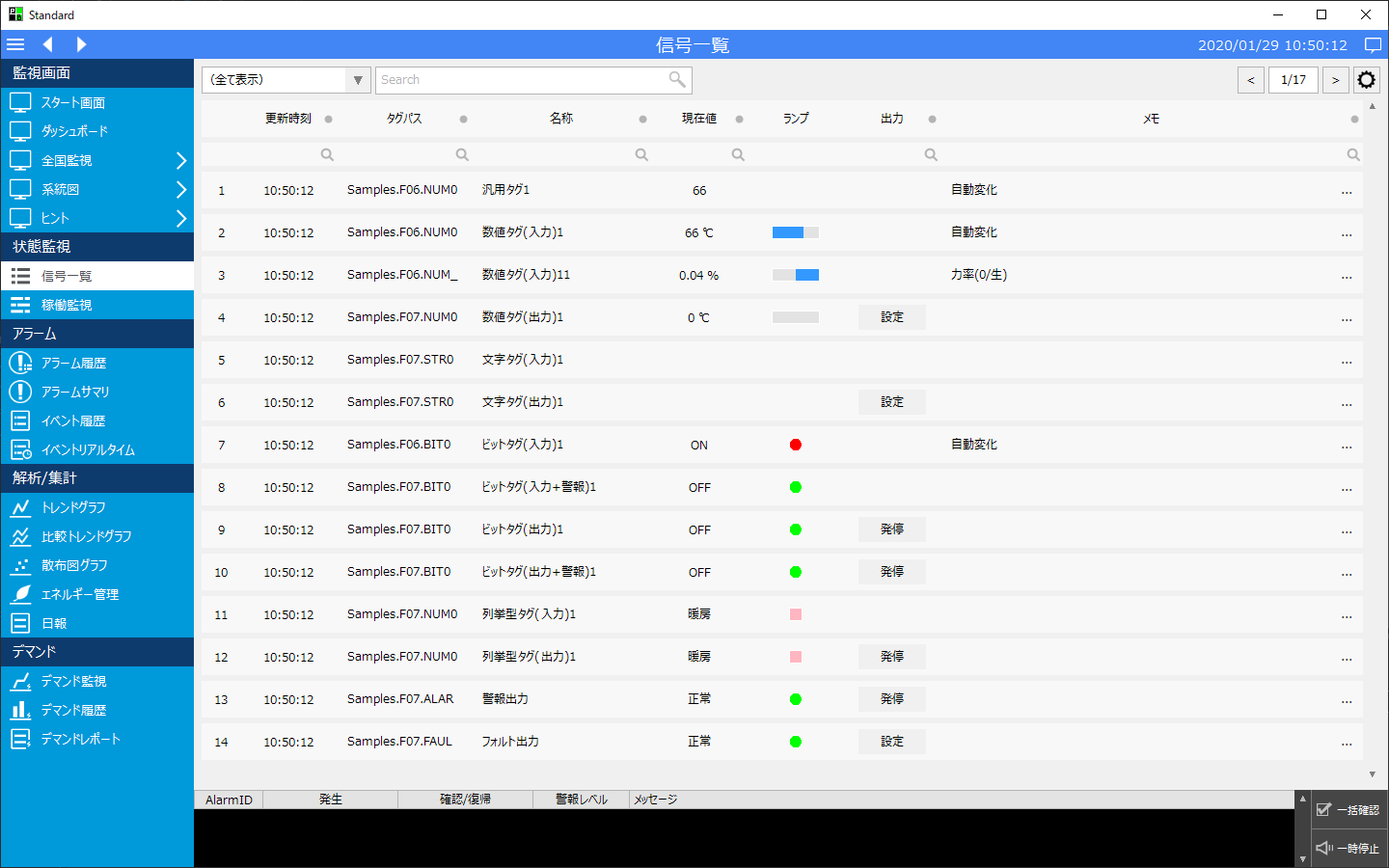
(Example when visual theme "GRAY (Blue menu)" is selected)
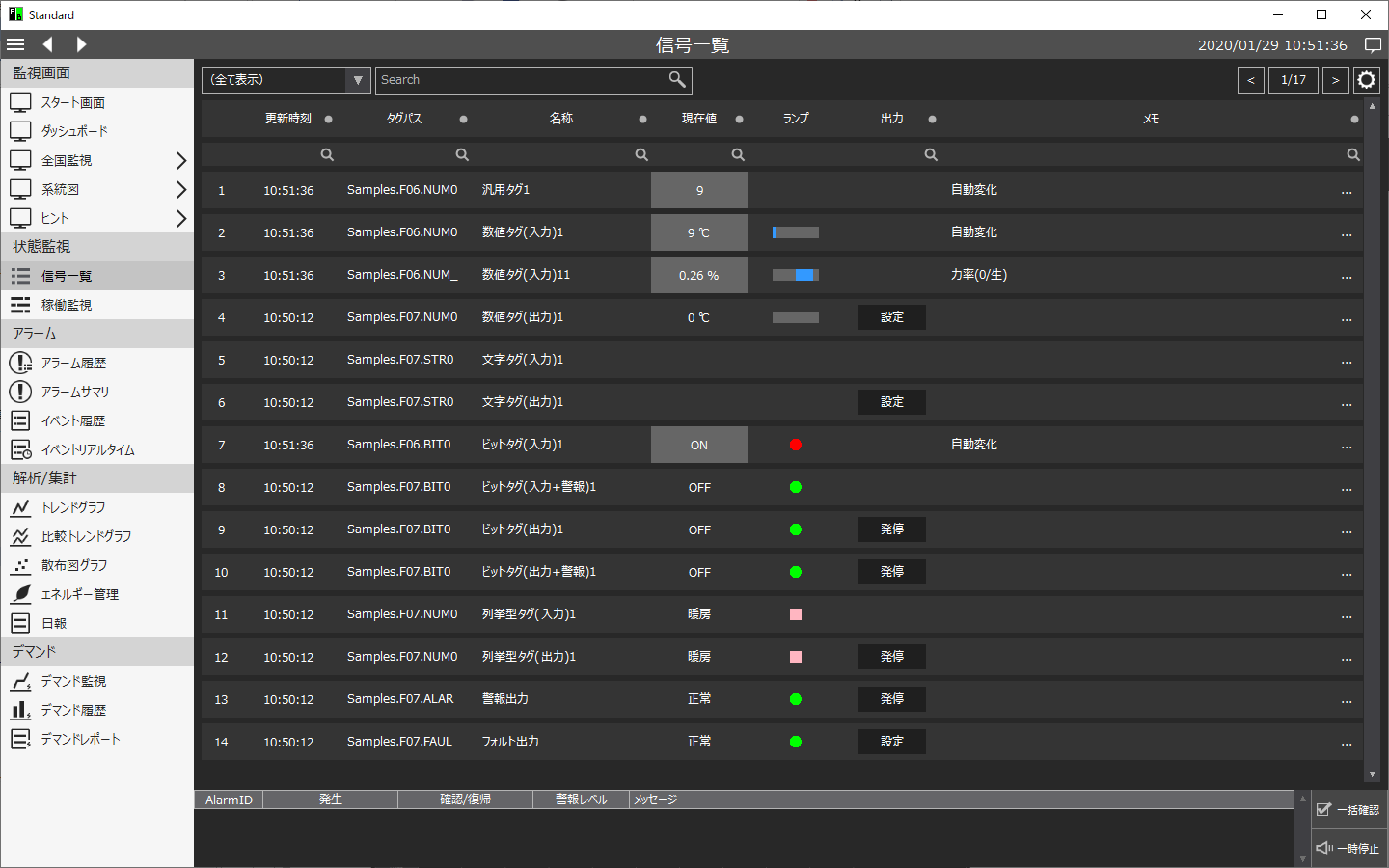
(Example when visual theme "Black (Gray menu)" is selected)