Examples of symbol expressions
In general hardware drawings and P&I diagrams, equipment and devices such as pumps and valves are visually represented using shapes called "symbols." Monitoring screens often use similar shapes to drawings to represent things. Here we will introduce how to draw commonly used symbols.
1.Let's draw a valve.
Use
Polygon control to determine the points in the order of the arrows below, then double-click to close the diagram.
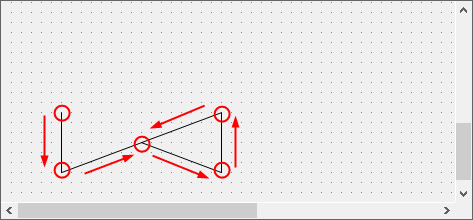
The basic shape of the valve is complete.
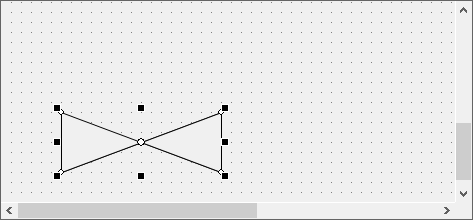
Add a line to the basic shape of the valve.
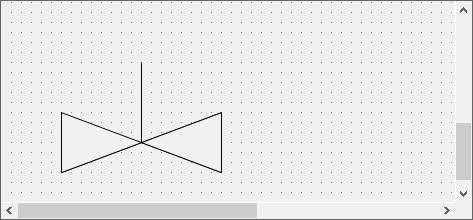
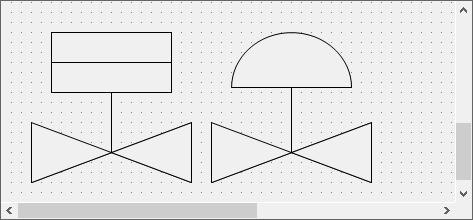
Add more shapes to create a symbol that corresponds to the control method.
Left: Valve example 1 (expressed with squares and lines)
Right: Valve example 2 (expressed as Pie control)
2.Let's draw a pump.
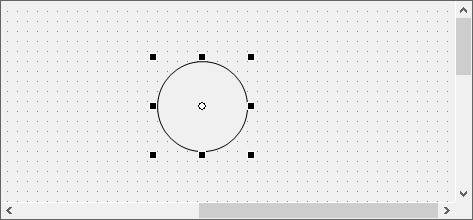
Draw a circle with Ellipse control.
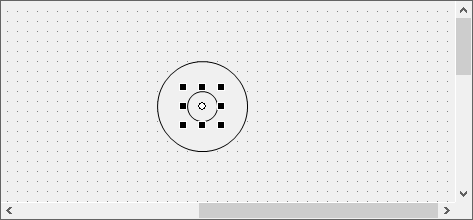
Draw a smaller circle inside.
Draw Rectangle control.
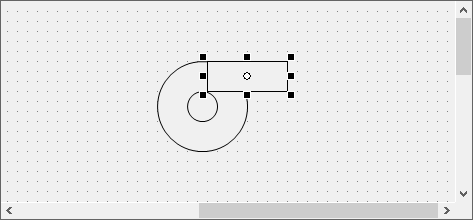
Copy the rectangle and place it as shown.
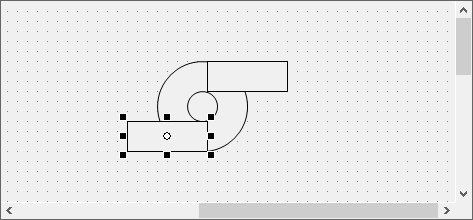
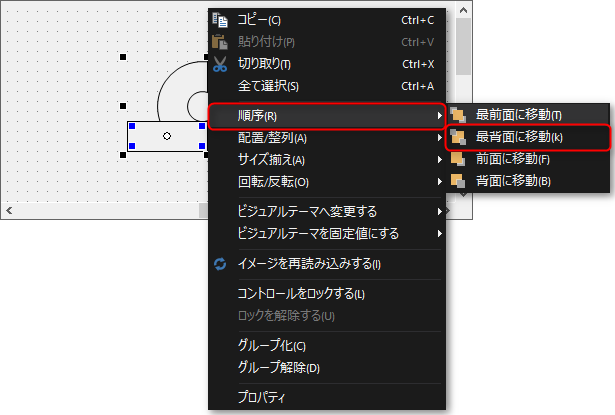
Move the two rectangles to the back.
To move them to the back, hold down Ctrl and select two rectangle objects at the same time, then right-click to display the menu.
From the
menu, select the "Send to Back (Send to Back)" operation and move the two rectangles behind the circle.
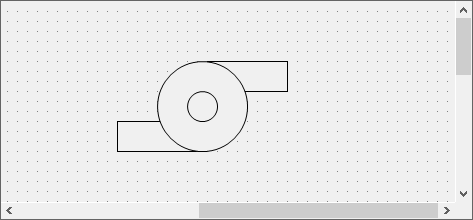
The pump is complete.
3.Let's draw the motor
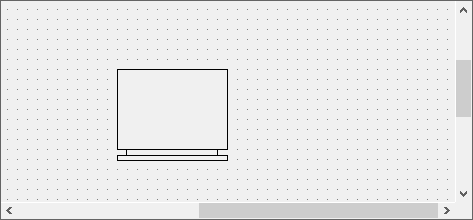
Use three rectangles to draw the picture below.
Draw a line for the shaft and make it thicker by setting LineWidth to 3.
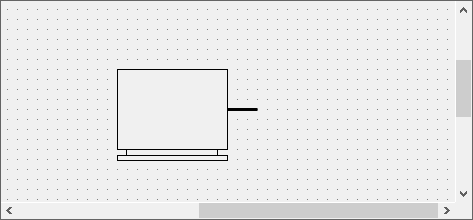
This alone looks like a motor, but let's add some lines to make it look more like a motor.
First, draw a line.
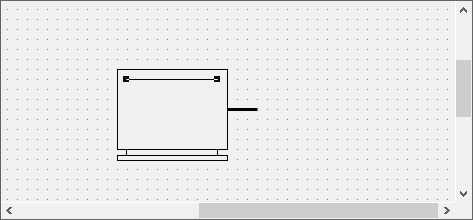
Copy the
line.
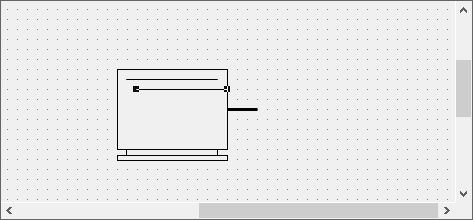
Similarly, make multiple copies of the line to draw horizontal stripes on the motor.
In addition, Panel Editor allows you to make successive copies at equal intervals, maintaining the interval between copies.
To make multiple copies, first drag a copied line to determine the position where you want to make the multiple copies.
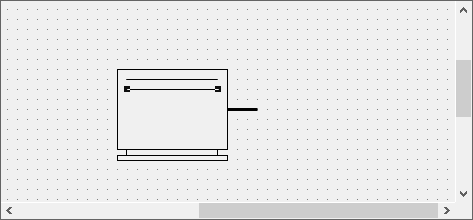
Then, if you repeatedly perform the paste operation with Ctrl + V, the line will be copied equally each time you perform the paste operation.
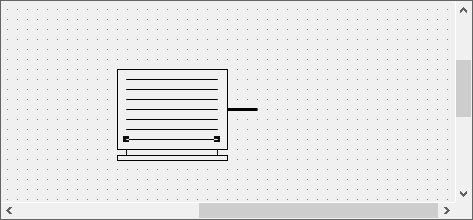
The motor is complete.