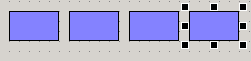
Copy objects multiple times
When performing multiple paste operations in Panel Editor, you can paste objects evenly across multiple positions.
First, select the object you want to copy, copy it, and then paste one.
|
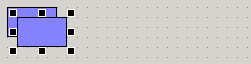
Now, select the newly pasted object with your mouse and move it to the position where you want to paste it evenly.
|
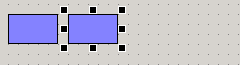
Repeat the paste operation until the objects are evenly spaced.
|