Frame Library Help > Samples
The Frame Library comes with reference and example projects.
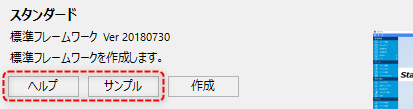
When you select a Frame Library, a note appears with a thumbnail of the selected feature. Click the Help button at the bottom of the note to view the Frame Library reference.
Also, when you click the "Sample" button, a new Panel Editor will start with a sample project open, separate from the Panel Editor you are currently editing. The sample contains the files and sample data necessary to run the frame library, so you can check how it works right away.