Using the Frame Library
The Start Page provides the functionality to create a project using the Frame Library wizard.
|
When you select Create a New Project from the Start Page, thumbnails from the Frame Library are displayed.
|
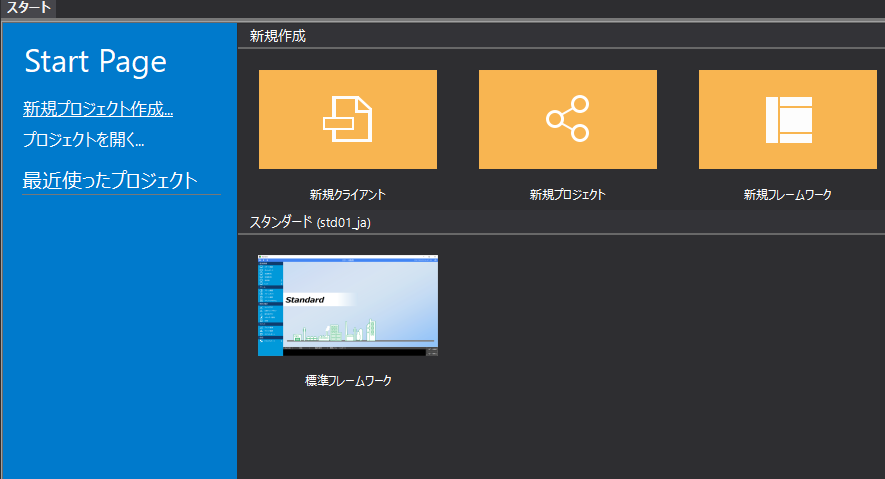
When you select a frame library, a wizard-style setting screen will appear. You can set up your project by following the instructions on the wizard screen.
For information on how to create a standard project using the frame library, see "Creating a Standard Project" in the Surveillance System Construction Guide.