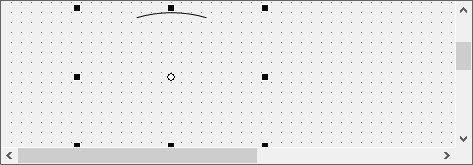
Arc control (shape)
Arc control can draw circular arcs. The operation of Arc control is similar to Pie control, so we will not go into detail here.
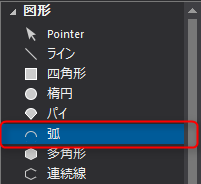
1.Let's try using Arc control. From the control view, select the shape Arc control.
On the form, place the mouse over the position you want to use as the start point of the "ellipse" from which you will cut out the arc, and drag diagonally to the position you want to use as the end point (drag in the same way as you would draw a Ellipse control).
After pasting the
-based arc, set the “StartAngle” and “EndAngle” properties in the same way as Pie control.
(Example of using Arc control)