Button control (Basic)
Button control is a control that can execute processes in response to operations such as button clicks on the screen.
This section only introduces the editing operations for the controls.
1.Select Basic Button control from the Control View.
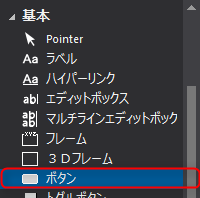
Paste it onto the form just like any other control.
The
button is displayed.
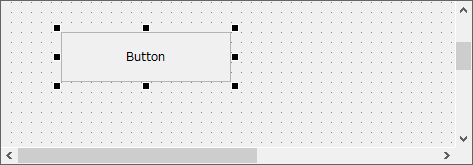
You can change the size of the
button in the same way as other controls. You can also set various styles for Button control in the same way as other controls. Settings such as the string to be displayed, font, and color can be changed from the property view.
|
Button control is a very important control. It can receive mouse clicks and other operations, and can implement various processes such as screen switching. The process of clicking the mouse is written in a script. For details about scripts, please refer to "Script".
|
