overview
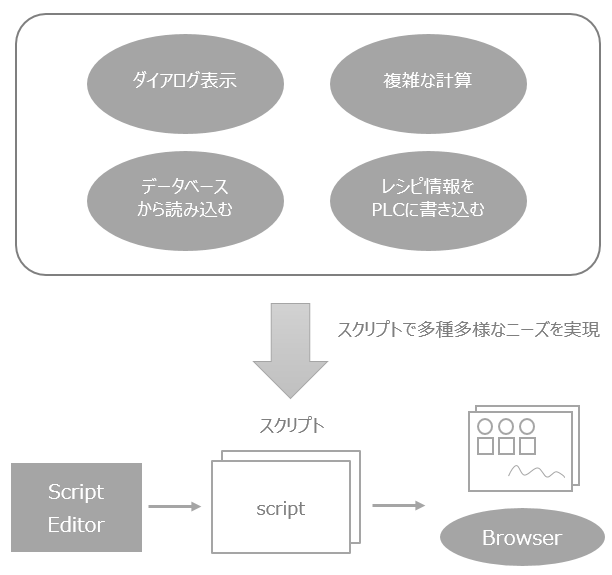
Scripts are a proprietary command language that allows Panel Browser to execute various logic operations.
Most screen display processing can be achieved by setting bindings, but by mastering scripting, it becomes possible to implement complex processing.
|
This chapter explains the scripts written from the Panel Editor (scripts executed on the Panel Browser). The specifications of these scripts conform to Script Ver2 (SC2 syntax). For details on the script syntax, see "Script Ver2 (SC2 syntax)". |

|
If you want to know the detailed specifications of the methods and events of each control, you can display the online manual by selecting the method (or event) string and pressing the F1 key. |