What are objects?
All of these, including the form itself and the individual controls attached to the form, are collectively referred to as "objects."
Each object has properties, methods and events.
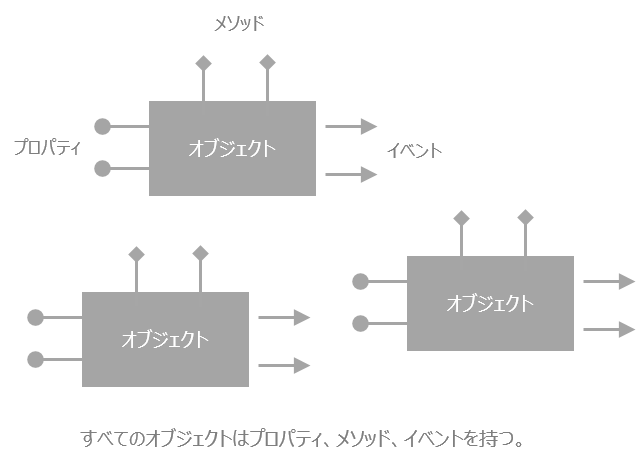
By making good use of these object functions through "scripts," you can give the monitoring screen detailed behavior and user-specific functions. A script is a unique command language that makes Panel Browser execute various logic. Most screen display processing can be achieved simply by setting the bind, but by mastering scripts, you can implement more detailed processing.
content |
overview |
A property is an attribute of an object that can be changed on the property page, such as background color, size, font, etc. A property always has a property name, for example, the property name for background color is “FillColor”.
|
|
A method is a function that an object has, such as Scroll, AddPen, etc. When a method is called, the action associated with that method is performed. For example, when the Scroll method of a chart control is called, the chart control scrolls its display.
|
|
An event is a mechanism that an object has to react to external stimuli. For example, when an object is clicked with the mouse, the OnMouseDown event is always called. In addition, the OnMouseDown event can contain a script that can be used to execute the process that you want to execute when the mouse is pressed.
|
|
Object hierarchy and references
|
Objects have a hierarchical structure. For details, see the link on the left. |
|
|
The link on the left explains how to think about object names. |