Ellipse control (shape)
Ellipse control is a control contained within Shapes that allows you to draw circles and ellipses on a form.
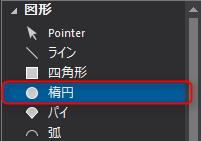
1.From the control view, select the shape Ellipse control.
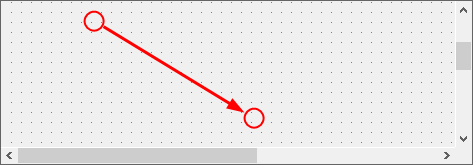
On the form, place the mouse over the position you want to use as the start point of the ellipse, and drag it diagonally to the position you want to use as the end point.
As an example, try drawing from the top left to the bottom right.
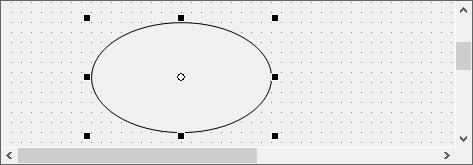
An ellipse has been drawn.
|
For instructions on how to change the fill and border color, resize the control, etc., please refer to Rectangle control. |

2.Next, let's try drawing an accurate circle. Although you can draw an accurate circle using the mouse, it is faster to draw a neater circle by entering coordinate values that will result in an accurate circle through the properties.
From the Properties view, edit the values of Height and Width so that they are equal.
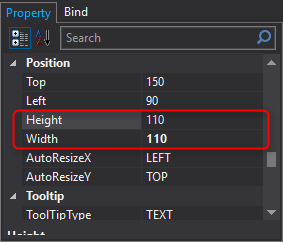
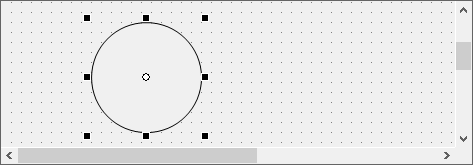
The ellipse is now an exact circle.