What is a user dialog?
In FA-Panel, users can create their own forms and display them as popup dialogs. Dialogs opened using this function are called user dialogs.
(Example of dialog display)
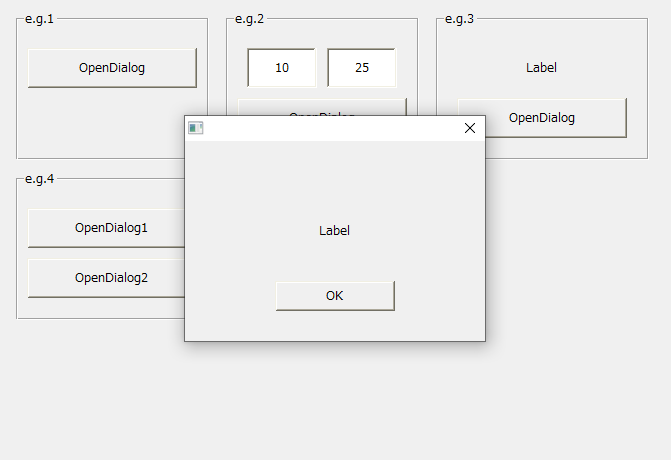
To display a form as a user dialog, use the common method "OpenDialog" or "OpenModalDialog".
Introduction of user dialog creation example
The following page provides examples of creating user dialogs (samples included).
•Example of creating a user dialog
User dialog display type
There are four types of user dialog display methods:
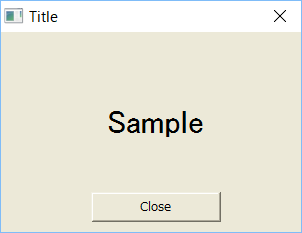
Type0: Normal (with close button)
|
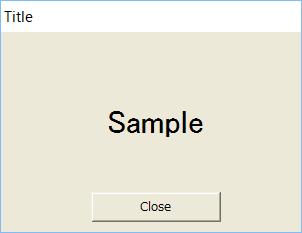
Type1 : Simple (no close button)
|
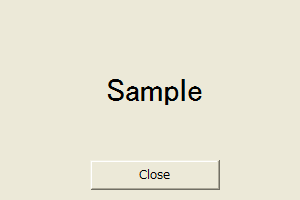
Type2: No frame (no title bar)
|
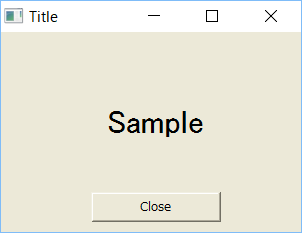
Type3 : Full (with maximize, minimize and close buttons)
|