Download the sample
The creation examples introduced on the following pages have common samples. The samples can be used from the following links.
(Sample display example)
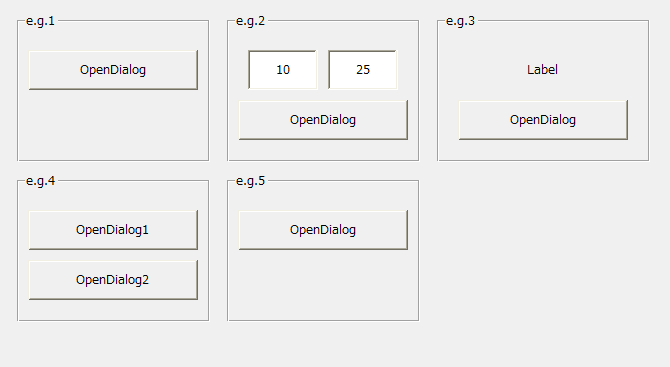
Example of creating a user dialog
Here are some examples of creating user dialogs. Click the links below to display the corresponding pages.
content |
overview |
|
|
This article explains how to display a form as a dialog (e.g.1). |
Passing parameters to a dialog
|
This article explains how to pass parameters using open parameters when displaying a dialog. The dialog can receive the parameters passed when it is displayed and can process them according to their contents (e.g.2). |
Receive results from the dialog
|
This section explains how to receive the results of processing from a dialog via OnCommonEvent. For example, you can receive the selection results on the dialog side, values entered from a dialog, etc. via an event (e.g.3). |
|
|
This article explains how to call one form in a common way and display it as a separate dialog. This allows you to create a common source form that you want to display as a dialog (e.g.4). |
Accessing the dialog from a script
|
Scripts can also access objects directly on the currently displayed dialog (e.g.5). |