About the grid
Panel Editor has a grid function.
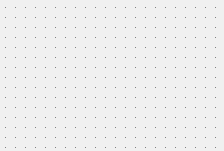
When you open a form, you will usually see small evenly spaced dots on the form called a "grid."
When the grid is enabled, when you place controls or other components on the form, they will be placed as if they were attached to the grid dots, and you can only place them in dot units.
(Form with grid displayed)
The grid function is useful when you want to display controls evenly, but it can get in the way when you want to draw detailed pictures on a graphic screen, for example.
In such cases, hiding the grid will allow you to draw with precision down to the pixel.
You can show or hide the grid using the following icon at the top of Panel Editor.

Alternatively, you can switch it on by selecting "Edit" "Show Grid" from the menu.

You can freely change the display width and height of the grid using the GridHeight and GridWidth root properties. For details, see "Root Properties".