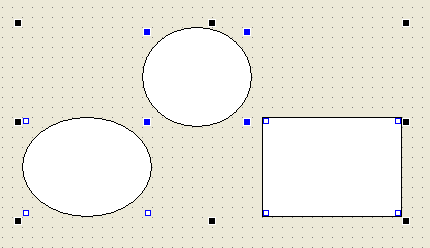
Change the properties of multiple objects at once
When multiple objects are selected, you can change properties on the Properties page and the settings will be applied to all selected objects.
Below is what happens when multiple objects are selected at the same time.
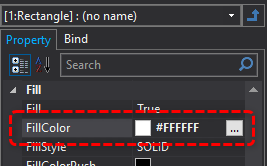
In this state, change the FillColor property all at once from the property page. In this example, change it to white.
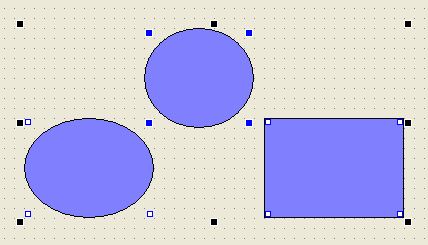
The fill color of all objects is now white.