About the Part Library Help/Samples
The part library comes with reference and example projects.
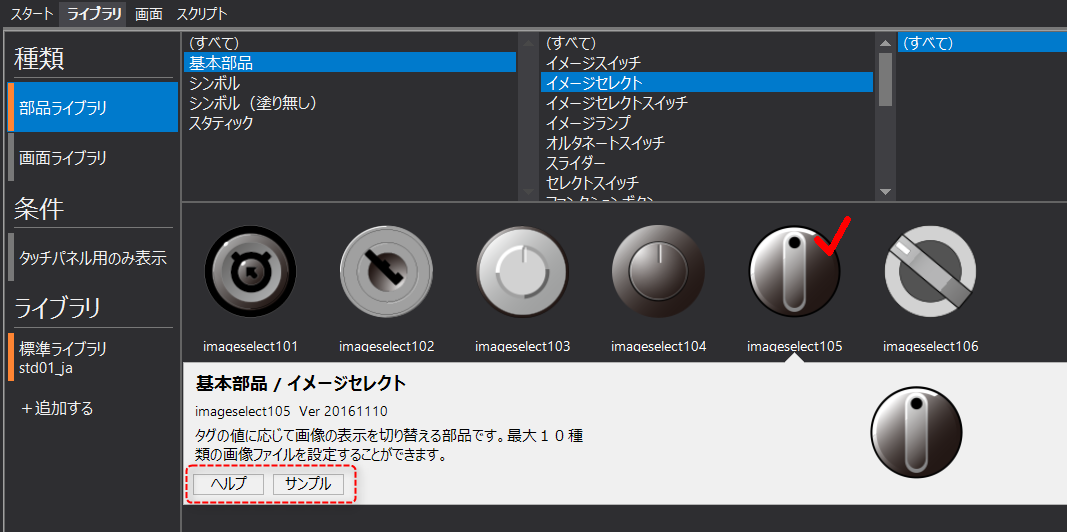
When you select a part library, a note will appear at the bottom of the selected part along with a thumbnail. Clicking the "Help" button at the bottom of the note will display a reference for the selected part.
Additionally, clicking the "Sample" button will launch a new Panel Editor with a sample project open, separate from the Panel Editor you are currently editing. The sample contains components with actual tags assigned, so you can check their operation right away.