Add a new client configuration file to the project
You can create a new client configuration file and add it to your project by following the steps below.
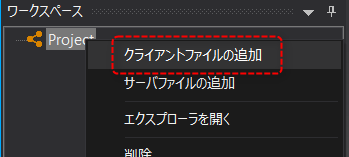
1.Right-click on the project in the workspace to display the menu and select "Add Client Files".
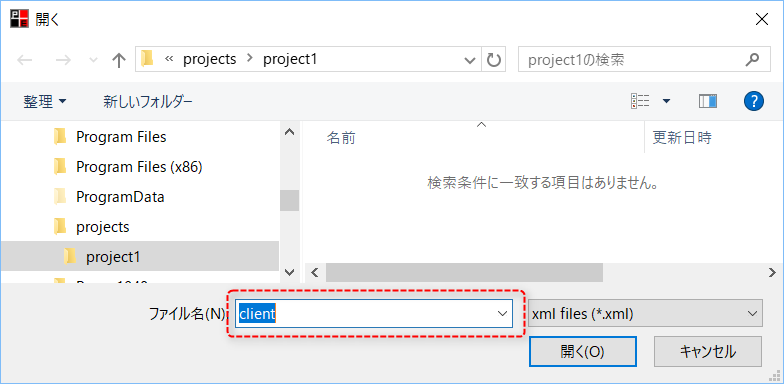
2.A file selection dialog will appear, so enter the file name of the client configuration file and click "Open".
|
Here, as an example, we have entered "client".
The file extension (.xml) will be added automatically.
|
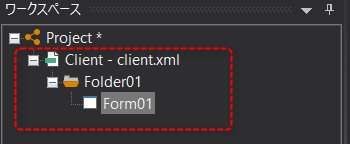
3.A new client configuration file "client.xml" has been added to your project.