What kind of properties does Grid control have?
Grid control has the following properties, broadly speaking:
kinds |
explanation |
||||||||||||||||||||||||||||||||||||
|
|
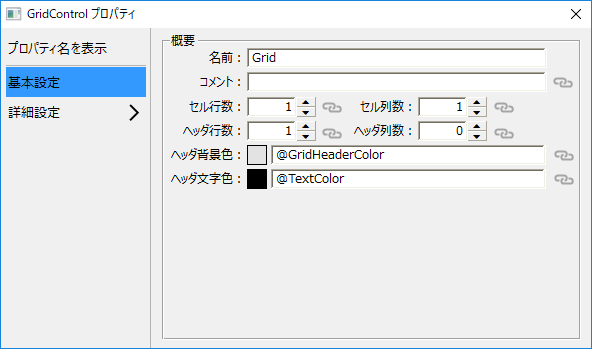
These are properties for the entire Grid control. The Grid control properties are used to set common settings and default values for the entire grid.
Editing the grid's properties is done like any other standard control, either through its property page or through the property settings dialog.
(Property Settings Dialog)
|
||||||||||||||||||||||||||||||||||||
|
|
Cell properties are properties provided for each cell in Grid control.
You can set the cell type for each cell by using the common cell property "CellType".
The following cell types are available:
Cell properties are set from script. Please refer to the following for how to write the process.
•Setting cell properties by style •Setting cell properties directly
|
||||||||||||||||||||||||||||||||||||
|
|
Column/row properties are properties that can be specified at the column and row level of Grid control.
By using this property, you can easily set column widths, data types, row heights, etc. all at once.
The column/row properties are set from a script. Please refer to the following for how to write the process.
|