Trend graph settings menu
# |
name |
explanation |
|---|---|---|
1 |
Real-time updates
|
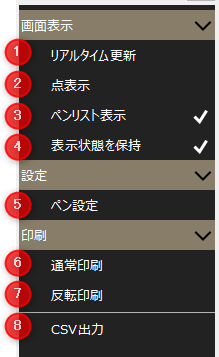
Switches between real-time display and historical display. When checked, it is real-time display (automatic scrolling), when unchecked, it is historical display.
|
2 |
Point Display
|
Set whether or not to display the plot points of the data. |
3 |
Pen list display
|
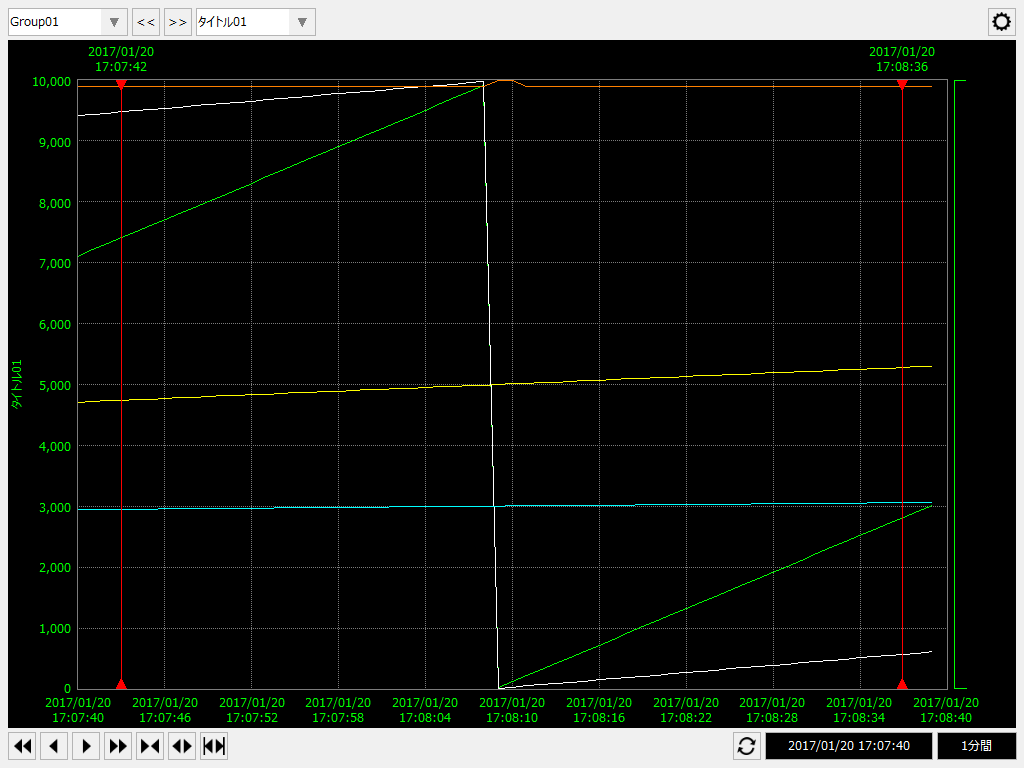
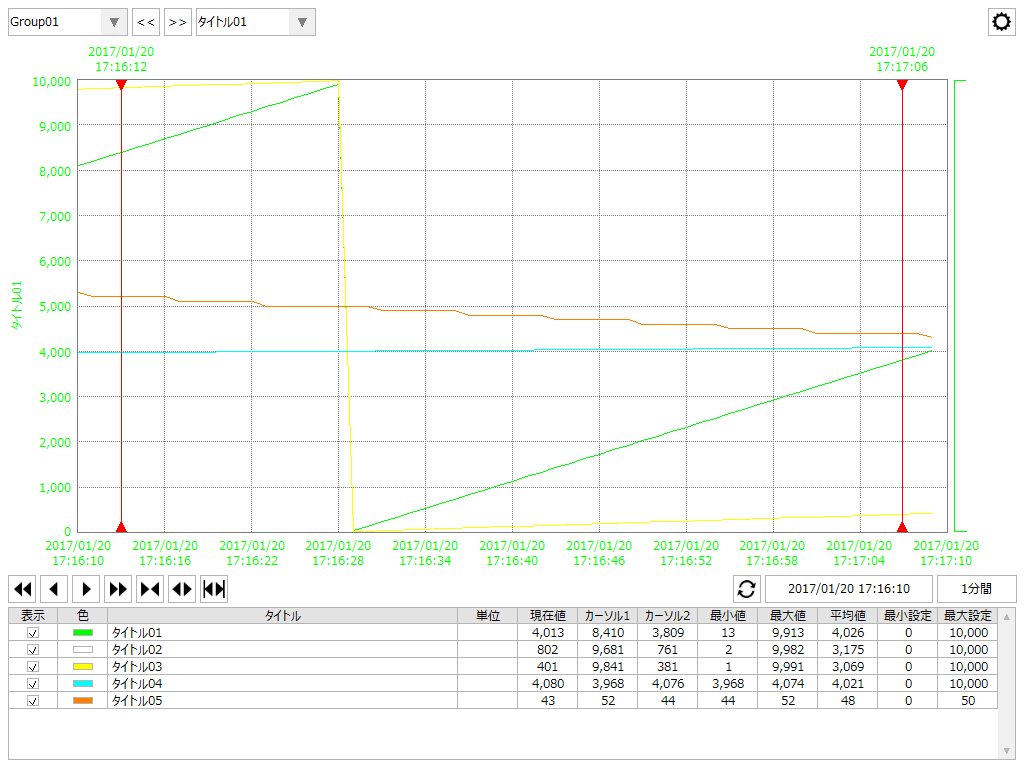
Toggles display of the pen list. Hiding the pen list allows you to display a larger graph area.
(Example of not displaying the pen list) |
4 |
Maintain Visibility |
The settings changed on the screen will be retained. The settings are saved for each client.
|
5 |
Pen Settings
|
Displays the pen settings screen.
|
6 |
Normal Print
|
Print screen.
|
7 |
Reverse Print
|
The screen background will be changed to white before printing (note: this only applies to the background; it does not invert all colors, including the pen color).
(Example of inversion) |
8 |
Save CSV |
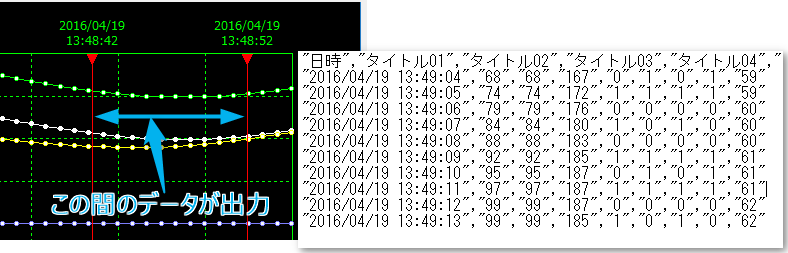
The data between the two cursors will be output in CSV format.
|