Screen Library List
Below is a list of the screen libraries (click on the screen image to enlarge it).
Library Name |
Main Form (folder name.form name) |
Screen image |
Commentary |
_AlarmSummary._Main |
|
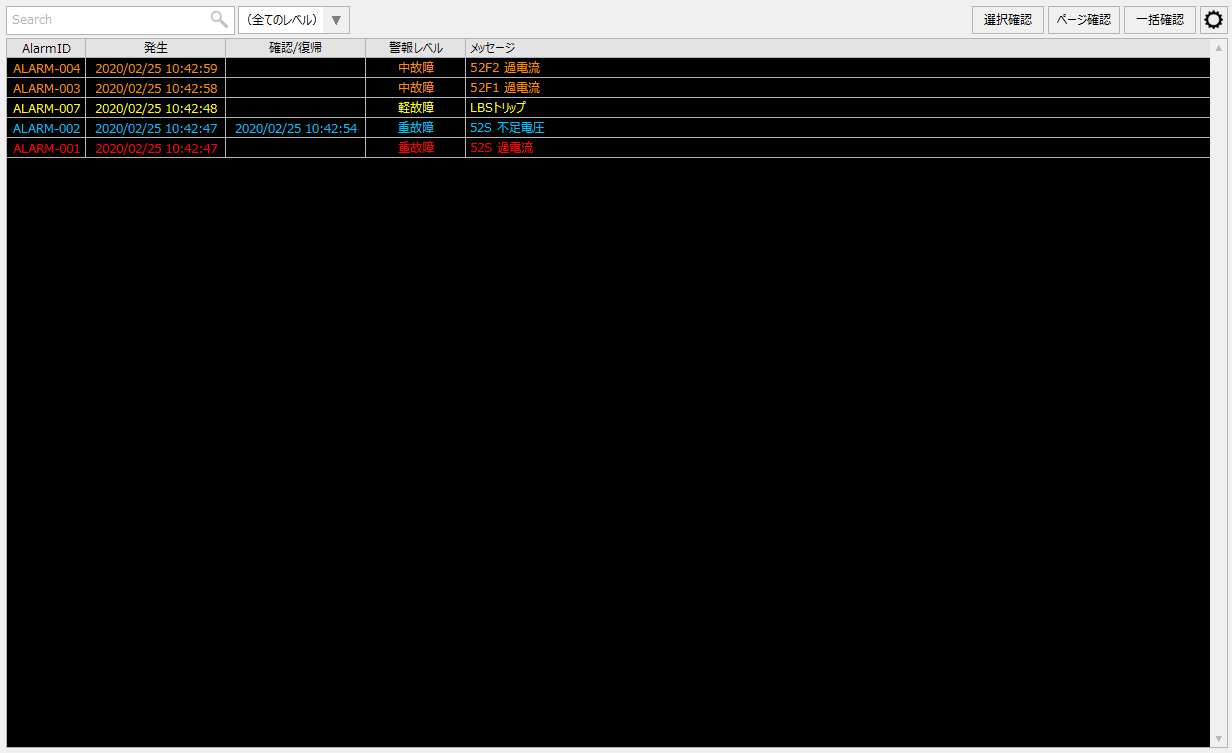
The Alarm Summary Screen Library displays a list of alarms that are currently occurring or have not been acknowledged (by pressing the Acknowledge button on the screen). When an alarm is cleared and acknowledged, it will automatically disappear from the list screen. The latest alarm status is always displayed on the screen. |
|
_AlarmHistory._Main |
|
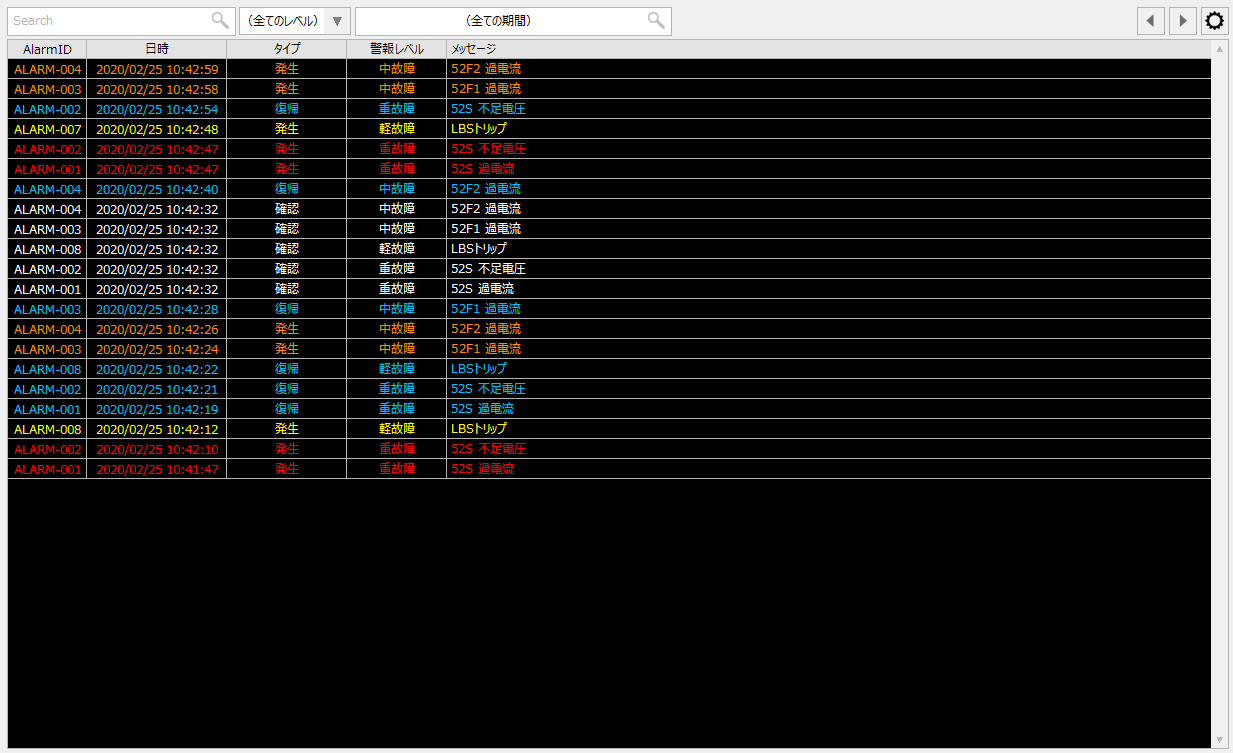
The alarm history screen library displays the alarm history for a specified period. Real-time updates are not performed during display, and new alarms that occur after displaying the history will be displayed by redisplaying the screen or searching again. |
|
_EventRealtime._Main |
|
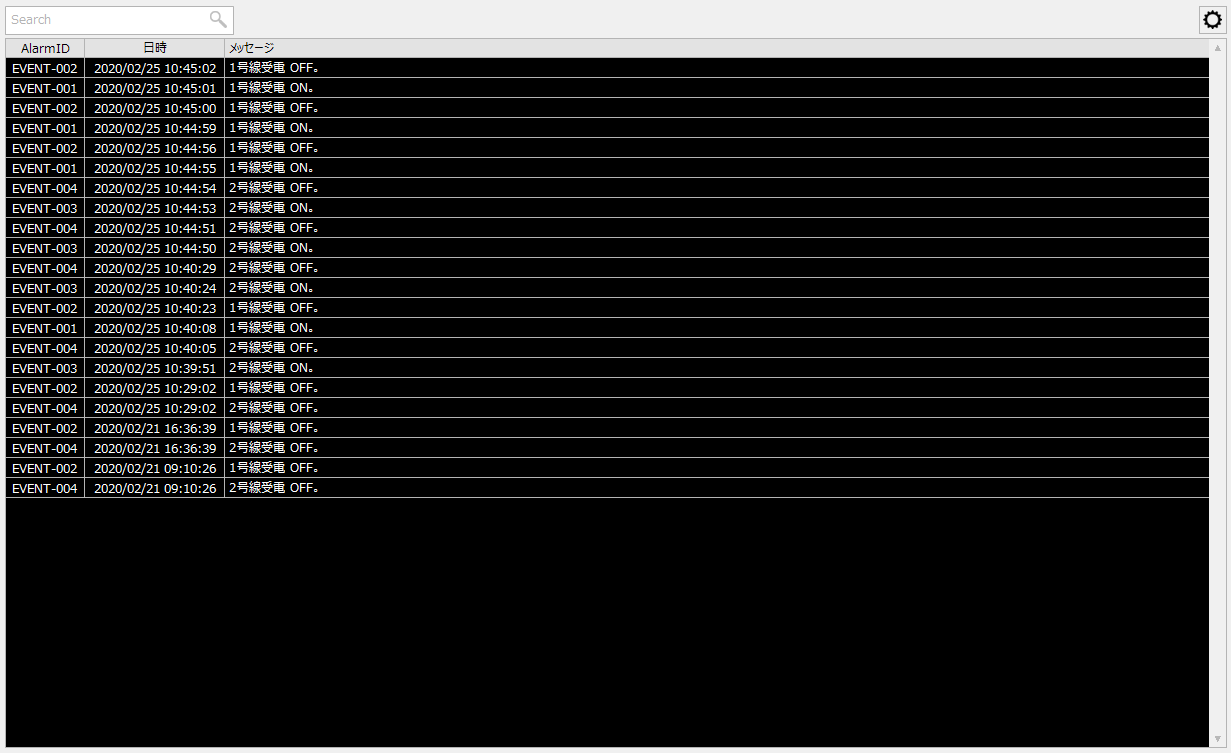
The Event Real-time Screen Library displays the latest event history. The screen is automatically updated each time a new event (signal ON/OFF) occurs. It can be used to display the time series progression of signal ON/OFF in real time. |
|
_EventHistory._Main |
|
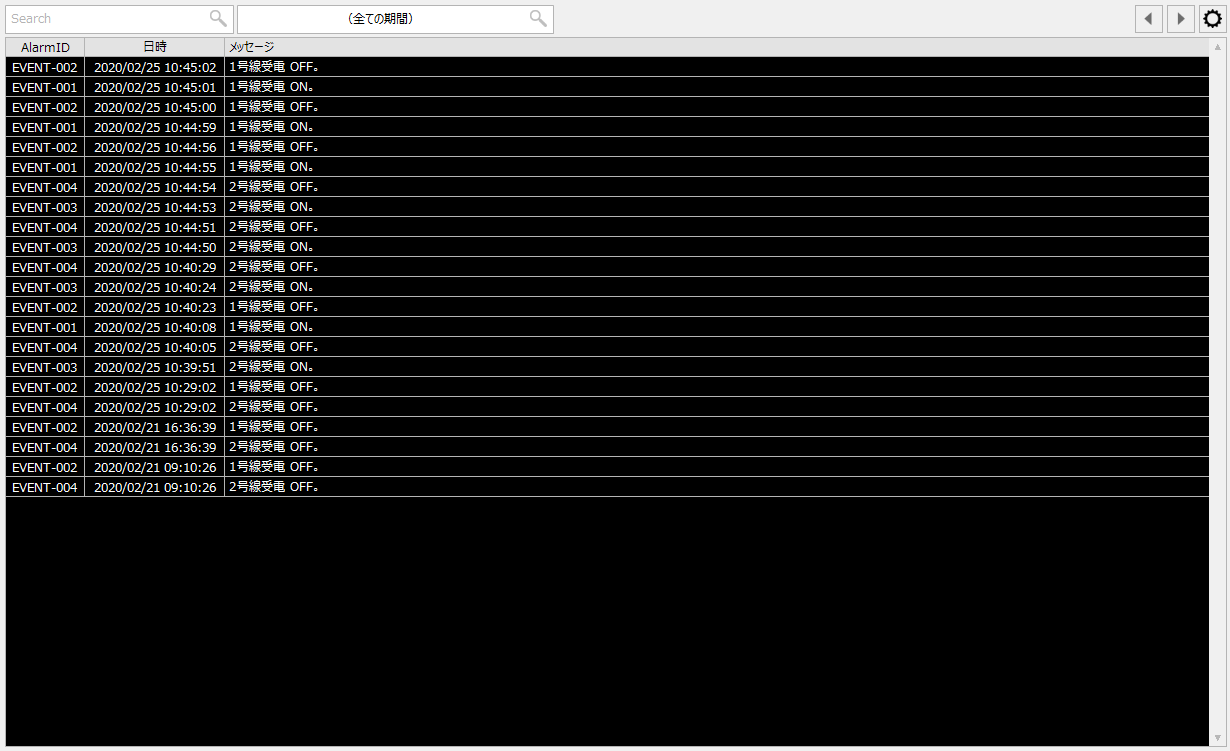
The Event History Screen Library displays the event (signal ON/OFF) history for a specified period. Real-time updates are not performed during display, and new events that occur after displaying will be displayed by redisplaying the screen or searching again. |
|
_Trend._Main |
|
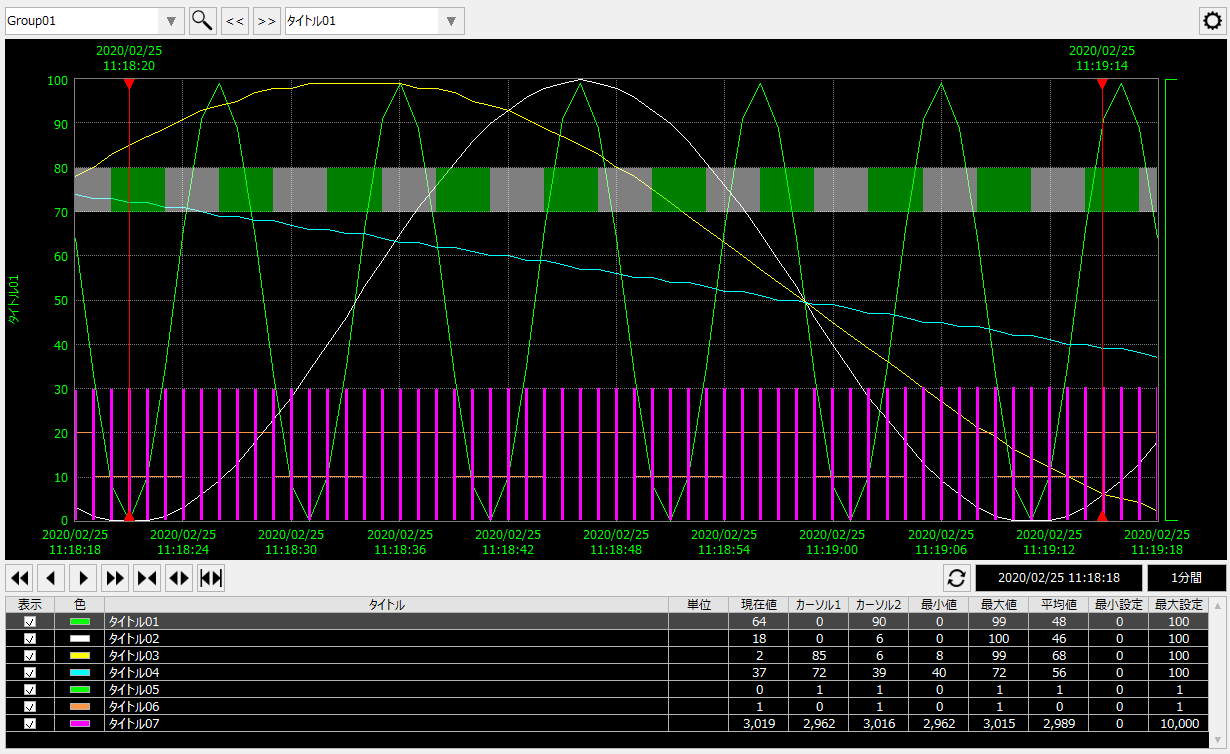
The trend graph screen library is a graph display library that combines real-time update and history display functions. When displaying a graph, it is possible to display multiple pens simultaneously.
|
|
_CompareTrend._Main |
|
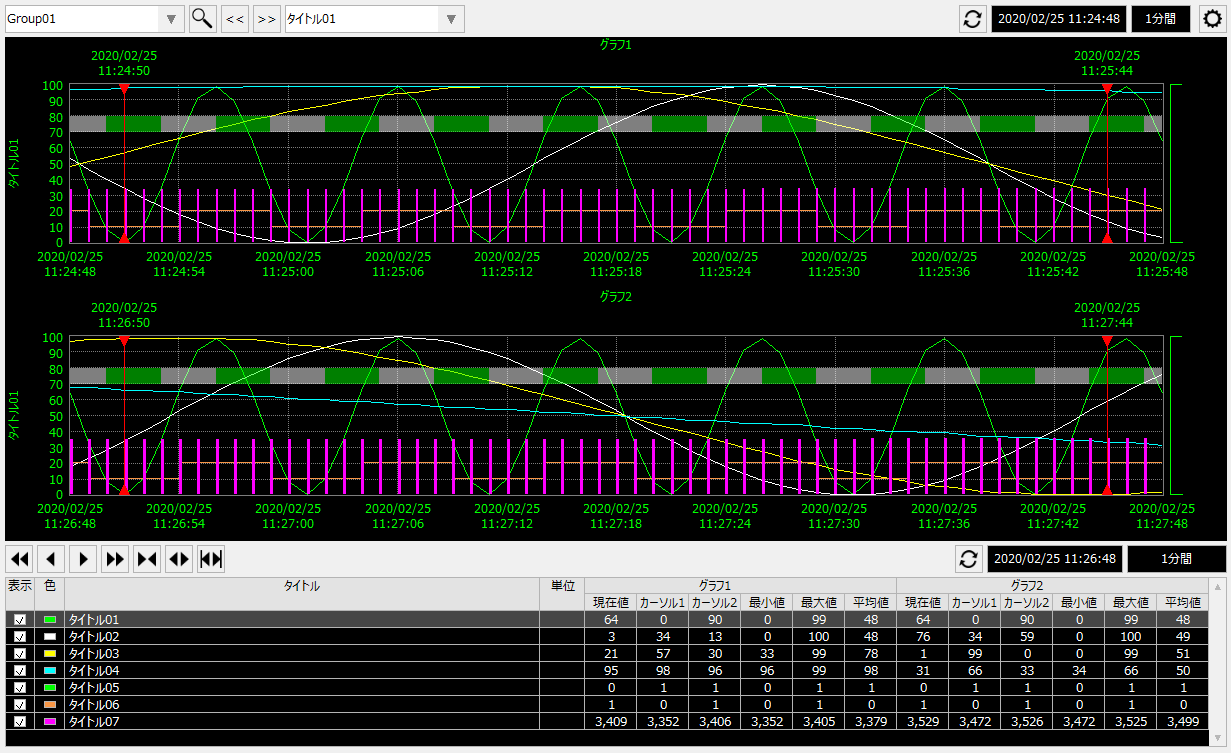
The Comparison Trend Graph Screen Library is a library that displays trend graphs in a chronological order. You can compare two time series graphs by displaying them side-by-side, or by overlaying them. |
|
_Summary._Main |
|
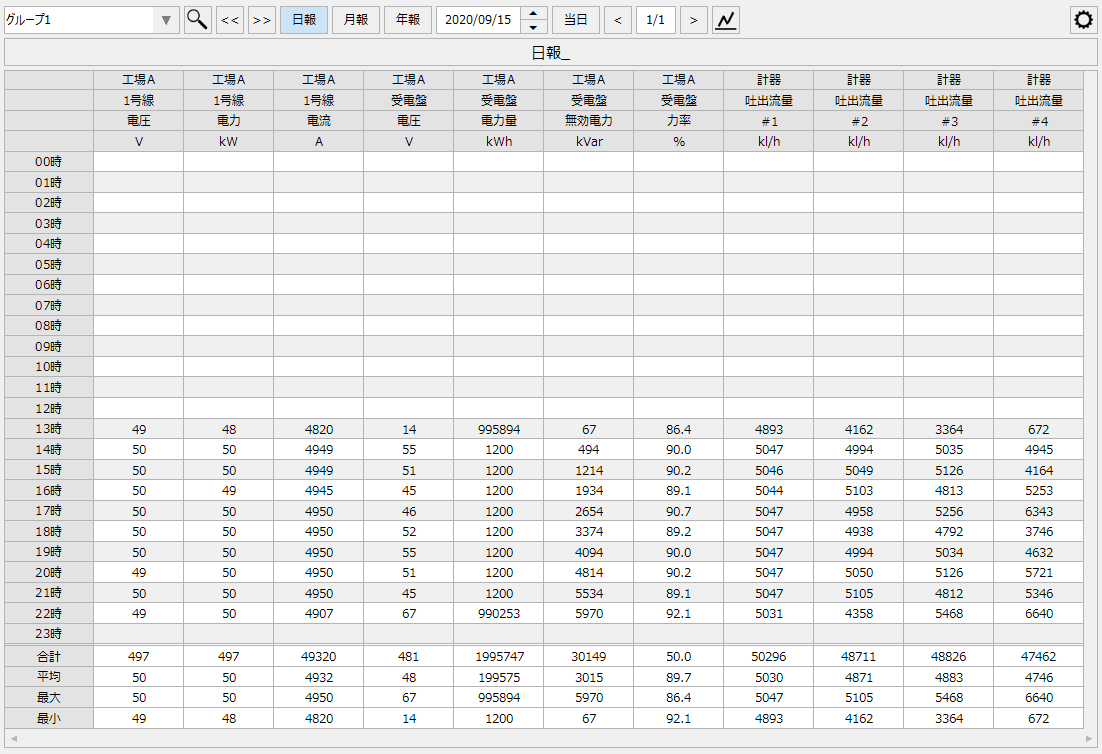
The daily report screen library displays a list of Daily/Monthly/Yearly Report summary data on the screen based on the log data recorded by the logging function. In addition, from the screen, you can print reports to a printer, generate Excel reports, and save report data in CSV. |
|
_MachineStatus._Main |
|
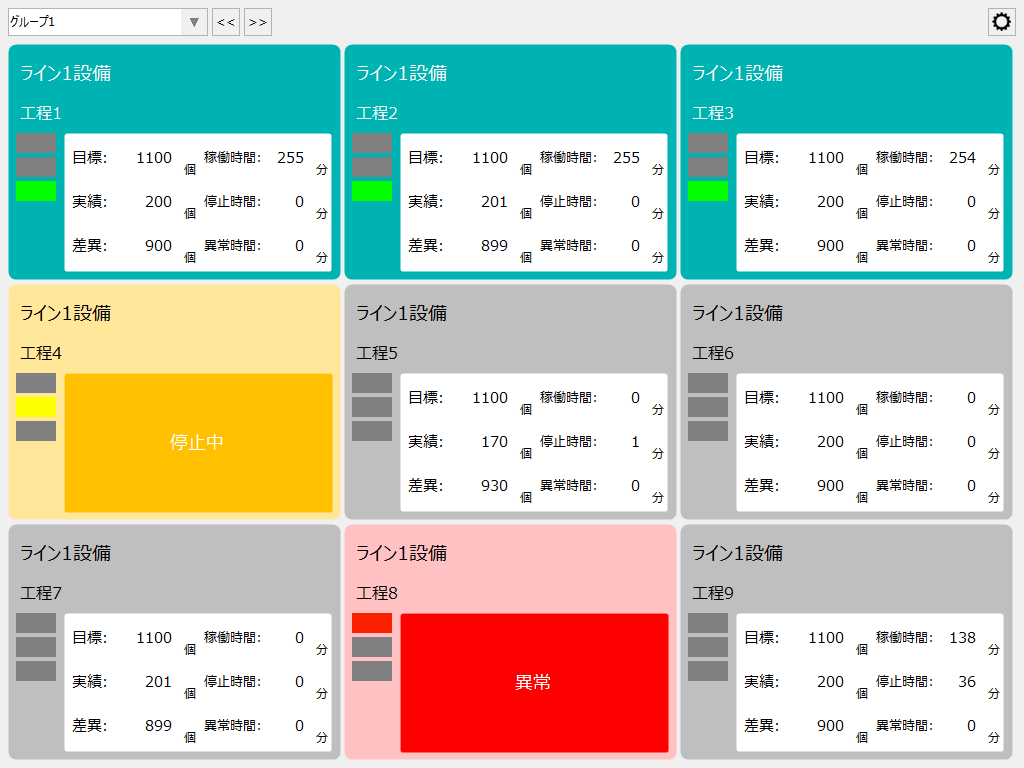
The operation monitoring screen library is a screen library for monitoring the operation status of production equipment. It provides functions such as andon display of equipment operation status and abnormal conditions, operation rate display, production progress display, and Gantt chart display of operation status.
|
|
_TagMonitor._Main |
|
The Signal List Screen Library is a library for displaying tags registered in Panel Server in real time in a list format. In addition to monitoring the current value of the tag, it also has a function for starting and stopping the tag.
|
|
_Demand._Main |
|
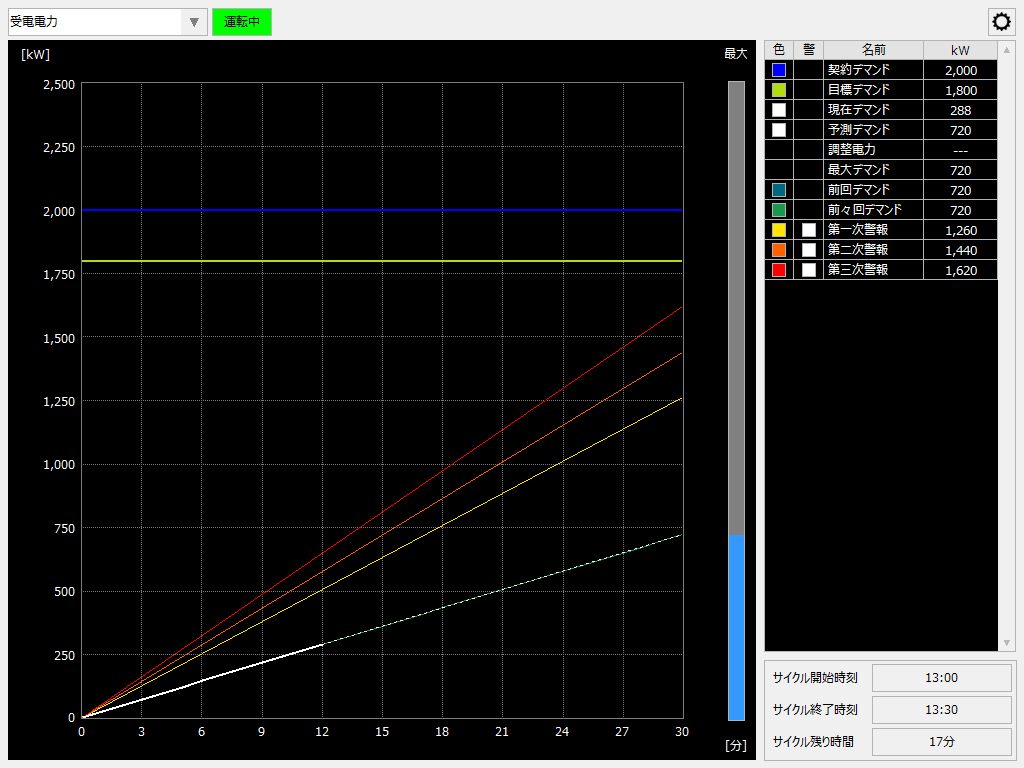
The demand monitoring screen library calculates the demand power based on the metered value (metered counter value) of the amount of power used imported from substation equipment, etc., and displays the current trend of the demand power as a demand monitoring graph. It also predicts the demand power value for the demand time period (every 30 minutes) from the increment value of the amount of power, monitors whether the predicted value exceeds the preset demand alarm threshold value, and issues a demand alarm if it detects an excess. |
|
_DemandHistory._Main |
|
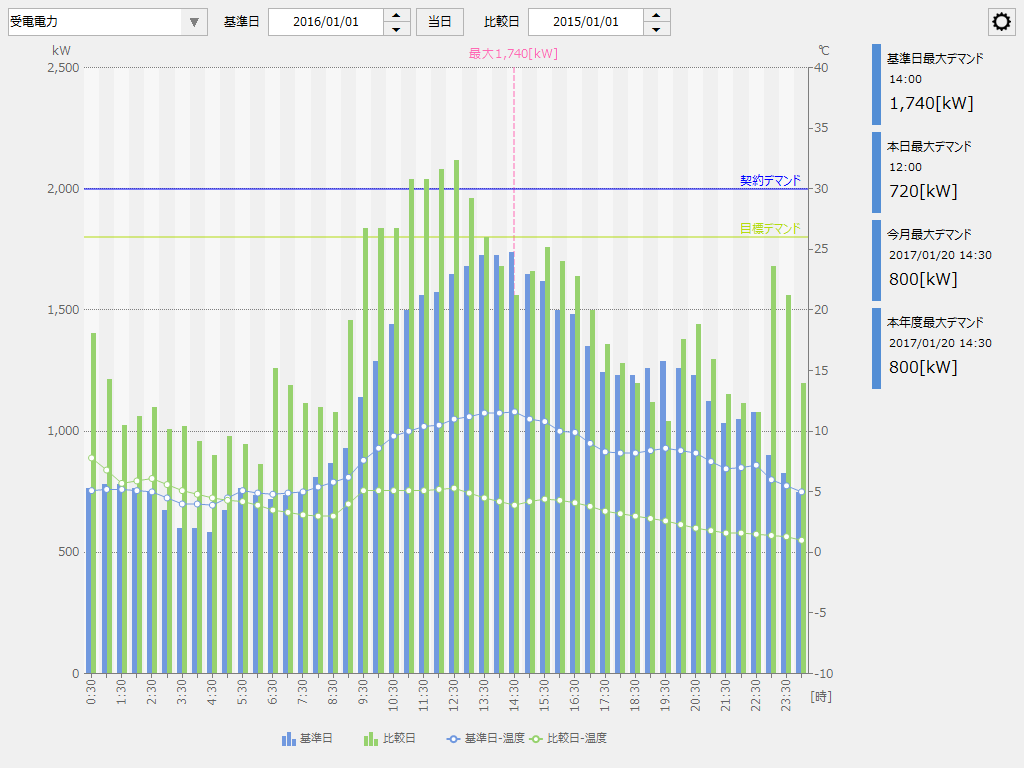
The Demand History Screen Library is a library that displays graphs based on the demand log data recorded at 30-minute intervals by the demand data logging (summary action) function. |
|
_DemandSummary._Main |
|
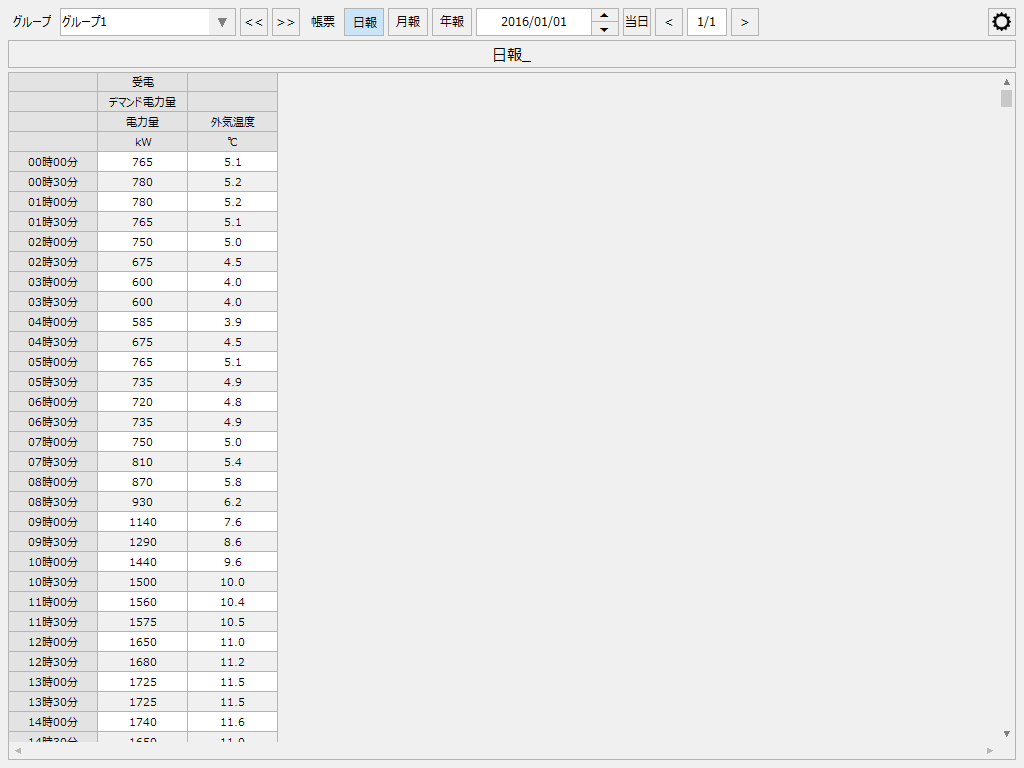
The Demand Report Screen Library displays a list of Daily/Monthly/Yearly Report aggregated data on the screen based on the demand log data recorded at 30-minute intervals by the demand data logging function. In addition, the screen allows you to print reports to a printer, generate Excel reports, and save report data in CSV. |
|
_Ems._Main |
|
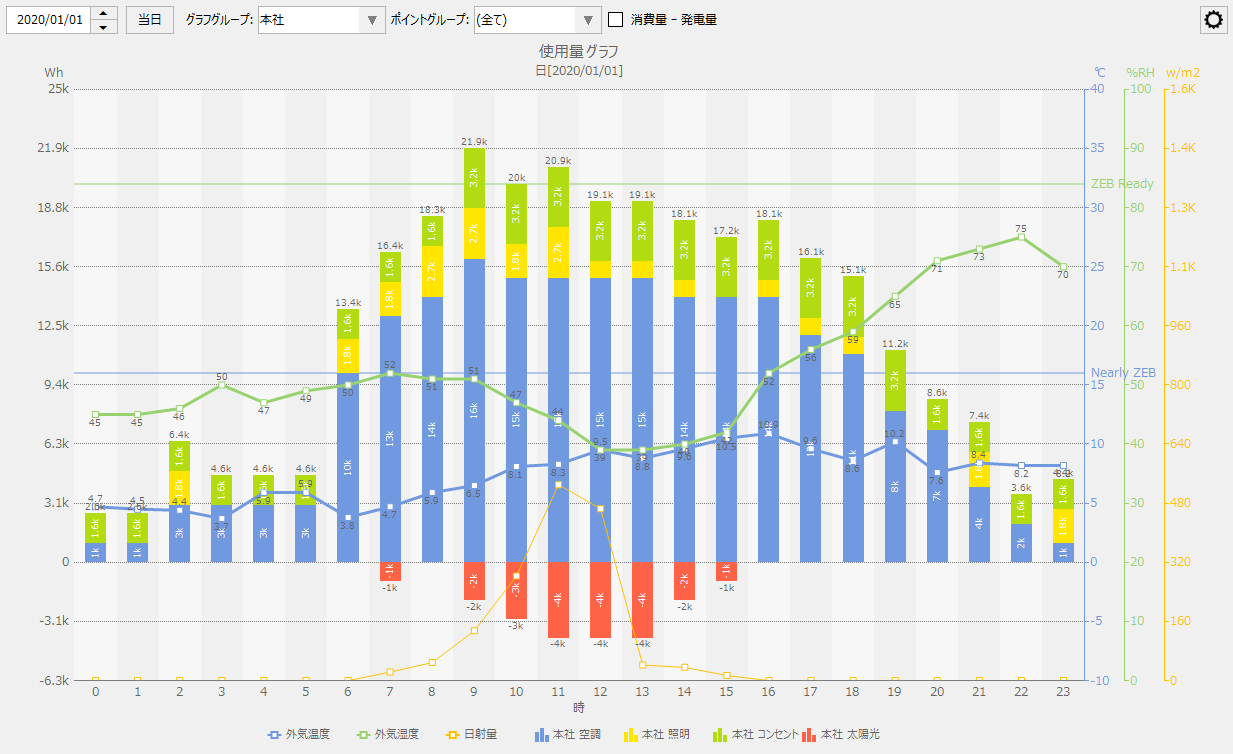
The Energy Management Screen Library displays the aggregated data stored in the database (CSV/ODBC) as various graphs such as energy consumption graphs, energy conversion graphs, and CO2 conversion graphs. It also displays graphs of different time series such as the current day and the previous day, or the current month and the same month last year, andIt is also possible to display the amount of power generated (total energy) in the negative direction.You can print the displayed graph and save the displayed data as a CSV file.
|
|
_ScatterPlot._Main |
|
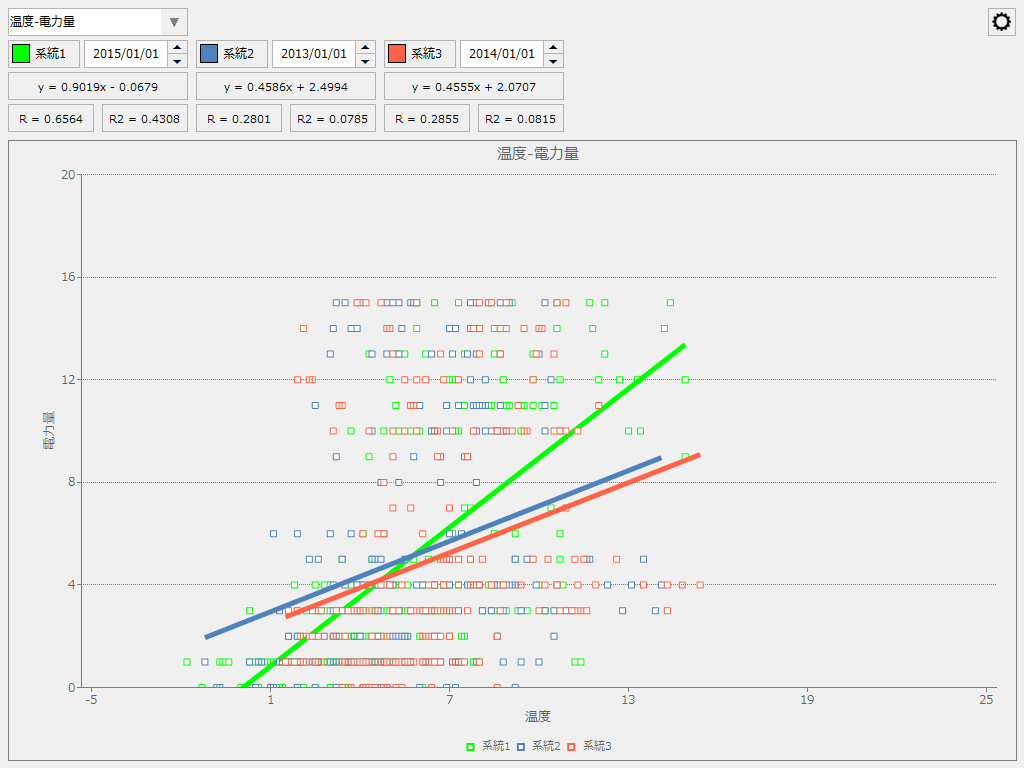
The Scatter Plot Graph Screen Library is a library that displays a scatter plot, allowing you to see the relationship between two data sources by plotting points on the vertical and horizontal axes. |
|
|
|
_MultiView._Main |
|
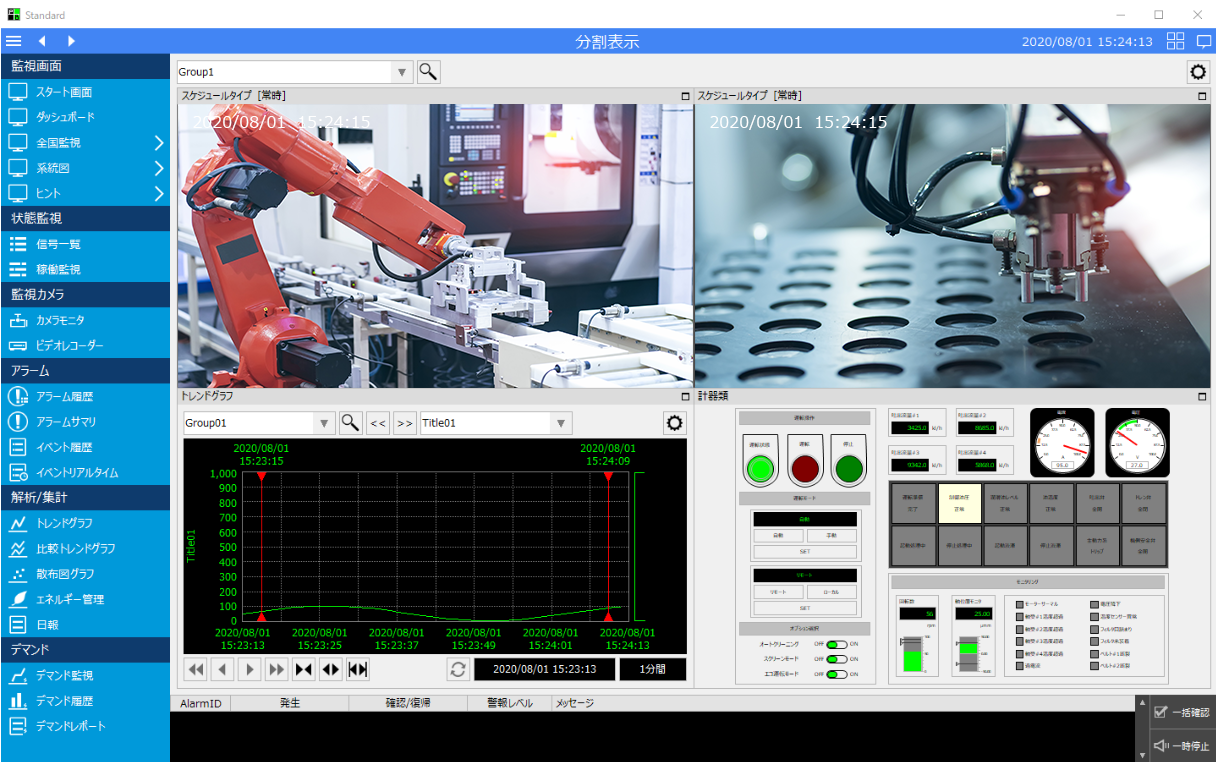
This is a screen library for split screen display. You can set the display frame of the screen (split method, merging, etc.) and specify the screen of your choice to display in each display frame. You can also display network camera images side-by-side by registering the camera. |
Guidance registration: _Guidance._GuidanceSetup Guidance Viewer: _Guidance._GuidanceViewer
|
|
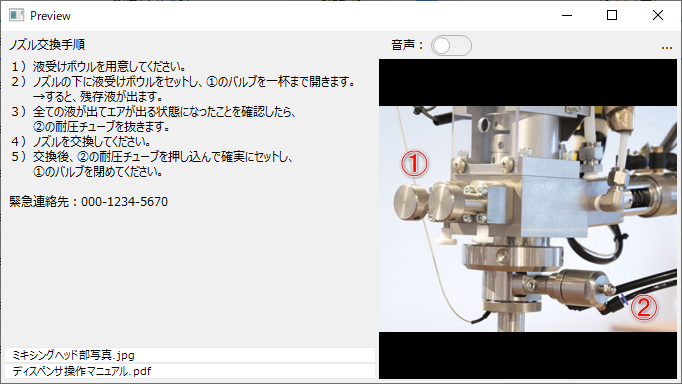
The Guidance Screen Library is a screen library for registering and displaying guidance information. In addition to any memo information (text information), various files such as image files, video files, and PDF files can be registered as guidance information, and can be called up by associating them with information such as tags and data sources.
|
|
|
|
_VideoRecorder._Main |
|
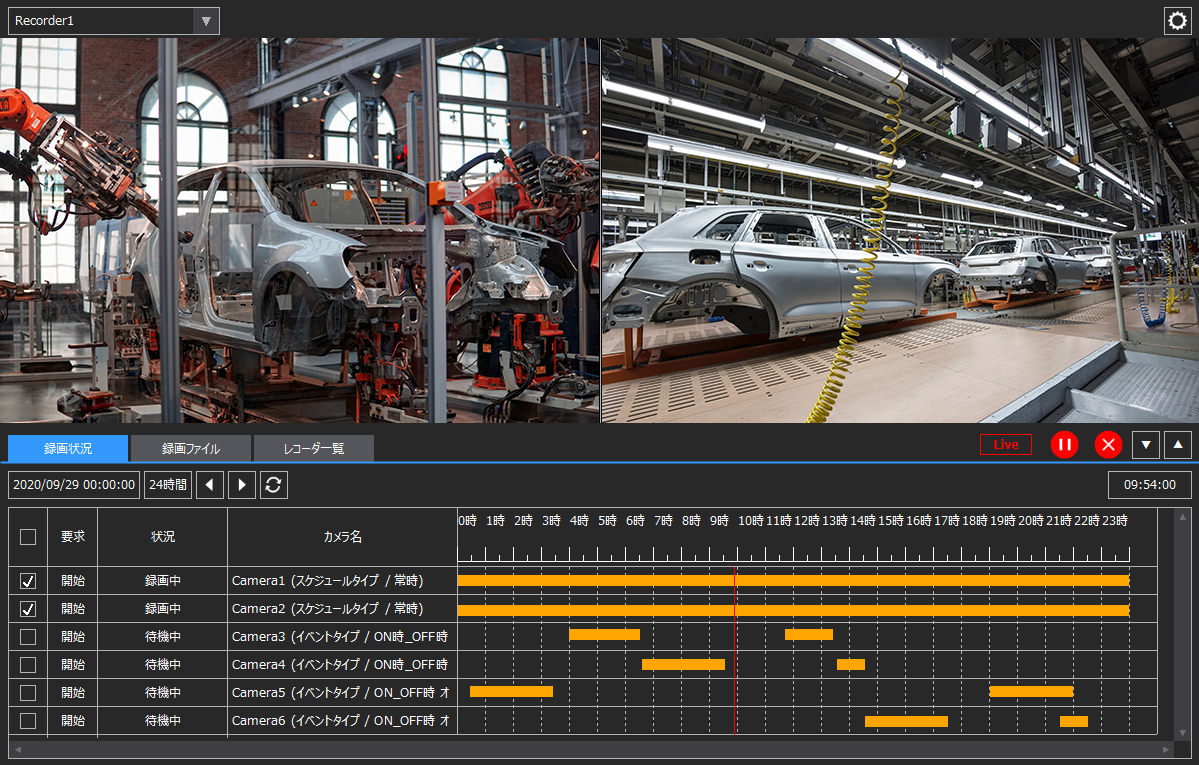
This is a screen library for recording/playing back video from network cameras, etc. You can view video from multiple cameras side by side, and you can also select the time of recorded data on the bar chart to cue it up. |
|
|
_Video._VideoSetup |
|
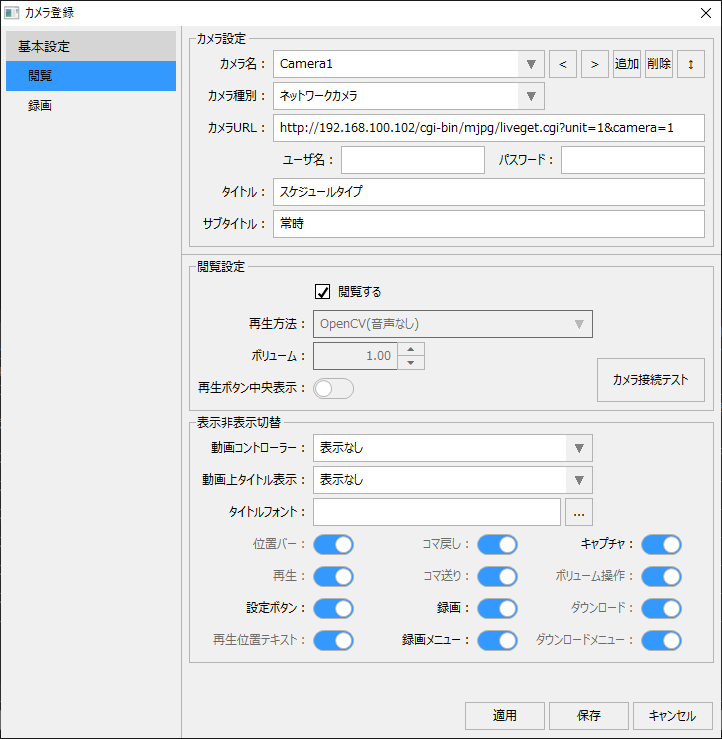
The camera registration screen library is a screen library of setting screens for registering camera information to be used with video players and video recorders. |
_Samples. Each sample form |
|
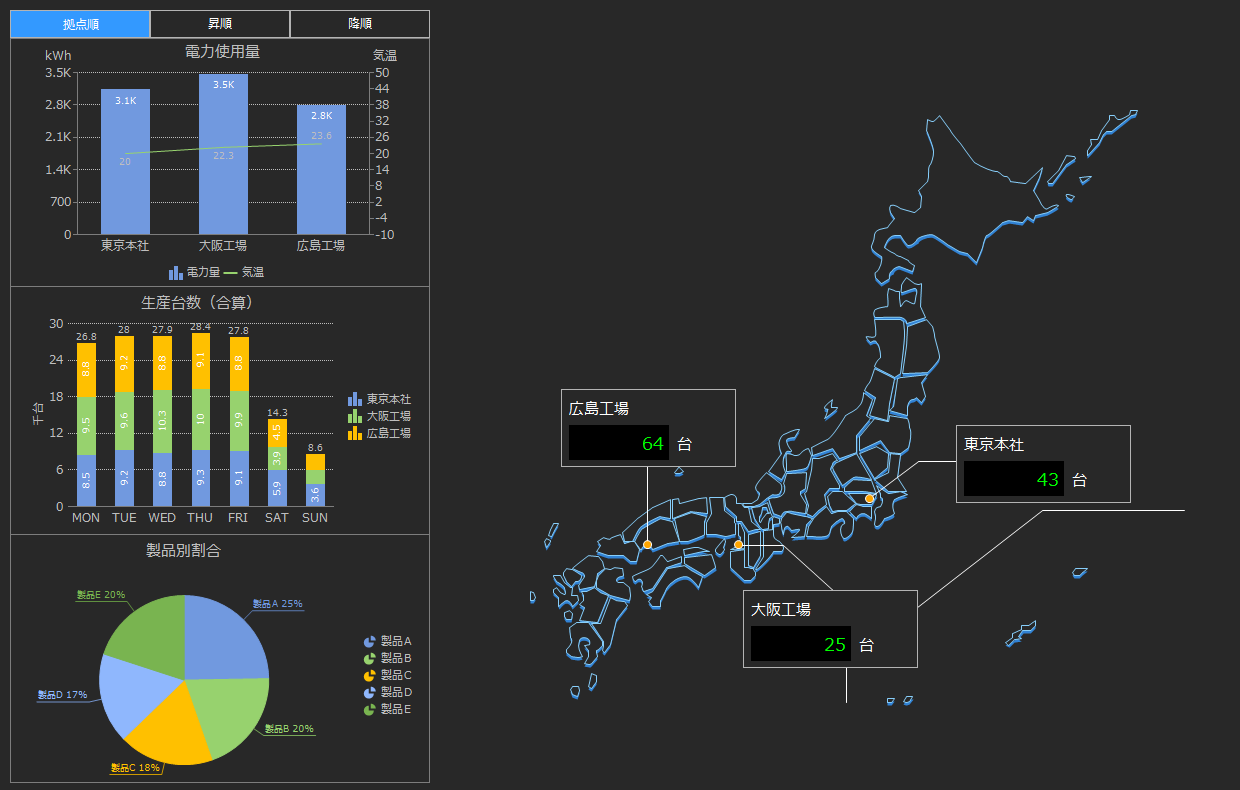
This is a collection of monitoring screen samples. Samples of utilities, skeletons, instrument screens, etc. are provided. You can use them as a reference when creating graphic screens. |