Alarm Summary
How to read the manual
This chapter is for reference information only.
For the main details, please refer to "Alarm" in the Surveillance System Construction Guide.
|
The contents of this chapter are written based on the specifications of the alarm summary screen library prior to VER6 REV11. |

overview
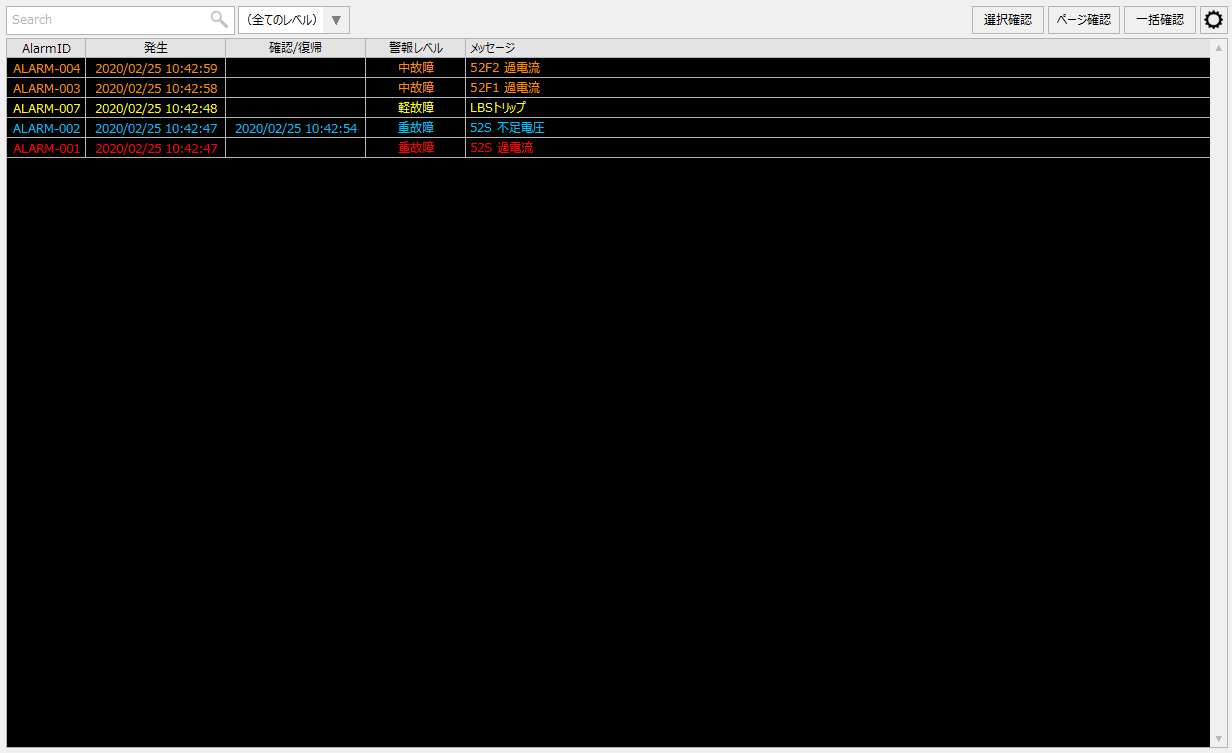
The alarm summary is a screen that displays currently occurring or unacknowledged alarms in a list format. The latest alarm status is always displayed on the alarm summary screen, and when an alarm is cleared and acknowledged, it is automatically removed from the list. The alarms to be displayed can be narrowed down by the alarm level and filter conditions specified on the screen.
Please refer to the links below for more details.
|
|
Connected Action
Destination Action Name |
explanation |
|
|
Connects to Alarm server which monitors alarms. Can connect to either CSV or ODBC. Specify the name of the action to connect to in the "_ActionName" property.
|