Video Recorder
How to read the manual
This chapter is for reference information only.
For the main details, please refer to "Video Recorder" in the Surveillance System Construction Guide.
overview
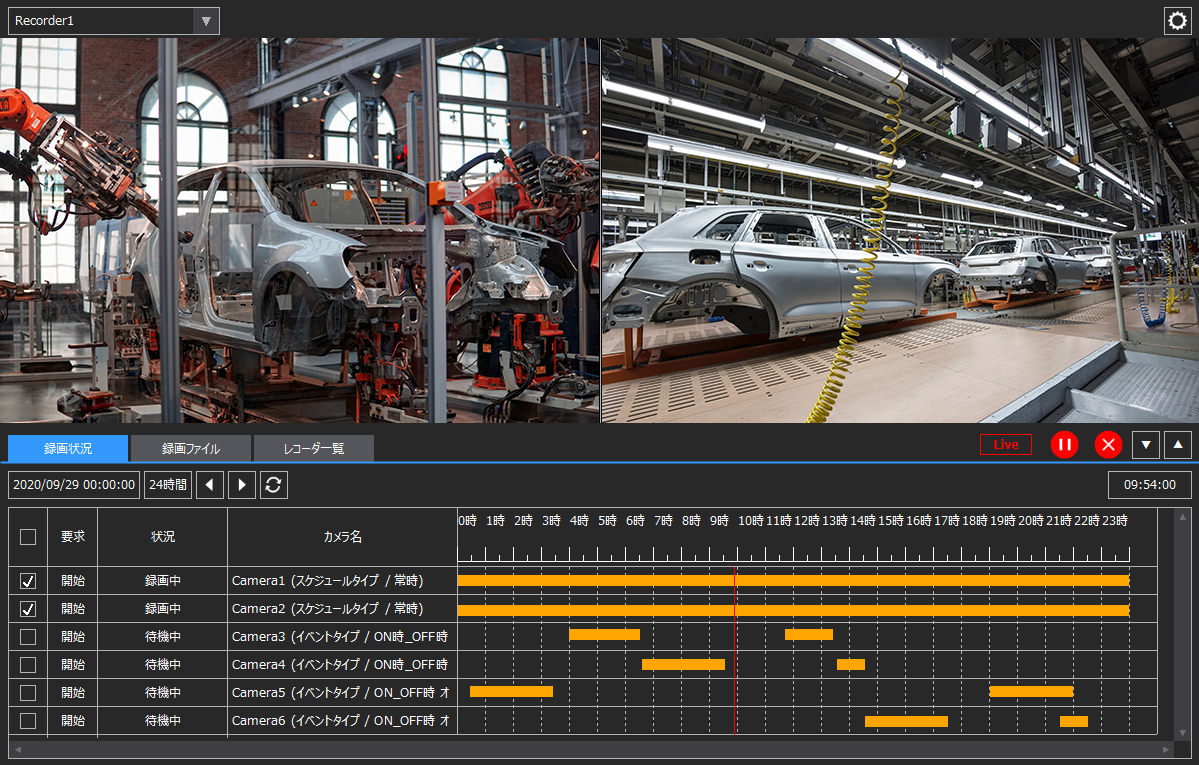
This is a screen library for recording/playing back videos from network cameras, etc. You can view videos from multiple cameras side by side, and select a time on the time chart where recorded data exists and play back from the beginning.
Please refer to the links below for more details.
|
|
|
If any of the following client execution methods apply, you will need to resolve the system file path reference issue in order to use this library.
•Running Panel Browser as an embedded Exe •When running Panel Browser in IE •When Panel Browser is embedded in VB and executed
For more information, see "Important) Regarding path references to system files when running the client".
|

Connected Action
This screen library does not have any follow-up actions.