Demand Monitoring
How to read the manual
This chapter is for reference information only.
For the main details, please refer to "Demand monitoring" in the monitoring system construction guide.
overview
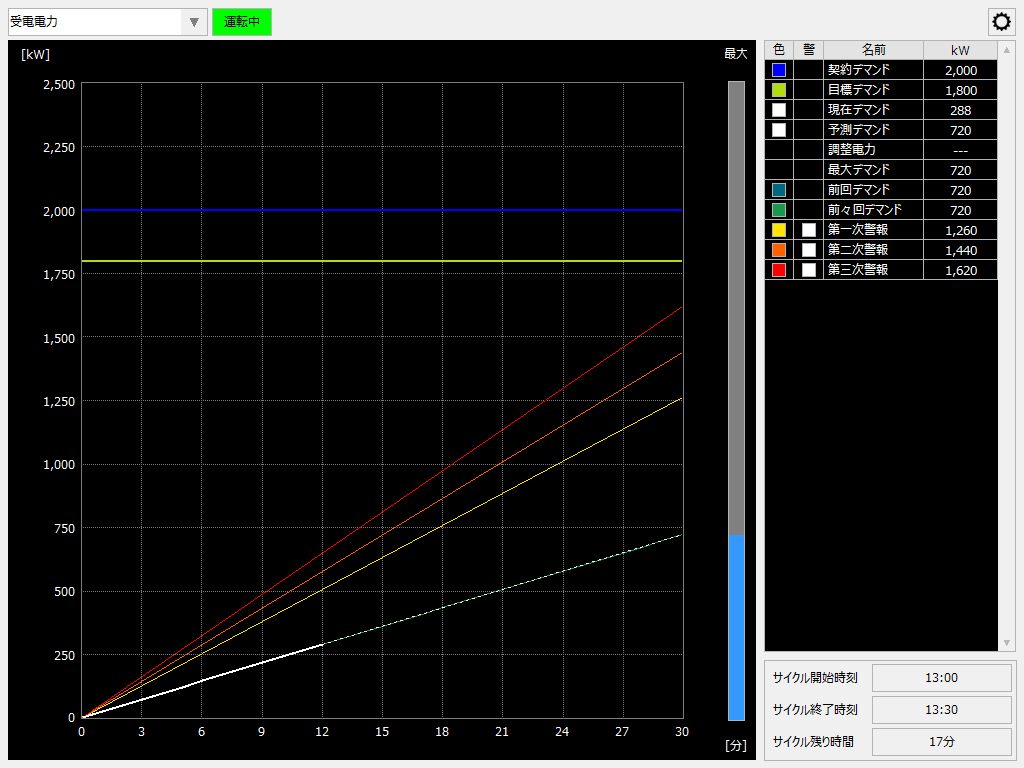
This screen library is for displaying a demand monitoring graph. It calculates the demand power based on the measured value (measurement counter value) of the amount of power used taken from substation equipment, etc., and displays the current trend of the demand power as a demand monitoring graph.
Please refer to the links below for more details.
|
|
Connected Action
Destination Action Name |
explanation |
This is an action for demand monitoring. This screen library connects to the demand action and obtains the necessary information.
|