overview
This chapter explains the specific method for constructing the logging/trend graph function.
(Trend graph screen)
|
(Comparative trend graph screen)
|
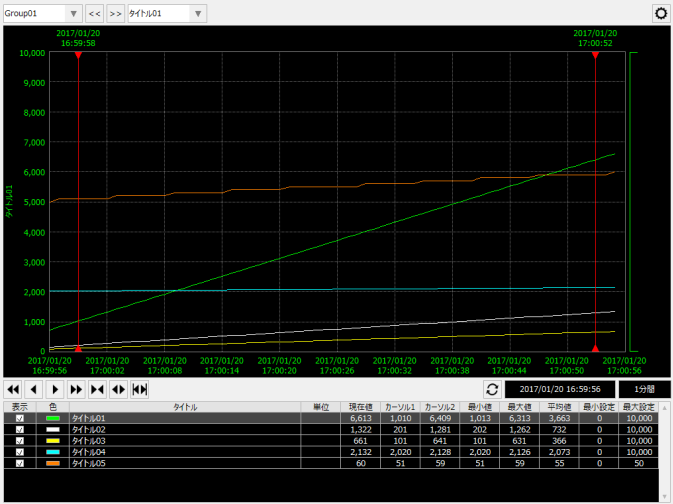
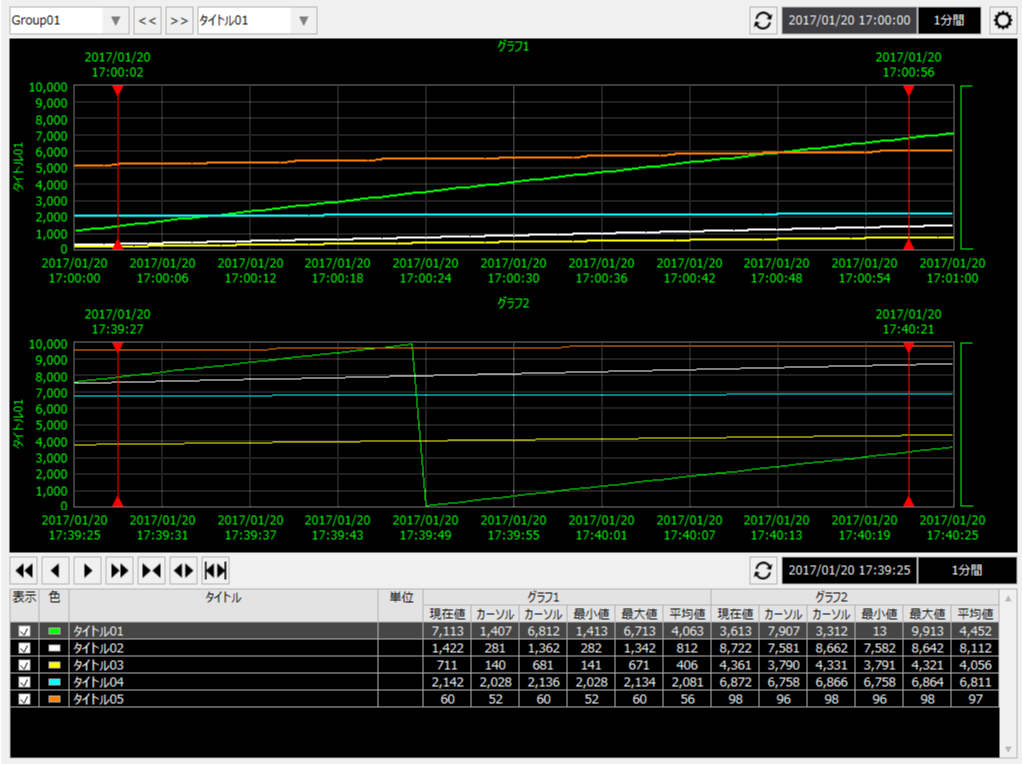
content |
overview |
Trend graph and logging function
|
This is an overview of the trend graph and logging function. It explains the types of actions on the Panel Server side that can be connected from the trend graph, the format of supported historical data, etc. |
Constructing a trend graph for a standard project
|
This section explains how to build trend graph functions for standard projects using the standard framework. In the standard framework, each trend graph screen library can be incorporated using the wizard function when creating a new project. |
Manual incorporation of trend graph screen library
|
This section describes how to manually incorporate the trend graph screen library. |
|
|
We will explain how to customize trend graphs with some examples. |
Long-term data display in trend graphs
|
This section explains how to configure a trend graph to display long-term data. |
|
|
This article explains how to use Historical data server to display externally created log data in a trend graph. It also explains how to access Historical data server from a script to retrieve and use the log data. |
|
|
We will explain how to use logger actions with concrete examples. |