overview
This chapter explains how to build the split display function.
|
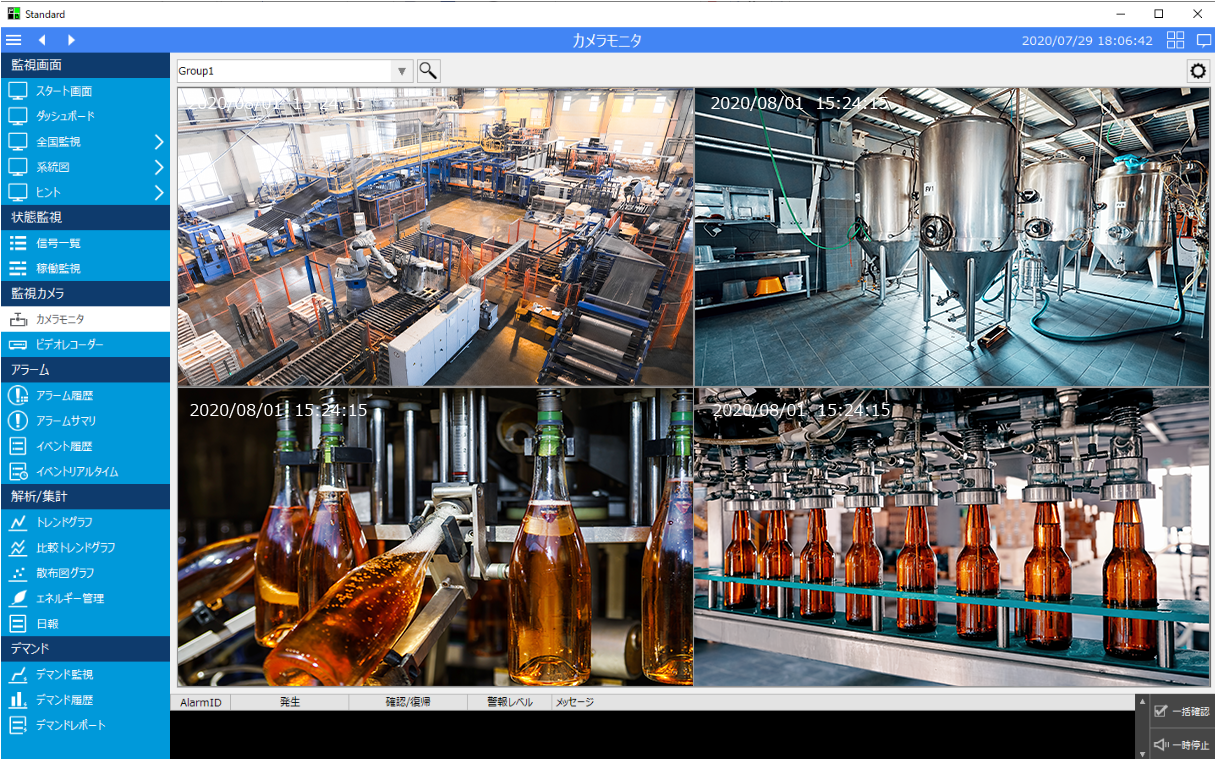
The "Camera Monitor" menu item in the standard menu has the same function as the split display. You can assign network cameras to the display frames of the split display and display the video from multiple cameras side by side at the same time. |

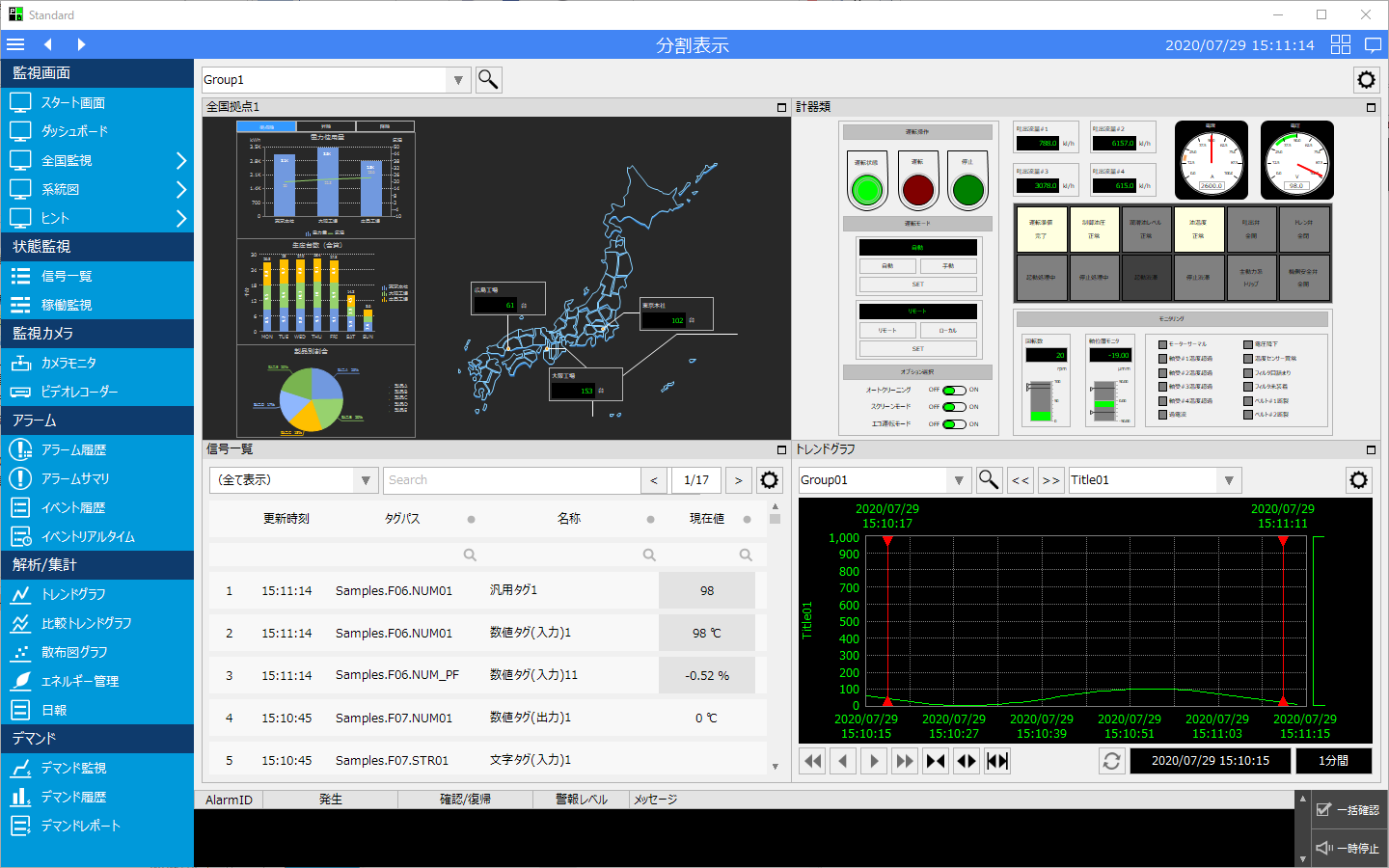
(Example 1 of split display)
|
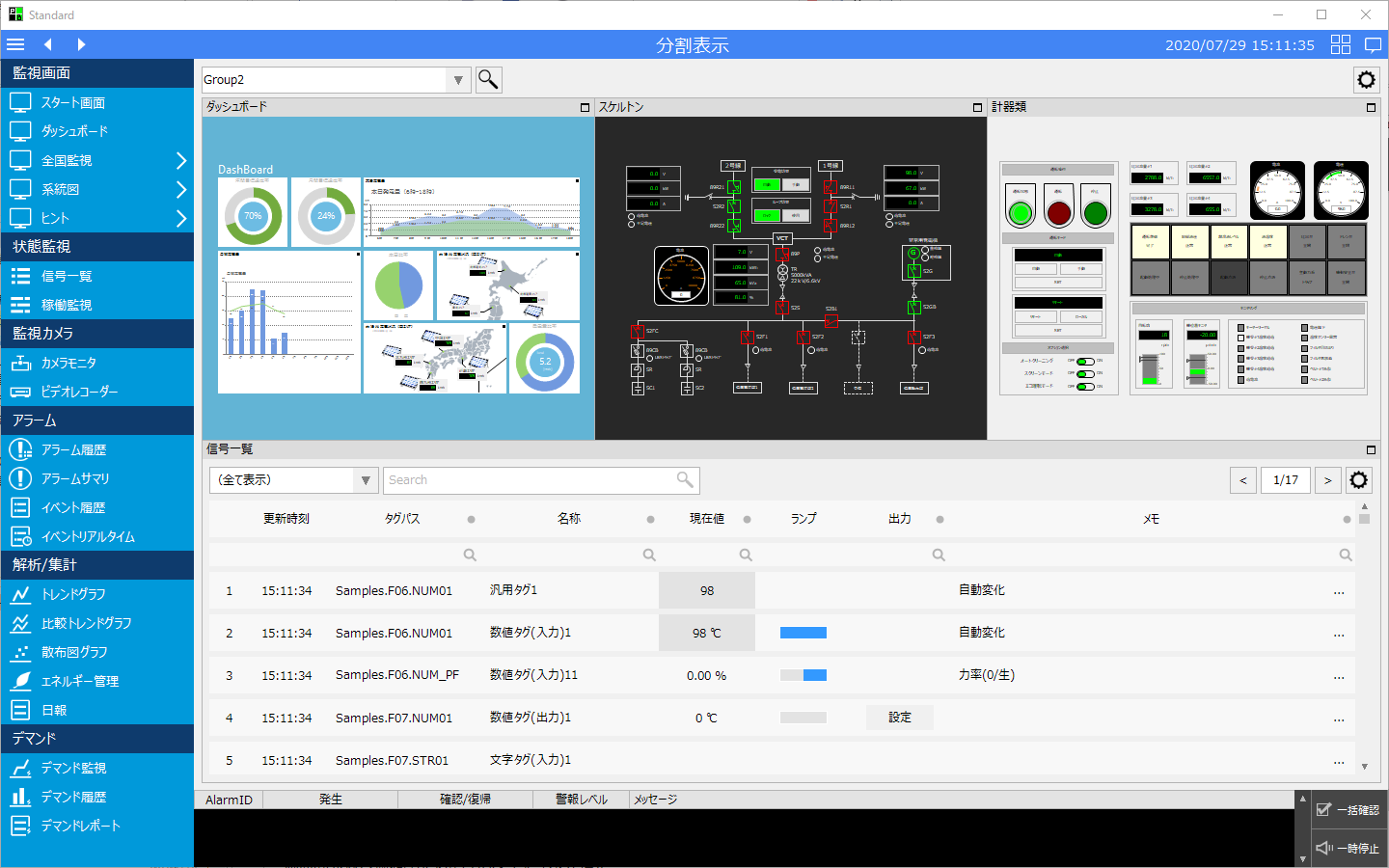
(Split display example 2)
|
(Example of camera monitor)
|
content |
overview |
|
|
This is an overview of the split display function. |
|
|
Learn how to set up a split screen and how to add the split screen library to your menu as a camera monitor. |
|
|
This section explains how to operate the split screen, as well as how to assign multiple cameras to the display frame and play back the recorded data synchronously. |
Manual incorporation of the split screen library
|
This section explains how to manually incorporate the split screen library. Note that for standard projects, the split screen function is already incorporated, so there is no need to incorporate it manually. |