Daily Report Screen Library
FA-Panel provides a screen library for daily reports.
Screen Library Types |
overview |
|
|
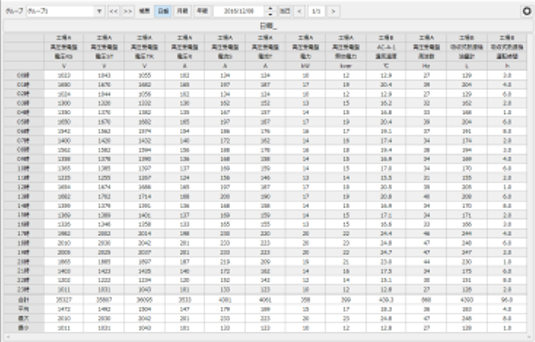
This is the screen that displays Daily/Monthly/Yearly Report. You can also edit the data.
(Daily report screen)
|
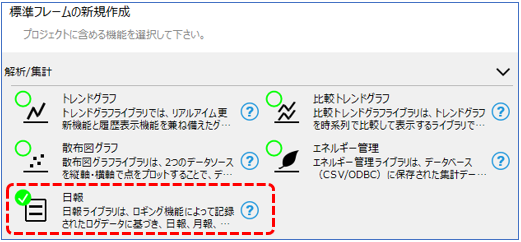
To use the daily report screen library, you can automatically generate a project with the required screen library built in by selecting the daily report function from the wizard screen of the standard framework.
(Standard framework wizard screen)
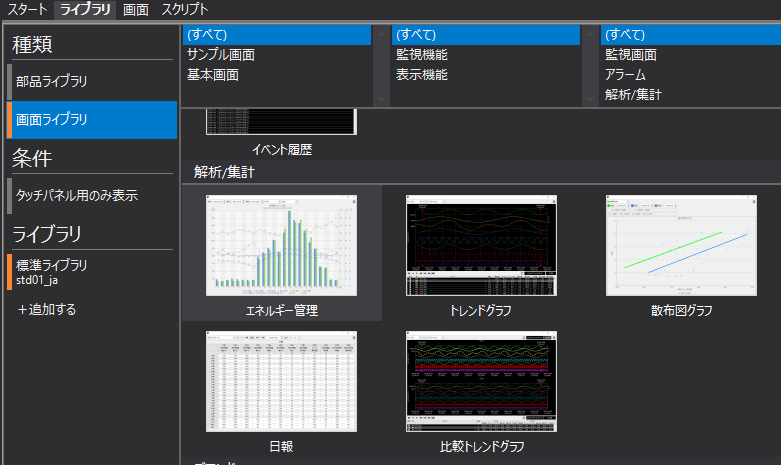
Alternatively, you can manually include and use the desired screen library from the Libraries tab in Panel Editor.
(Library tab in Panel Editor)
|
The "Daily Report" (Report Screen) in the Screen Library is built using the "Summary Report Grid Control". |
