Polyline control (shape)
Polyline control allows you to draw polygonal lines. It is a part that is often used to draw leader lines on the monitoring screen. The operation of Polyline control is similar to Polygon control, so detailed operation is omitted here.
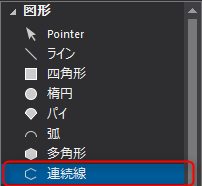
1.From the Control View, select the shape Polyline control.
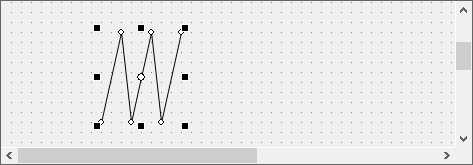
Click the mouse on the form to position each vertex of the continuous line you want to draw. When you have finished editing, double-click.
(Example of using Polyline control)
|
You can draw Bézier curves for Polygon control as well as Polyline control. For details, see "Editing Bézier curves". |
