Control Search Function
We will explain the control search of Panel Editor.
In the control search, you can search for controls by any keyword, and replace the properties of the corresponding control with any string, or replace the control itself with another control. In addition, in the control replacement, you can replace the entire script implemented in the target object.
For details on each operation method, please see below.
Search operation for control search
Control search and replace operation (property)
Control Search Replace Operation (Object)
■ Display of control search screen
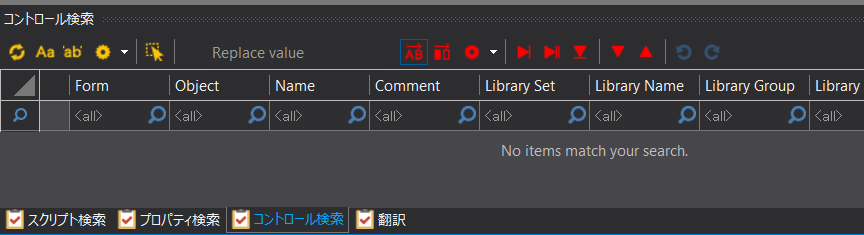
To perform a control search, select "Control Search" from the tabs displayed in the Script view.

This will switch the search view to the control search screen. Various control search operations can be performed from the following screen.
(Control search screen)