Creating a New Client
Selecting "New Client" from the start page menu will create a new client configuration file (xml file).
|
To create a new client, click the Create button.
|
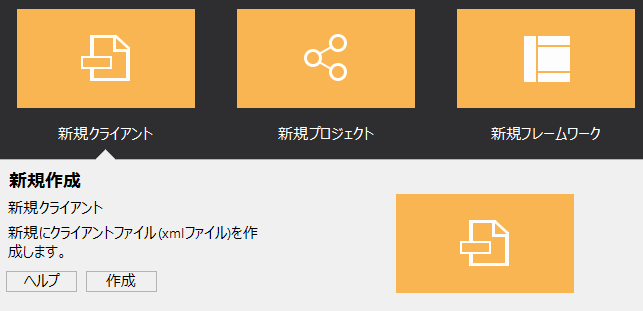
This operation will generate a separate client configuration file (xml file) without including a project file.
When you create a new client, a blank client configuration file is opened by itself.
The workspace will look like this:
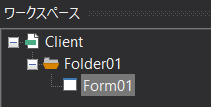
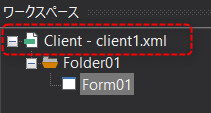
When you create a new file, no file name is assigned until you save it. When you save the file, the file name is displayed as shown below.
|
The above is an example saved with the file name "client1.xml".
|
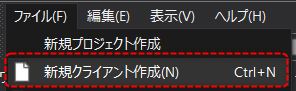
This operation is equivalent to "Create New Client" in the File menu.
|
You can also include client configuration files (xml) created by creating a new client in a project and manage them. You can freely add client configuration files to a project and manage them all together. For more information about projects, see "Project Operations". |
