About the Start Page
Here we will explain the start page of Panel Editor.
The start page appears in the Start tab of the main view.
(Start page) |
|
|
The start page supports the introductory part, such as creating a new project and creating a project skeleton using the frame library.
|
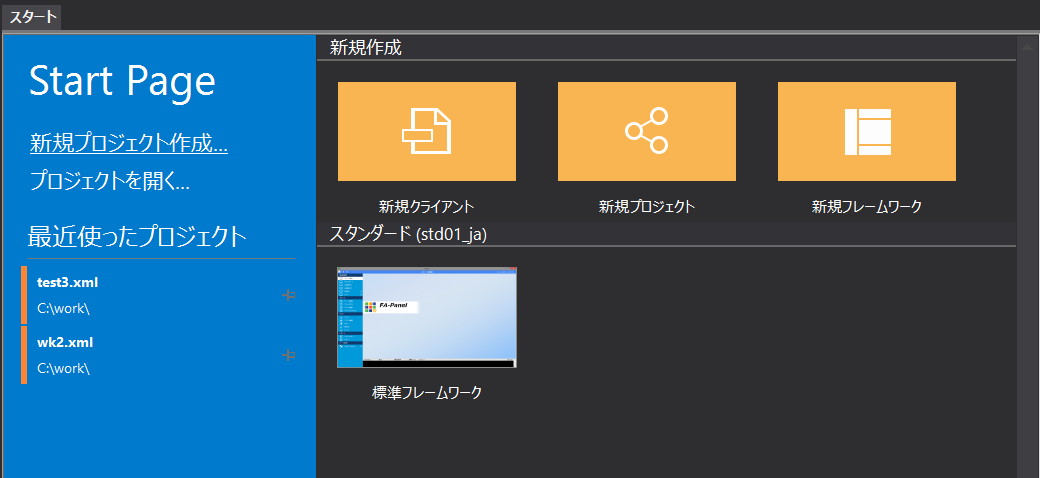
In the "Create a new project" new creation menu, you can select one of the following from the menu:
In addition, when creating a new project, a menu for creating a new project as well as selecting a frame library is displayed.
In addition, if you select "Open Project", a file selection dialog will appear, allowing you to select and open an existing project, and "Recent Projects" will display a list of projects you have edited in the past, allowing you to select a past project from the list and open it.