Opening the Control Reference Manual from the Script Editor
If you want to know about a control's methods (or events), select the letter of the method (or event) you want to know about and then press the F1 key.
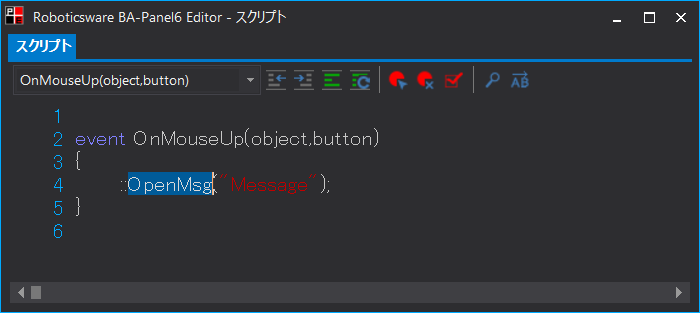
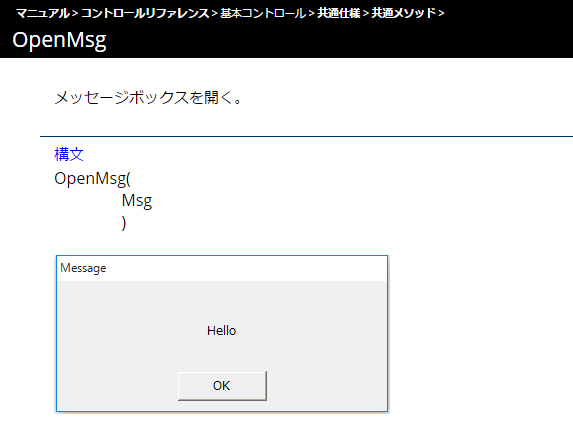
For example, if you select "OpenMsg" and press the F1 key, you can view the "OpenMsg" page as shown below.