What is a standard framework?
The standard framework is one of the frame libraries provided as standard, and is a framework for developing general-purpose SCADA applications.
The standard framework comes with high-quality basic functions built in, such as the menu function (a mechanism for calling up screens), screen layout editing, an information bar that displays related information and guidance information, sticky note function, and login function (user management). In addition, the wizard screen that appears when creating a new project allows you to freely select and incorporate various major functions (for example, trend graphs, alarm monitoring, demand monitoring, etc.) provided as screen libraries. A project created using the standard framework is called a "standard project."
(Example of standard project execution)
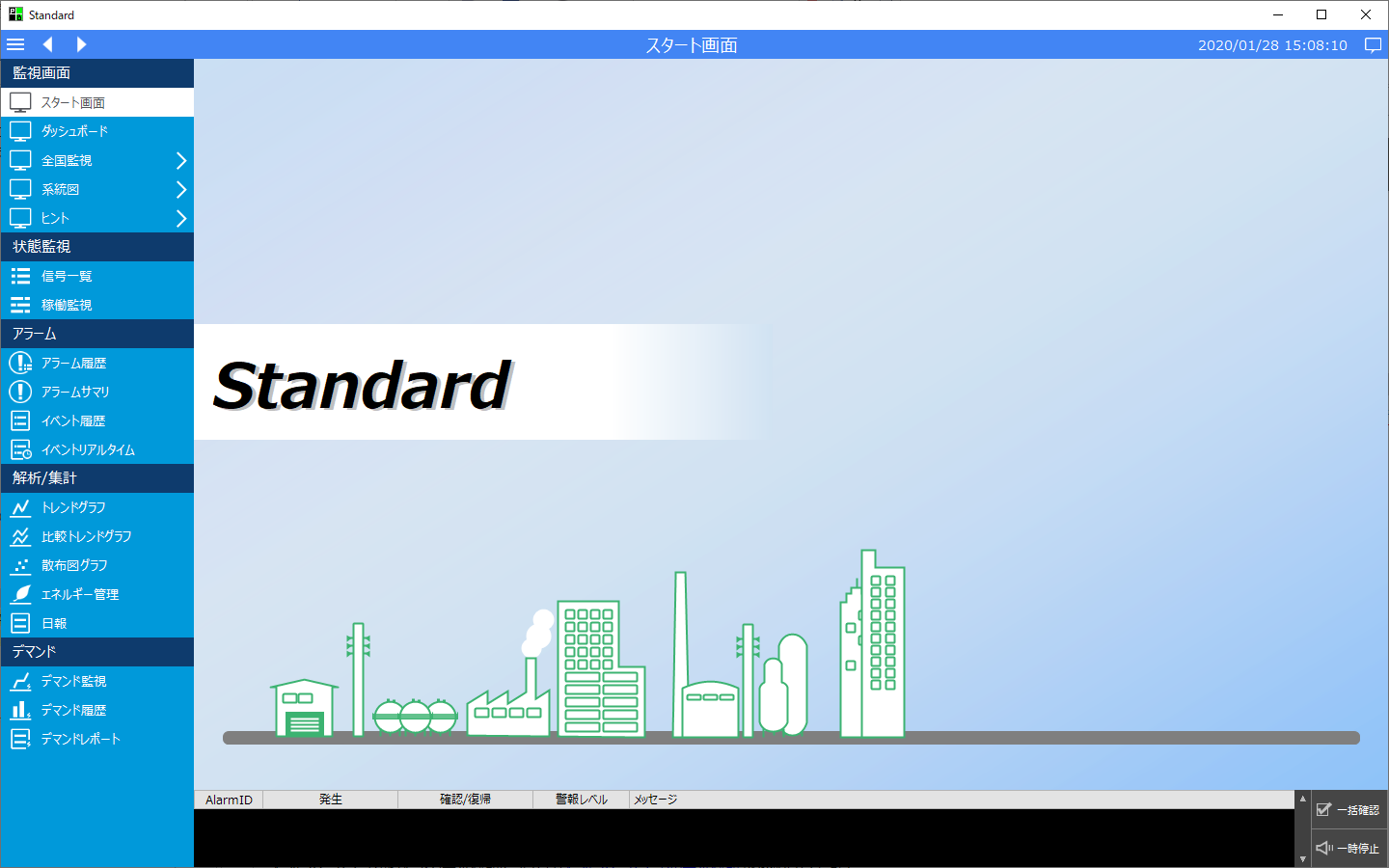
For information on how to create a standard project using the standard framework, see "Creating a Standard Project" in the Monitoring System Building Guide.
For information about the basic functions provided by the standard framework, please also refer to "Introduction to Standard Project Functions" in the Monitoring System Construction Guide.
Standard features included
Standard projects can be freely incorporated with various standard functions such as alarm summaries and trend graphs that are provided as screen libraries.
(Example of a standard project with a trend graph)
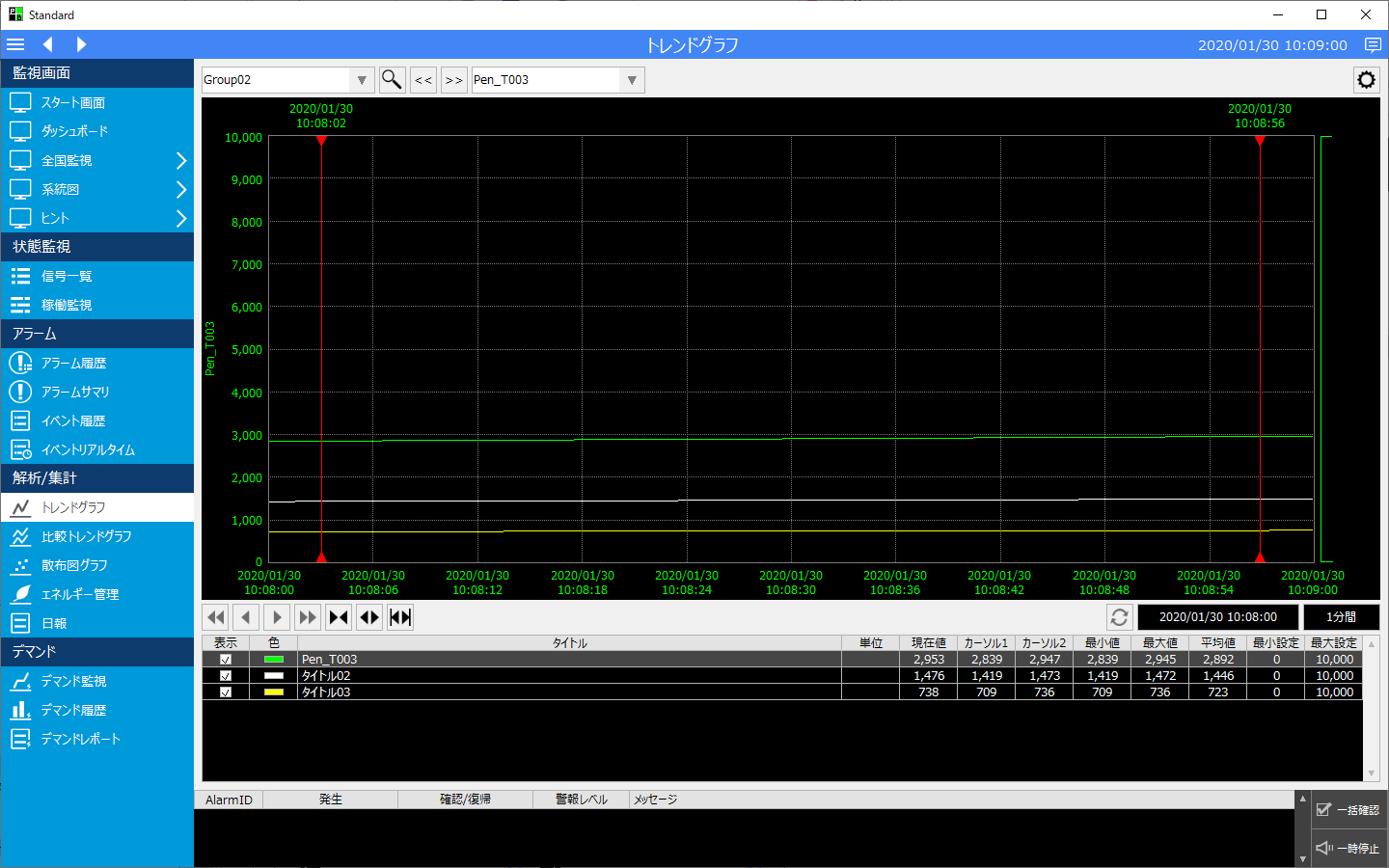
When creating a new standard project, simply select the standard functions you want to include in the project from the wizard screen, and the selected standard functions will be automatically included.
(Wizard feature selection)
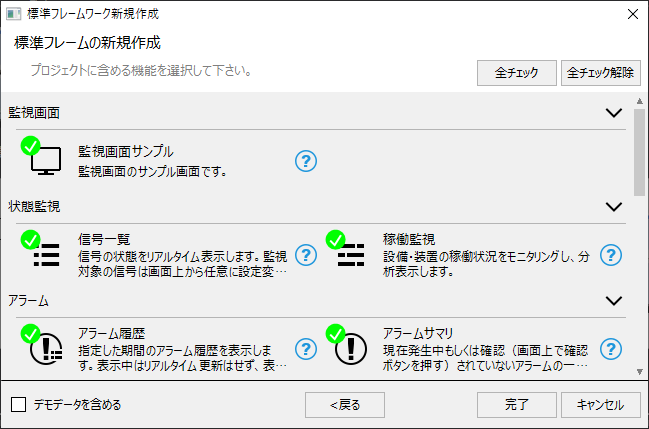
For a breakdown of standard functions that can be built into the standard framework, see the screen library list in "Screen Library Reference".