Placing distribution files for a standard project (setup process)
Please refer to "Setup for direct login" and perform the setup process for the standard project.
When you complete the setup, a set of distribution files will be output to the folder you specified as the destination folder.
(Panel Editor setup screen)
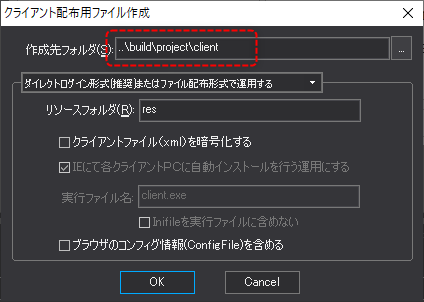
Copy the files and folders generated under the above destination folder to the location specified in the published project on the PC running Panel Server.
Now, be careful to ensure that the path to client.xml (or client.brw) matches the path defined in the project path.
Example project path: build\project\client\client.xml