Guidance function
The guidance function is a function for registering and displaying guidance information such as operating procedures in the system. In addition to text, any file can be freely registered as guidance information. By registering PDF files, Excel files, image files, video files, etc. as guidance information, it can be used as an operation guide for how to operate a system or device, or as a troubleshooting manual. Furthermore, since guidance information is stored on the server side, it can be shared between multiple clients.
Displaying Guidance
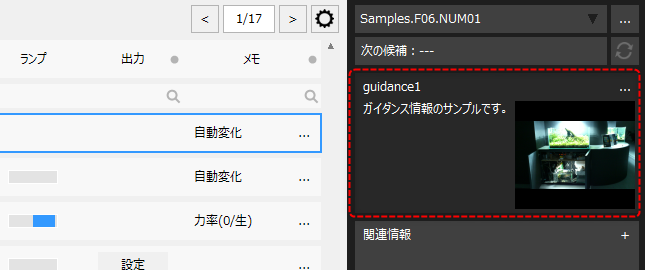
Guidance information is displayed in the information bar according to the selected information on the screen, and can also be displayed as a pop-up guidance viewer screen.
(Example of guidance displayed on the information bar)
|
The example on the left is the guidance displayed in the information bar.
You can call up the guidance viewer by clicking on the guidance display area on the left.
|
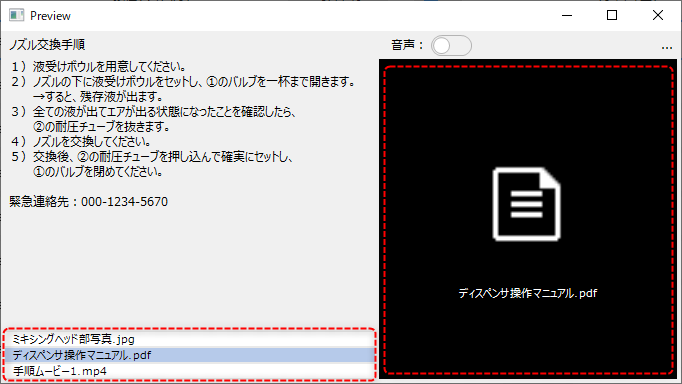
Below is the guidance viewer screen.
(Guidance Viewer)
|
In the example on the left, a photo of the device is registered as an image file, and the operating procedure is described in text. By registering the device operating method and procedures in the guidance, you can use it as an operation guide.
|
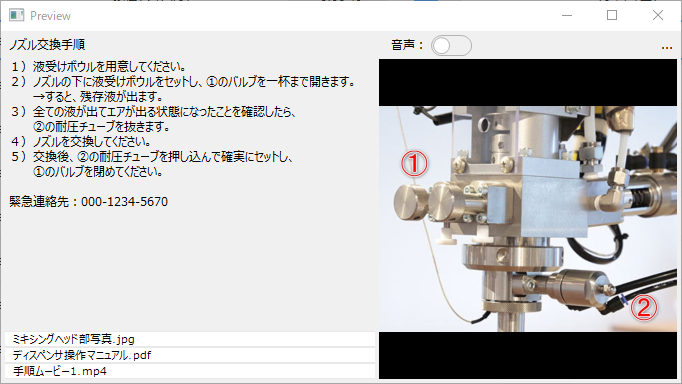
You can freely register various files such as PDF files, Excel files, image files, video files, etc. in the guidance. If files are registered in the guidance, a list will be displayed at the bottom of the viewer.
|
When you select a file from the list, the preview display on the right side of the screen will change depending on the file type, and you can open the desired file by clicking the preview.
For example, if you prepare and register an operation manual as a PDF file, you can select the file from the guidance and display the manual in an application such as Acrobat Reader. Also, if it is a video file, a video player will pop up and you can play the video.
(Example of pop-up display of image file)
|
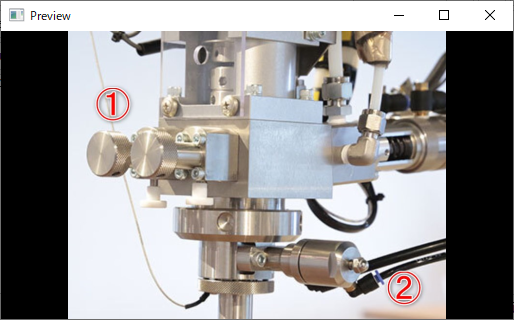
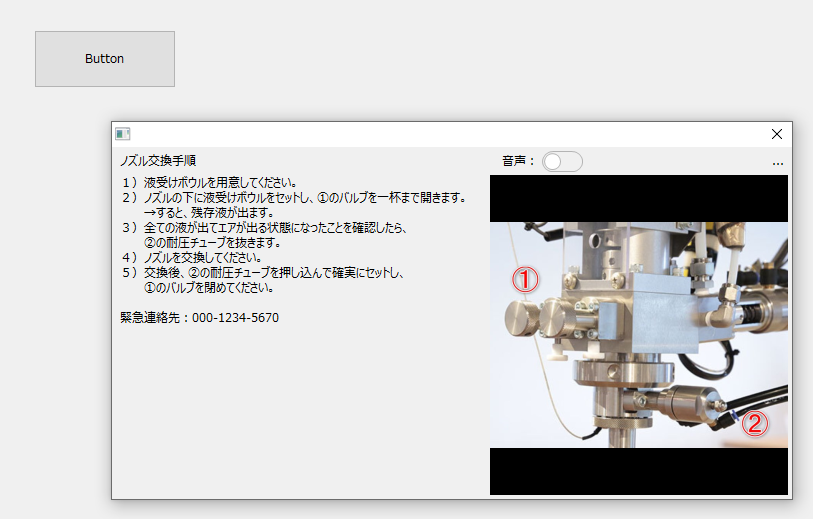
The Guidance Viewer can be freely called up from buttons placed on the graphic screen.
(Button call example)
|
|
|
How to display the guidance viewer from a script such as a button is described in "Displaying guidance from the graphic screen". |

Registering/Editing Guidance Information
Guidance information can be freely registered and edited while the system is in operation.
|
For details on how to register guidance information, see "Guidance registration operation". |
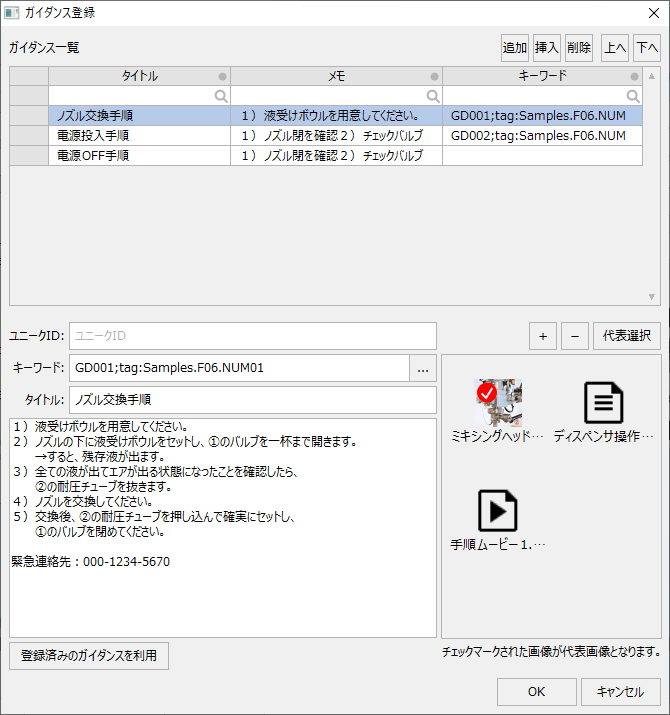
You can add new guidance by clicking the following button on the information bar.
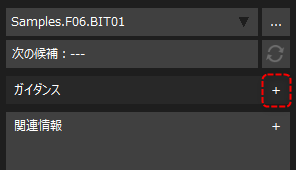
(Guidance registration/addition screen)
|
You can freely register various files such as image files, video files, and PDF files for guidance information.
|
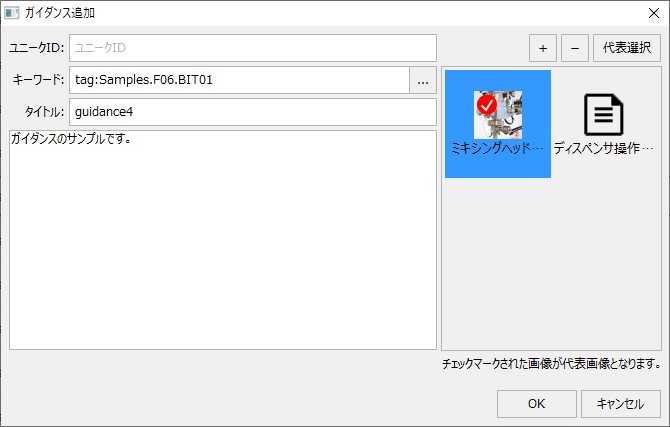
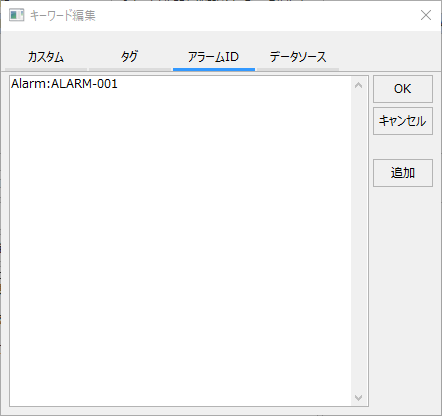
Guidance information can be associated with keywords such as tags, data sources, and alarm IDs.
(Guidance registration/keyword editing screen)
|
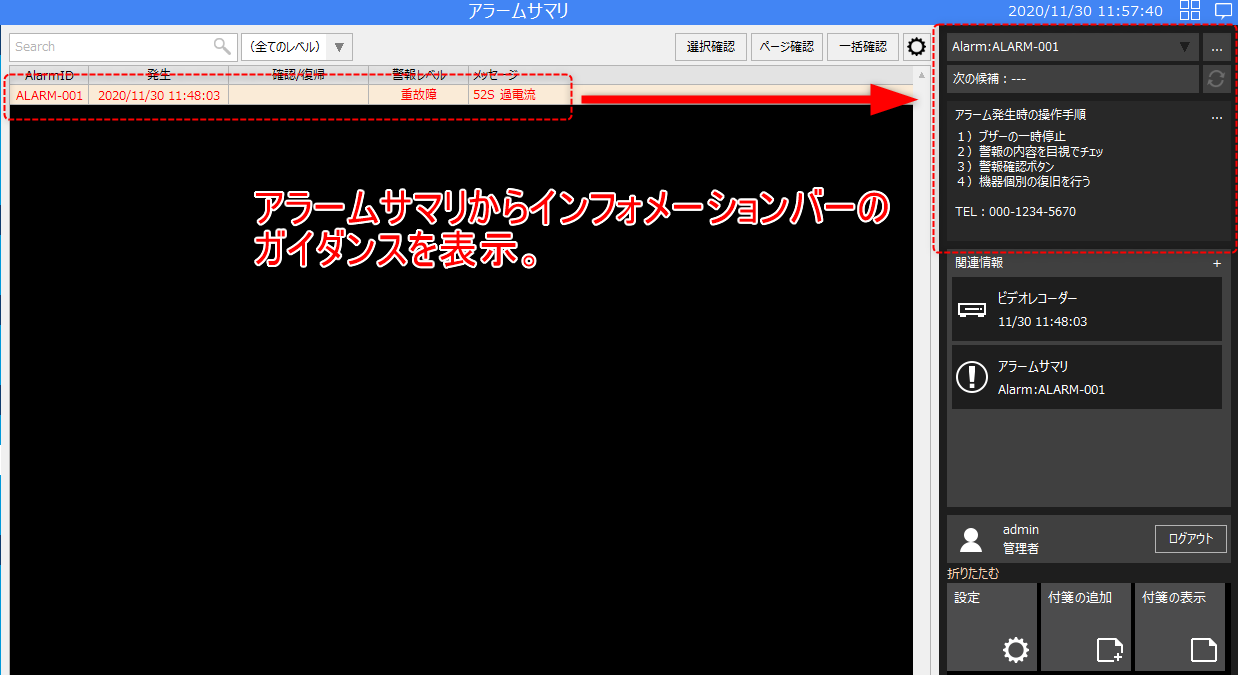
For example, if you associate an alarm ID with guidance, you can display the guidance information in the information bar by selecting the row of an active alarm on the alarm summary screen, and use it as a troubleshooting guide when an alarm occurs.
(Example of guidance list icon placement)
|
You can also register/edit guidance information from the Guidance List screen.
(Guidance registration/Guidance list screen)
|
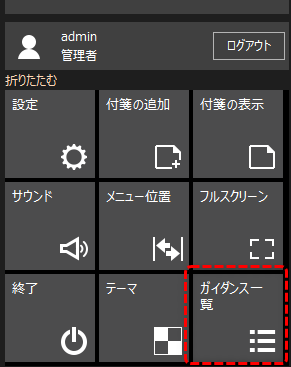
The guidance list screen can be called up from the menu or information bar.
(Example of guidance list icon placement)
|