Split display basic operations
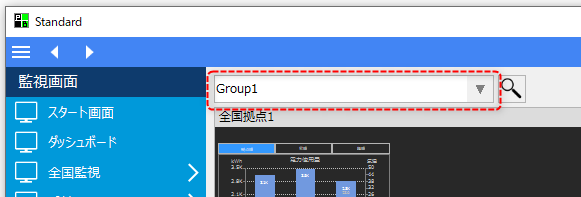
You can register multiple screen split settings as groups. You can switch between split display groups from the combo box at the top of the screen.
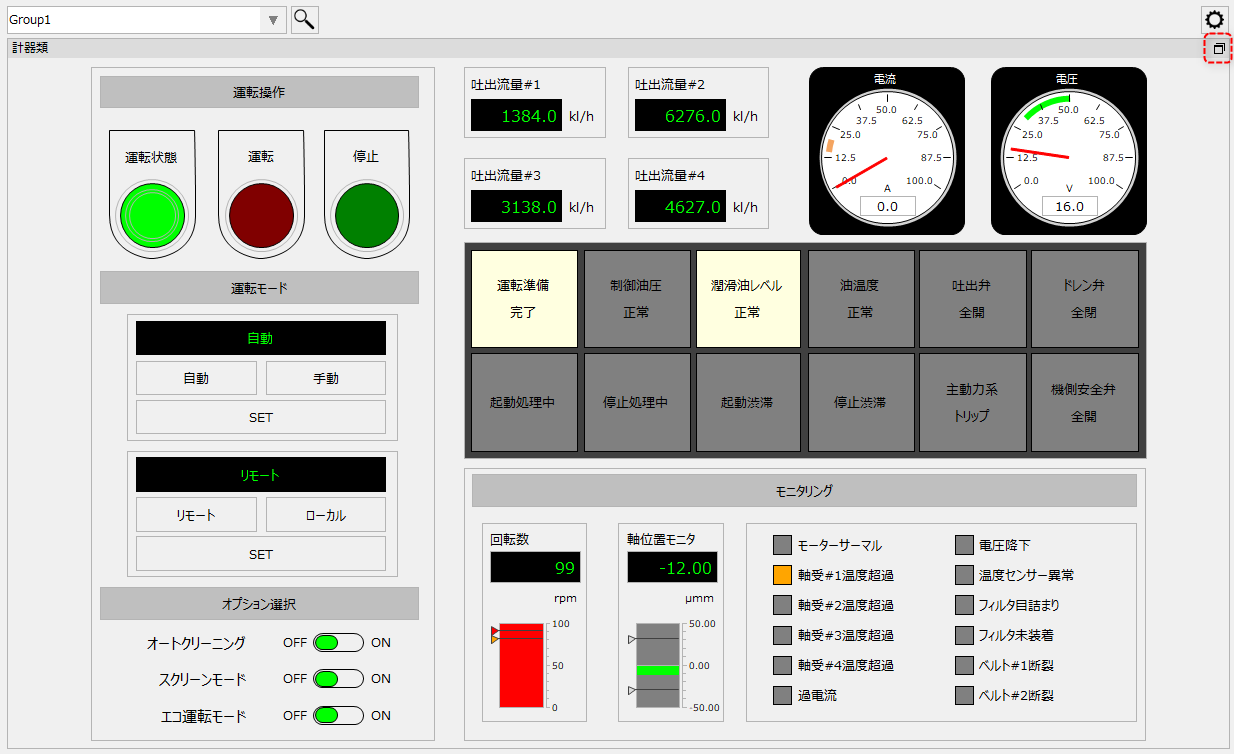
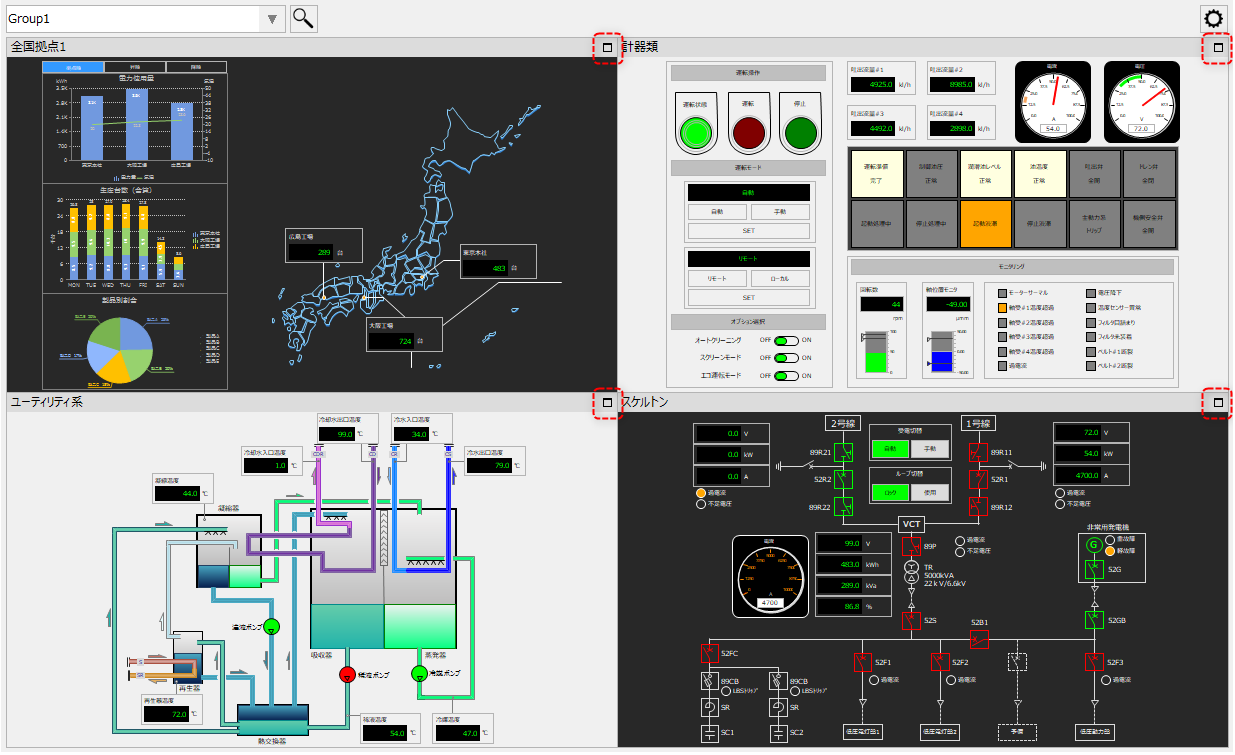
Split view allows you to make the display frame full screen.
(Split display)
|
Click the icon in the upper right corner of the display frame to switch to full screen display.
|
(When displayed in full screen)
|
Click the icon in the top right to return to split view.
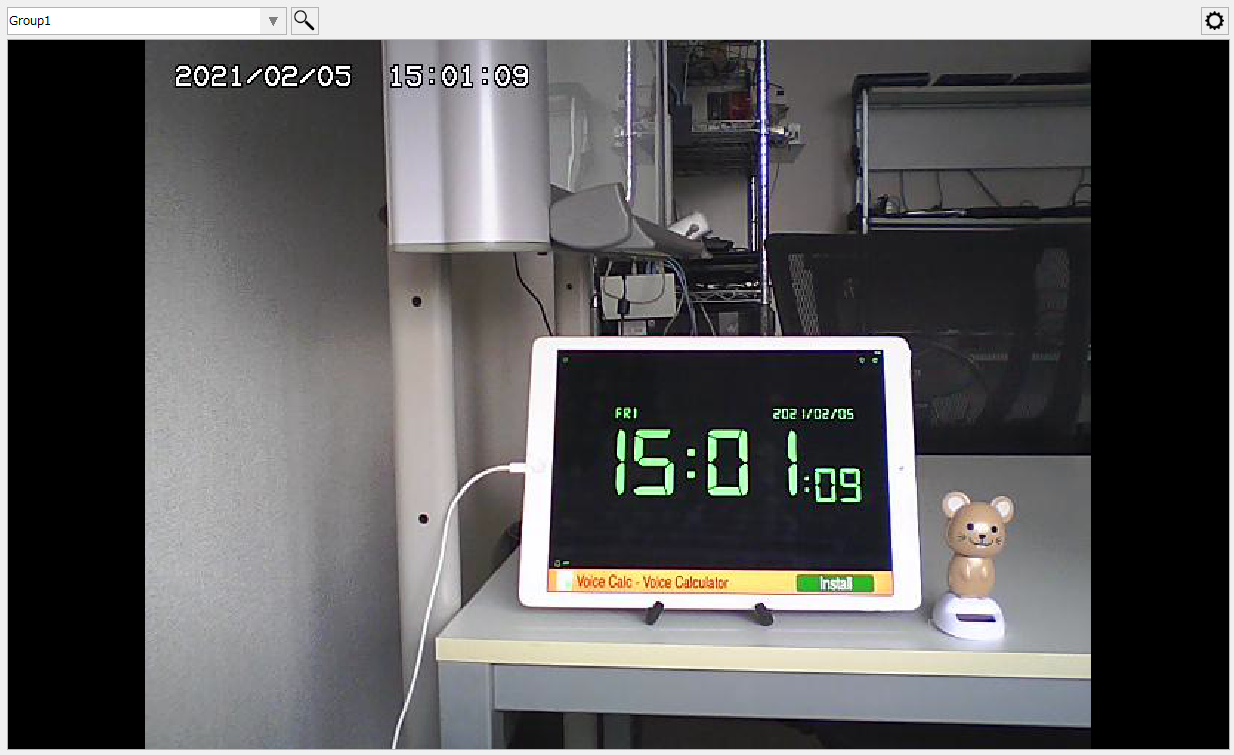
Furthermore, even if a camera is displayed in a split screen frame, the camera image can be maximized just like other screens.
(Example of maximizing the camera)
|