About the Binding Dialog
The Bind dialog is a settings screen for configuring bindings.
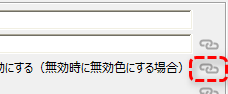
To display the Binding dialog, click the link icon below on the property setting dialog of each control.
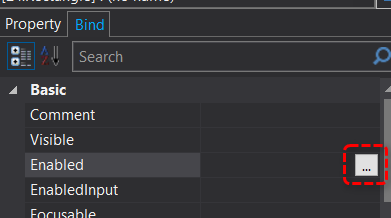
Alternatively, you can display it by clicking the setting button "..." for each property from the Binding tab on the Property page.
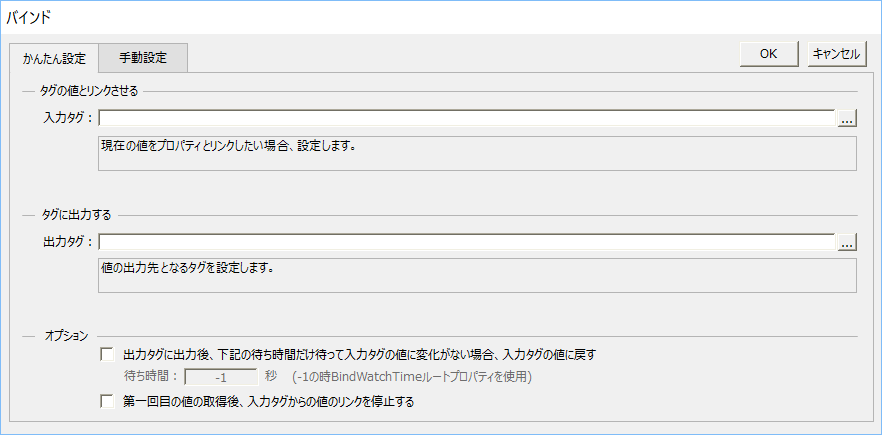
Easy Setup and Manual Setup tabs
The Binding dialog consists of two tabs, "Easy Settings" and "Manual Settings", and you can switch the display by selecting the desired tab.

The easiest way to set up a bind is to use the Easy Setup tab of the Bind dialog. With the Easy Setup tab, you don't need to write a complex bind format from scratch; the format is automatically generated based on the information you enter on the screen, such as condition expressions and tag paths.
On the other hand, in the Manual Settings tab, you can freely write the binding format. Manual Settings is used when you want to set complex conditions that cannot be defined in the Simple Settings.
Easy Settings Tab Type (Input and Input/Output)
The content displayed in the Quick Settings tab varies depending on the type of property you are setting.
1) Properties for setting inputs
This is displayed when the binding for the target property is mainly used for input from tags. Typical examples include color-related properties such as TextColor and FillColor, attributes such as Enabled and Visible, and the Text property of Label control.
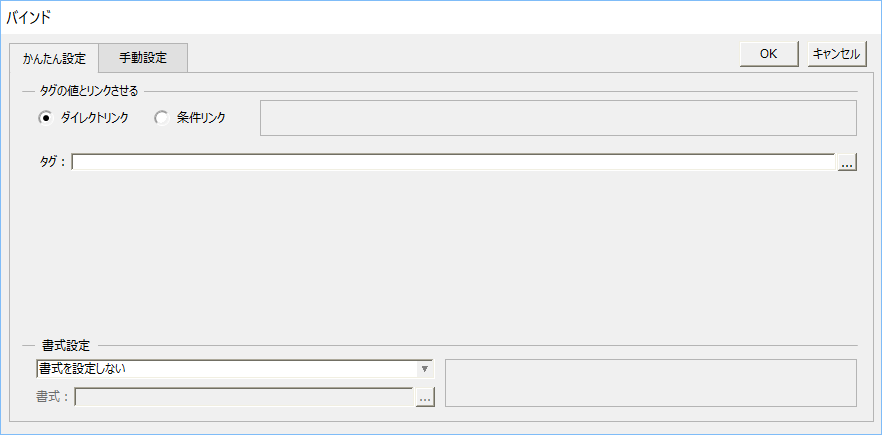
For information on how to operate the input type easy settings, please refer to "Easy Settings Tab (Input)".
2) Properties that can be set for both input and output
This is displayed when the target property can be set as an output direction in addition to an input direction from the tag. Typical examples include the Value property of an edit control and the SwitchValue property of Button control.
For information on how to operate the easy settings for input/output types, see "Easy Settings Tab (Input/Output)".
Manual Settings tab
On the Manual Settings tab, you can manually edit the binding format.
This is used when writing complex conditional expressions that cannot be defined using simple settings.
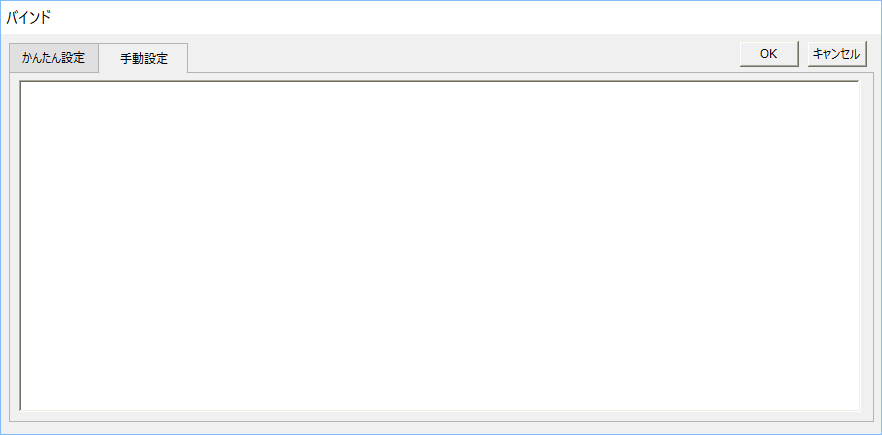
For more information about the Manual Settings tab, see "Manual Settings Tab".