What is a Windows Dialog?
Unlike common dialogs, Windows dialogs are dialogs that use standard functions that are pre-installed in the OS (Windows).
Because Windows dialogs are standard OS dialogs, they offer less freedom than common dialogs in that they cannot be customized and their size is fixed. However, dialogs for viewing files and folders in particular are implemented using Windows dialogs.
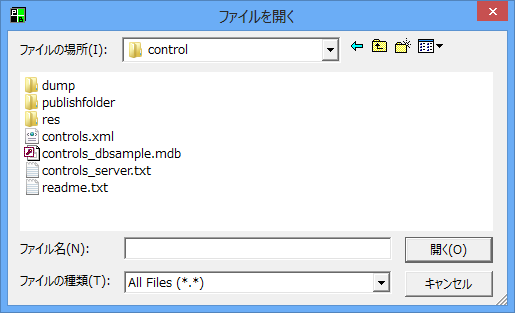
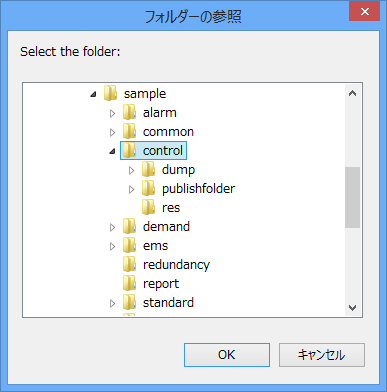
The following Windows dialogs can be displayed:
|
This dialog box displays a list of files that can be referenced on the OS and allows you to obtain the file paths. It is opened using the OpenWindowsDialog method. For details, please refer to "Common Methods" in the Control Reference.
|
|
This dialog box displays a list of folders that can be accessed on the OS and allows you to obtain the folder paths. It is opened using the OpenWindowsDialog method. For details, please refer to "Common Methods" in the Control Reference.
|