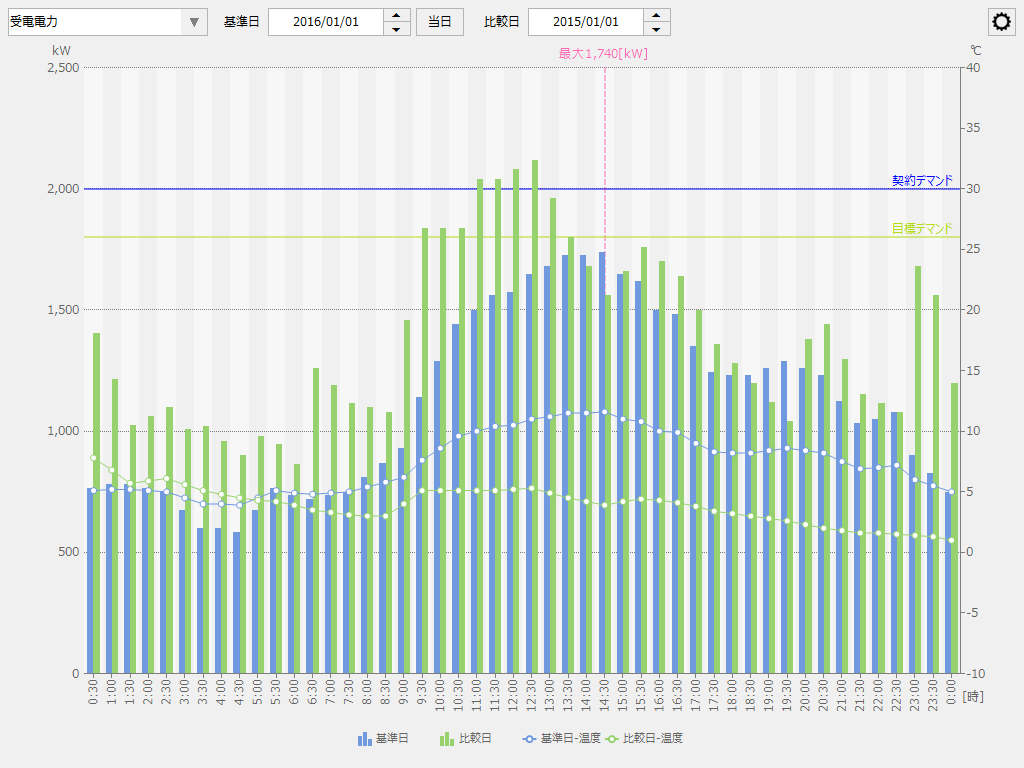
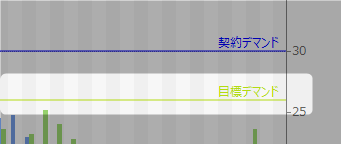
Demand history setting menu
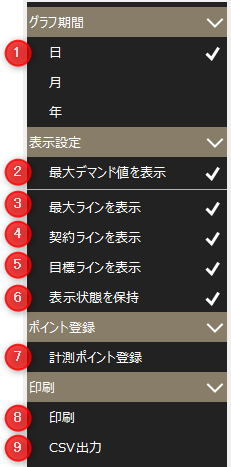
# |
name |
explanation |
|---|---|---|
1 |
Graph period |
Switch the graph display period of the demand history graph between "Daily report," "Monthly report," and "Yearly report."
|
2 |
Displays the maximum demand value |
Switches the display of the maximum demand value on the right side of the screen. When checked, the maximum demand value is displayed, and when unchecked, the maximum demand value is hidden.
|
3 |
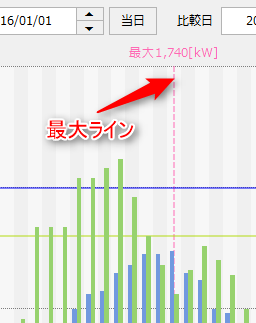
Show Max Line |
Toggles the display of the maximum line. When checked, the maximum line is displayed, when unchecked, the maximum line is hidden.
|
4 |
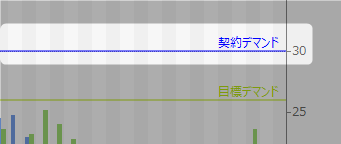
View contract lines |
Toggles the display of contract demand lines. When checked, contract demand lines are displayed, when unchecked, contract demand lines are hidden.
|
5 |
Show goal line |
Toggles the display of the target demand line. When checked, the target demand line is displayed, when unchecked, the target demand line is hidden.
|
6 |
Maintain Visibility |
The settings changed on the screen will be retained. Note that the settings are saved for each client.
|
7 |
Measurement point registration |
Displays the measurement point registration screen.
|
8 |
printing |
Print to the printer.
|
9 |
CSV Output |
Outputs CSV data.
|