Basic operation of demand monitoring
Here we will introduce the basic operation of the demand monitoring screen.
Below is the state of the demand monitoring screen immediately after it is started. No information such as demand forecast lines is displayed yet.
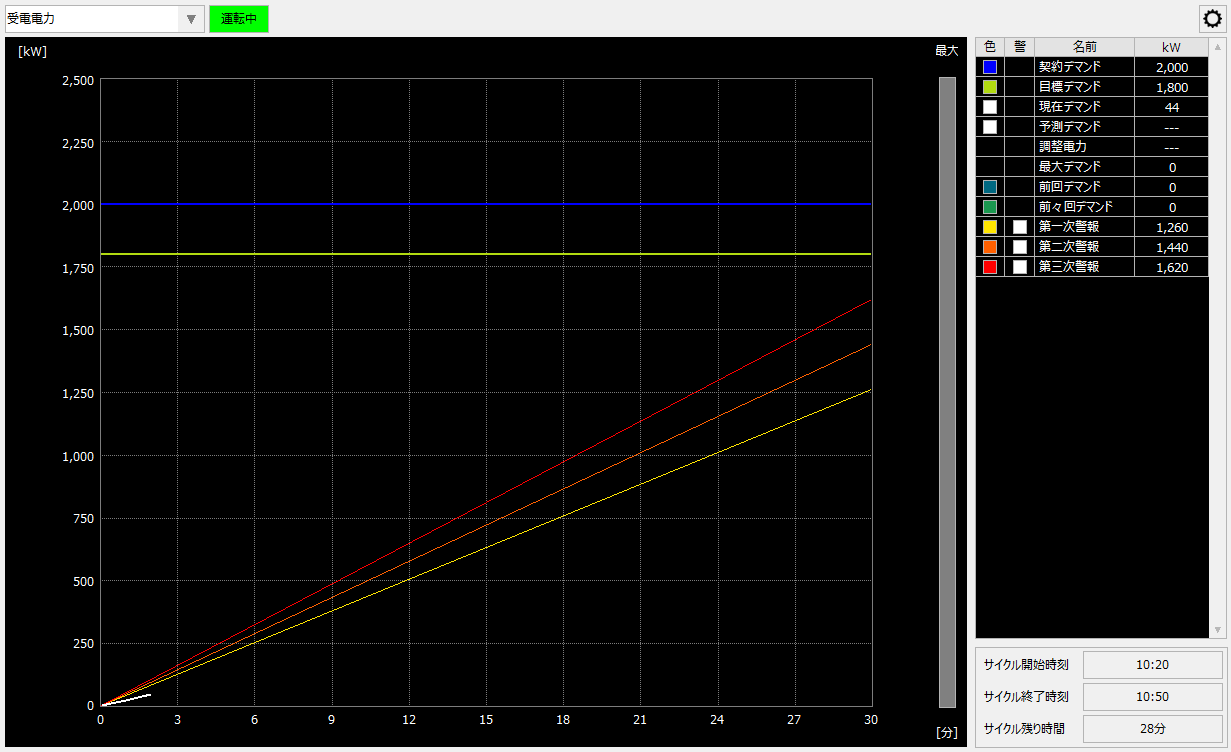
When demand monitoring starts, a demand graph is plotted based on the demand power calculated from the power consumption counter value (demand tag). As the demand tag value increases over time, the graph will gradually rise to the right.
For a while after launching, the graph will simply grow, but the demand forecast line will not be displayed.
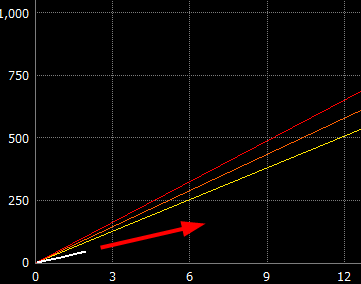
When the "Forecast start time" set in the demand settings has passed, the demand forecast line will be displayed. In the standard project, it is set to be displayed as a blinking white dotted line.
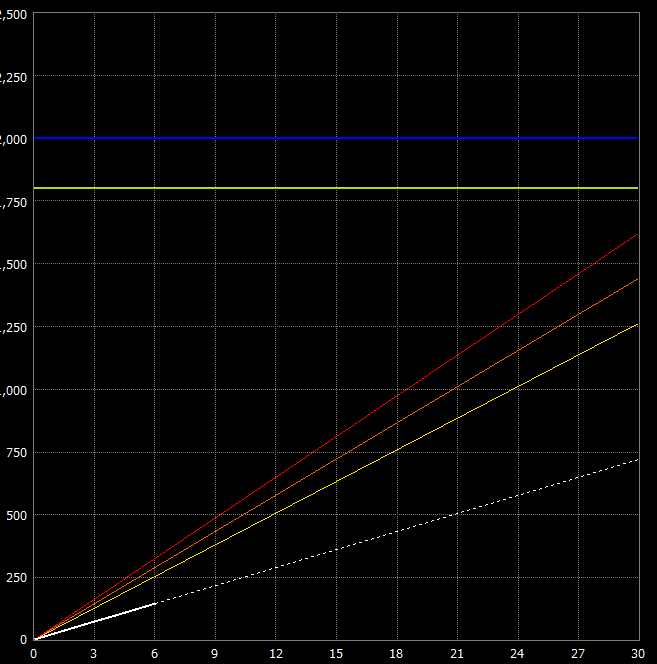
Here, the value at the end of the demand period on the extension of the demand forecast line (the intersection of the demand forecast line and the 30-minute vertical line) is the predicted demand power within the current demand period.
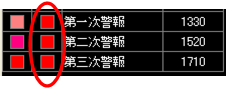
In standard demand monitoring, three demand alarm levels are set: first alarm, second alarm, and third alarm, and three diagonal demand alarm lines are displayed on the screen. These settings can be freely changed from the demand monitoring settings screen. A demand alarm is detected when the demand forecast line crosses the alarm line. The demand alarm detection status is displayed as a lamp in the grid on the right side of the screen.
(Normal)
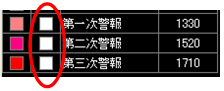
(Example of alarm detection)
When the demand time limit is reset (at 0 minutes and 30 minutes of every hour in a standard project), the demand graph and demand alarm are automatically reset and monitoring is repeated on a demand time limit basis.
Furthermore, the demand monitoring function can write the above demand warning detection status to any tag. These tags can be monitored by the alarm function or used as triggers for unique demand-linked control that you have separately built.
|
Demand warnings from demand monitoring can be linked to Alarm server. For details, please refer to "Monitoring demand warnings with Alarm server". |

|
For reference information on examples of demand-linked control processing, please see "Reference) Examples of demand-linked control processing". |