What is the Screen Library?
The screen library includes alarm monitoring, trend graphs, scatter plot graphs, demand monitoring graphs, etc.The main functions that are highly required for monitoring screens are stored in a library for each screen.When building a monitoring screen system, you can select the screen library with the desired function from the selection screen and import it by dragging and dropping it. The screen library contains highly sophisticated functions as modules, and can be used with just simple settings.
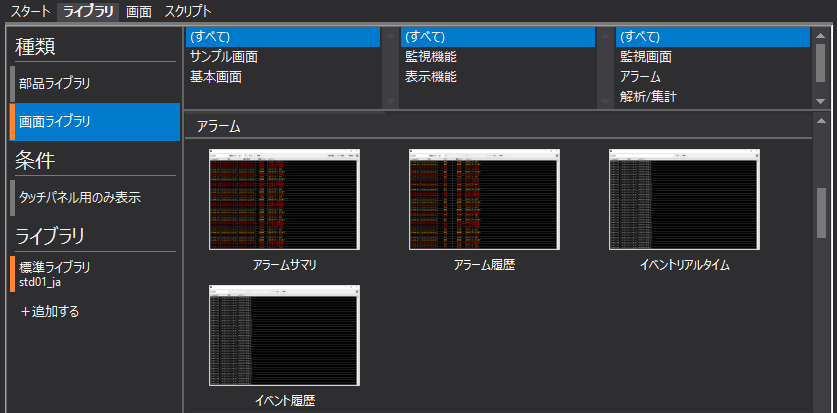
The links below explain how to use the Screen Library:
•How to use the screen library
•Import a form from the screen library
•Import server settings from screen library
•Calling a screen from the screen library
The link below is the reference manual for the Screens library.