How to run the file distribution format
There are two ways to run Panel Browser in file distribution format:
Configuration Tasks |
overview |
Open the configuration file and run it
|
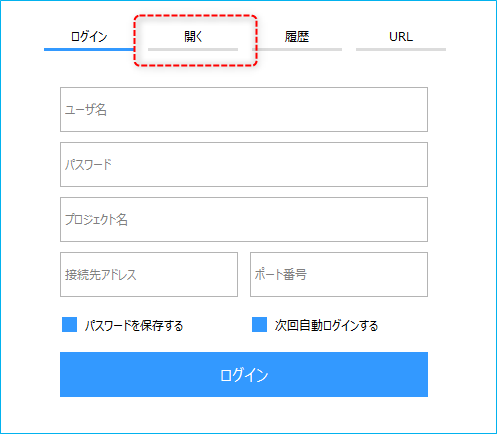
When you start Panel Browser, the login screen will be displayed initially. If you select the "Open" tab from the screen, you can select and run the client configuration file.
|
Run the configuration file by specifying it in the shortcut
|
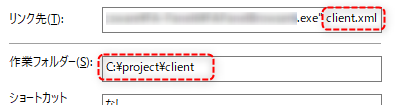
You can create a shortcut that launches Panel Browser and opens it by specifying the client configuration file as a parameter.
|