Standard projects and custom projects
FA-Panel comes with a frame library (monitoring system template) called the "standard framework," and a project created based on the standard framework is called a "standard project." The standard framework has a variety of basic functions, such as menu functions, built in, so you can use these functions immediately without having to do any difficult customization. On the other hand, a "unique project" is a project that you create from scratch without using a template such as the standard framework. This method takes more time and effort than using a standard project, but it allows you to develop more in-depth ideas with more freedom.
The features and differences between the two are explained below. For details on the individual features of the standard project, please refer to "Introduction to the Standard Project Features".
■Comparison between standard projects and original projects
(Click the image to enlarge it.)
item |
Standard Project |
Original Project |
explanation |
||||||||
Standard features included |
◎ |
○
|
•Various standard functions such as trend graphs and alarm summaries (functions provided as "Screen Library") can be incorporated into both standard projects and original projects. •With standard projects, you can automatically generate a project with standard functions built in by simply selecting the functions you need from the wizard screen when creating the project (you can also manually incorporate these functions later). •For your own projects you will need to manually include the screen library. |
||||||||
Freedom of development |
○ |
◎ |
•For unique projects, you create your own screens from scratch, so you can create them according to your own design ideas. •Since standard projects are built using the foundations of the standard framework, there are some parts that depend on the mechanisms of the standard framework. |
||||||||
Menu Style |
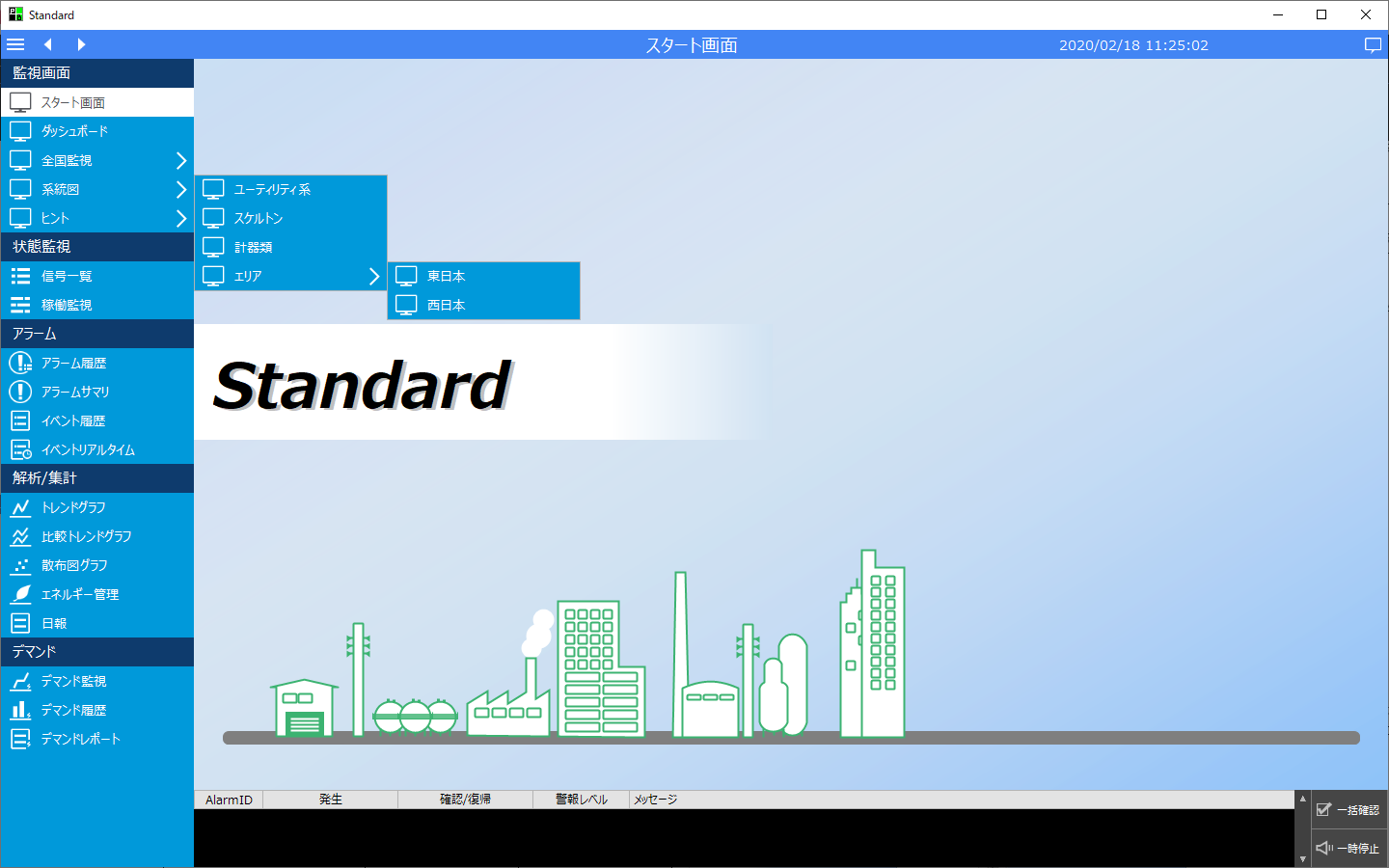
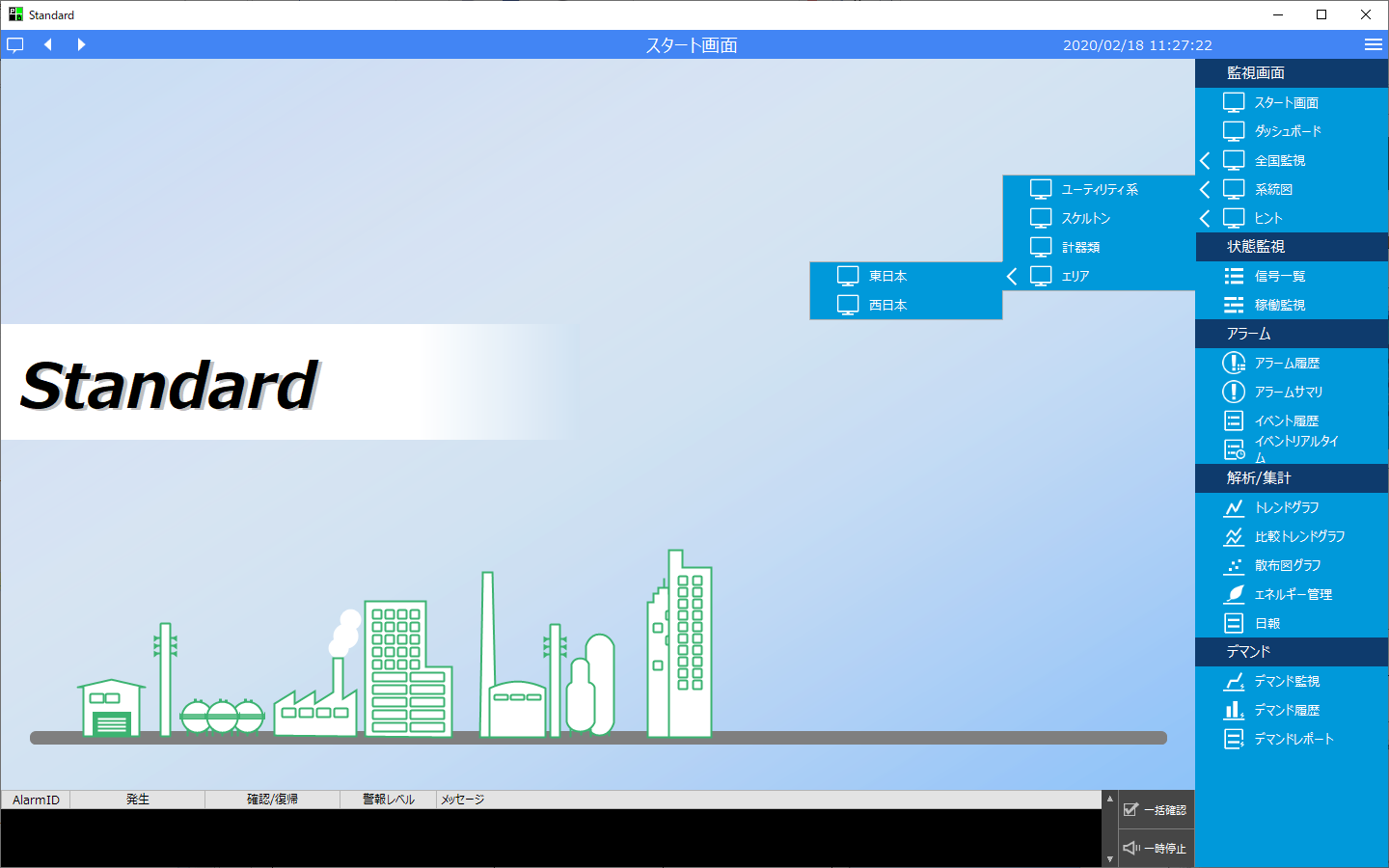
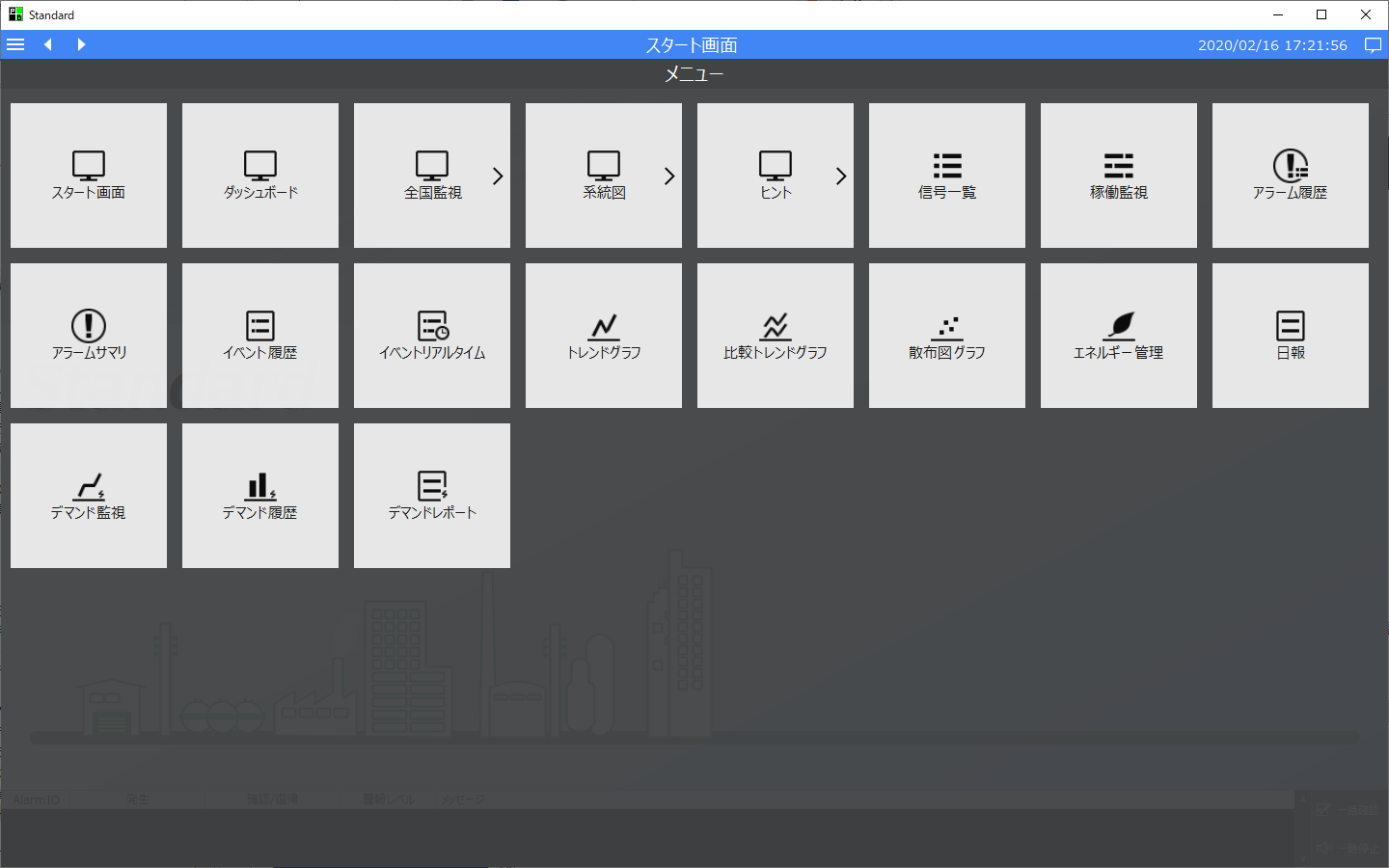
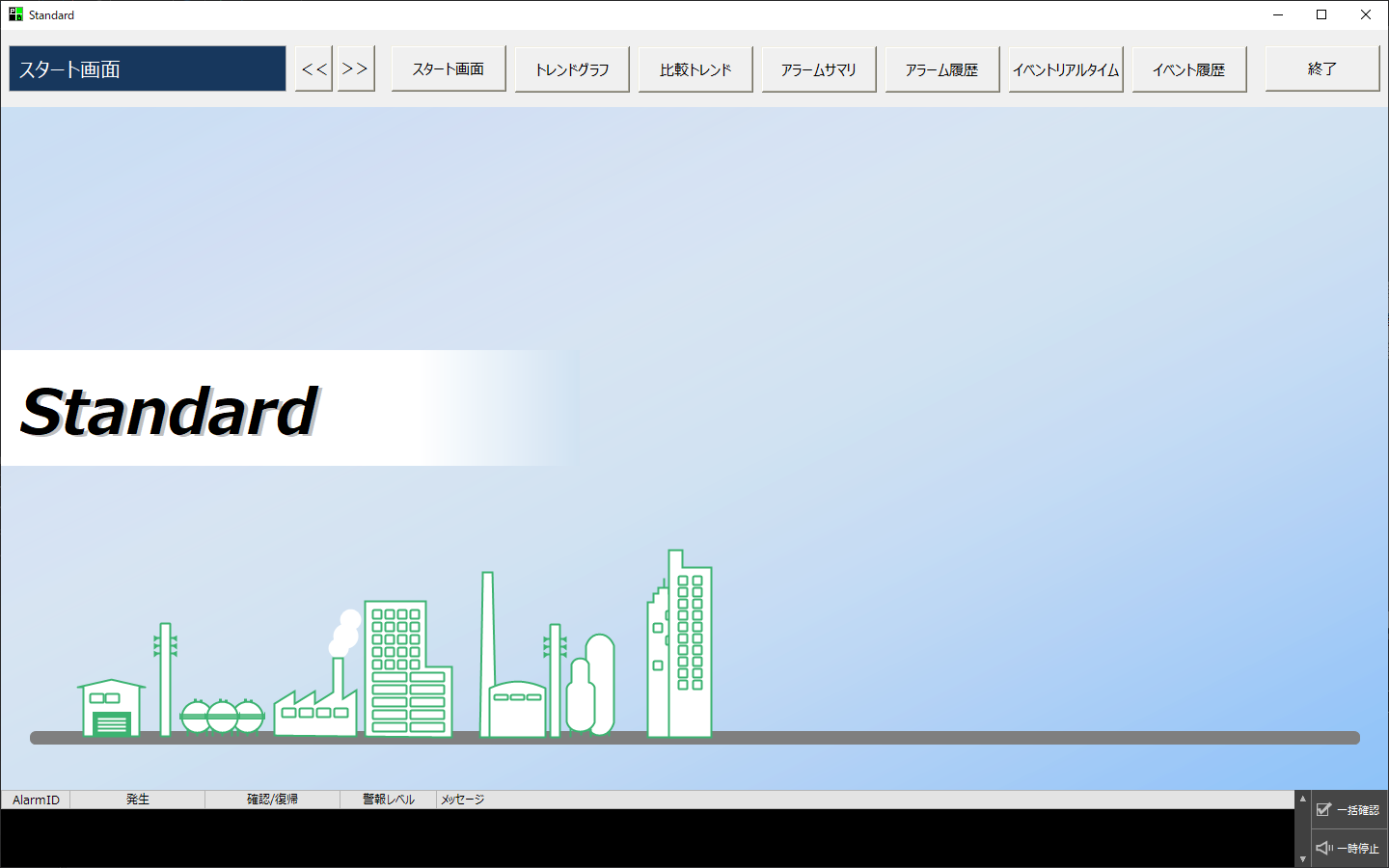
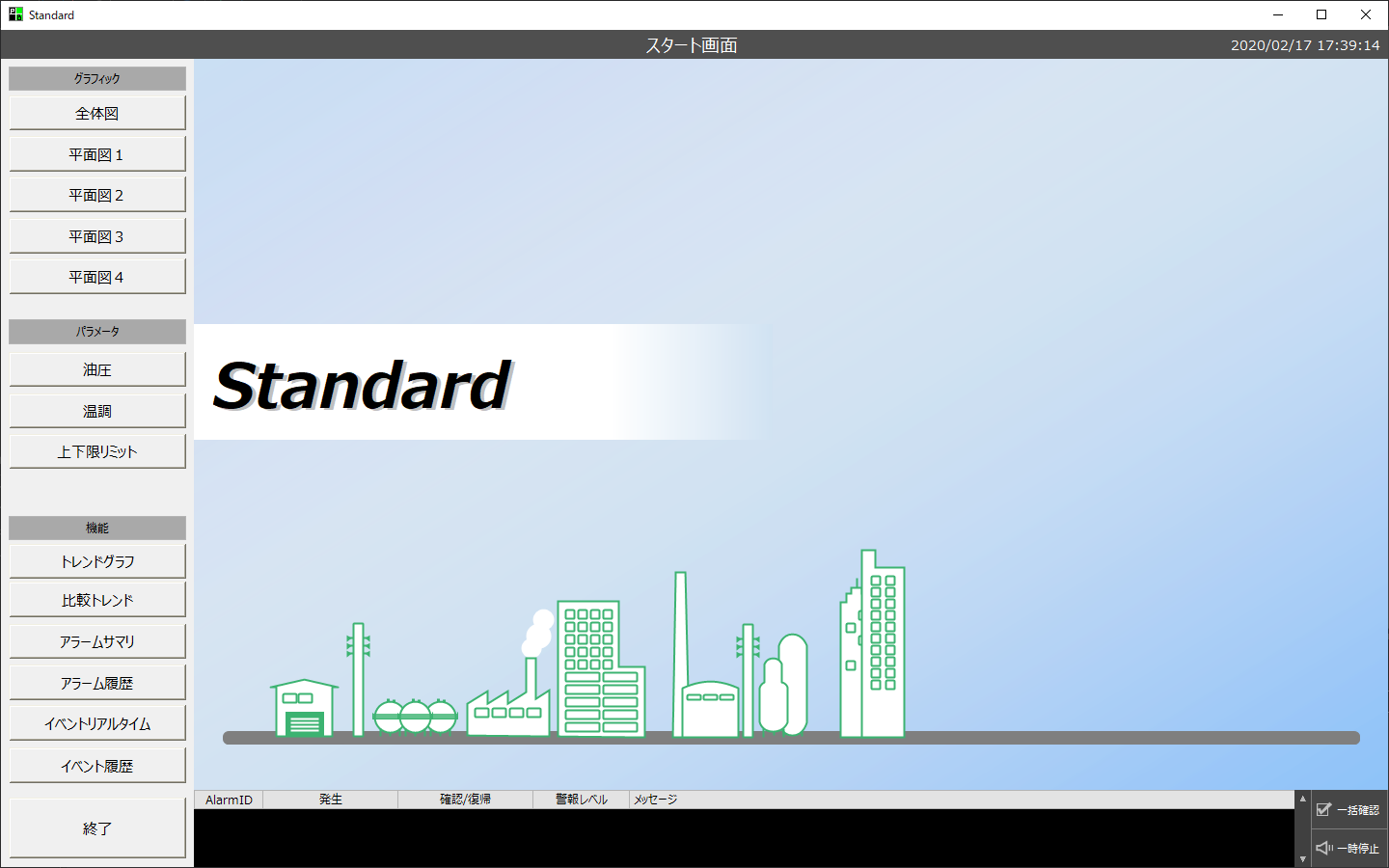
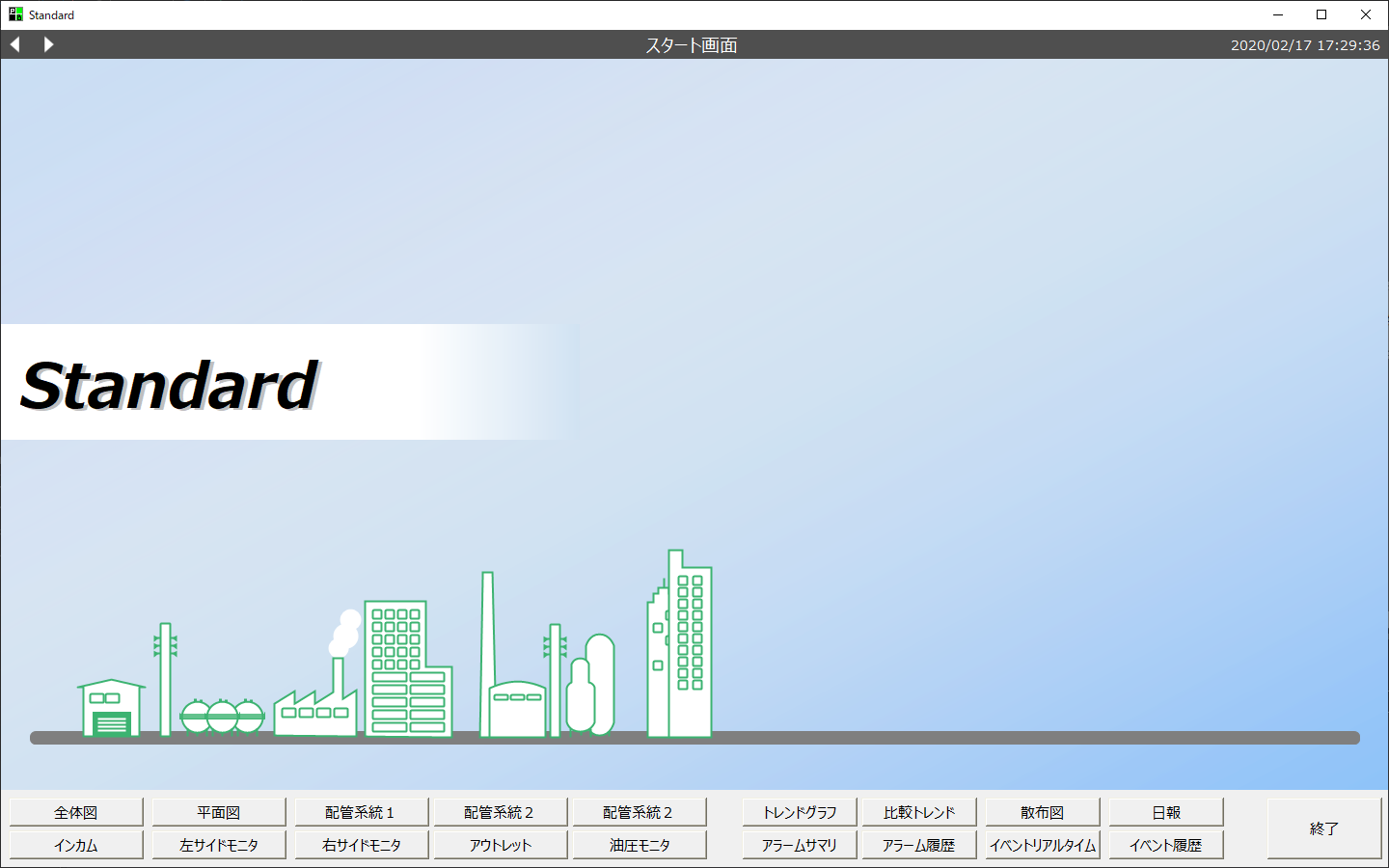
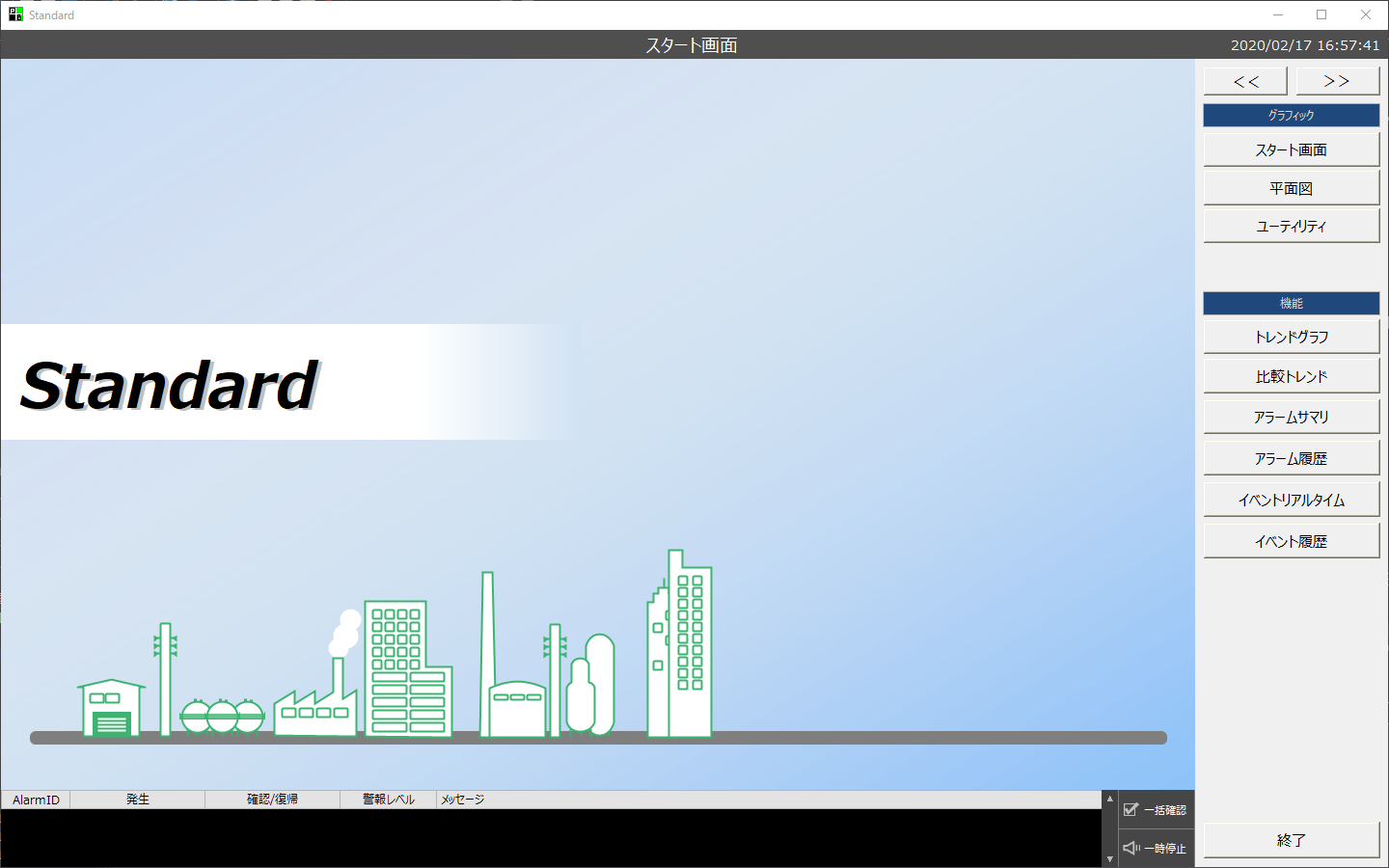
Three types •Side menu •Full menu •Classic
|
Free |
■ Standard project menu
The standard project comes with pre-built complete menu functions called "Side Menu" and "Full Menu". By simply making simple settings, you can immediately use the following menu functions.
Furthermore, the menus in a standard project are not limited to the side menu and full menu. You can also create a classic menu like the one below with your own button layout on the top, bottom, left, or right areas of the screen (the button layout below is just an example. You can freely customize each of these areas).
■ Menu for unique projects
In your own project, you will need to create the screen calling mechanism yourself, but you can create any menu you like.
|
||||||||
Visual Theme
|
◎ |
○ |
•Standard projects support visual themes, and you can easily access the visual theme settings from the system settings screen. •For your own projects, you can choose colors that fit your visual theme. |
||||||||
Common Alarm Summary |
◎ |
△ |
•For standard projects, the common alarm summary display function is built in from the beginning. However, displaying the common alarm summary is not mandatory, and you can hide it if you do not need it. •For your own projects, you will need to create your own screens using components for alarms, components for embedding forms, etc. |
||||||||
Information Bar Function
|
◎ |
△ |
•The information bar is built into the standard framework. For details about this function, see "Information Bar". •There is no library for this function for your own projects. Users must create it themselves (or refer to the source code of the standard framework). |
||||||||
Related information function
|
◎ |
△ |
•The related information function is built into the standard framework. For details about this function, please refer to "Interoperability between functions (use of related information)". •There is no library for this function for your own projects. Users must create it themselves (or refer to the source code of the standard framework). |
||||||||
Sticky note function
|
◎ |
△ |
•The sticky note function is built into the standard framework. For details about this function, please refer to "Sticky Note Function". •There is no library for this function for your own projects. Users must create it themselves (or refer to the source code of the standard framework). |
||||||||
User management (login function) |
◎ |
△
|
•The standard framework has a built-in user management function (login function). For details on this function, please refer to "User Management Function Introduction". •There is no library for this function for your own projects. Users must create it themselves (or refer to the source code of the standard framework). |
|
When you are unsure whether to choose a standard project or an original project, factors to consider include the scale of the monitoring system to be built and the type of functions required. For example, if the requirements are simple, with only a small number of I/O points, no need for standard functions such as alarms or daily reports, and only a few graphic screens, screen transitions can be built with just a few buttons, so it may be easy to achieve with an original project. On the other hand, if the number of graphic screens is large or if it is known that standard functions such as alarms, trends, and demand monitoring need to be incorporated, it may be faster to build a system by using a standard framework. |
