overview
Camera registration is provided as a common setting function for the system and can be called from each function that requires camera information.
(Camera registration screen)
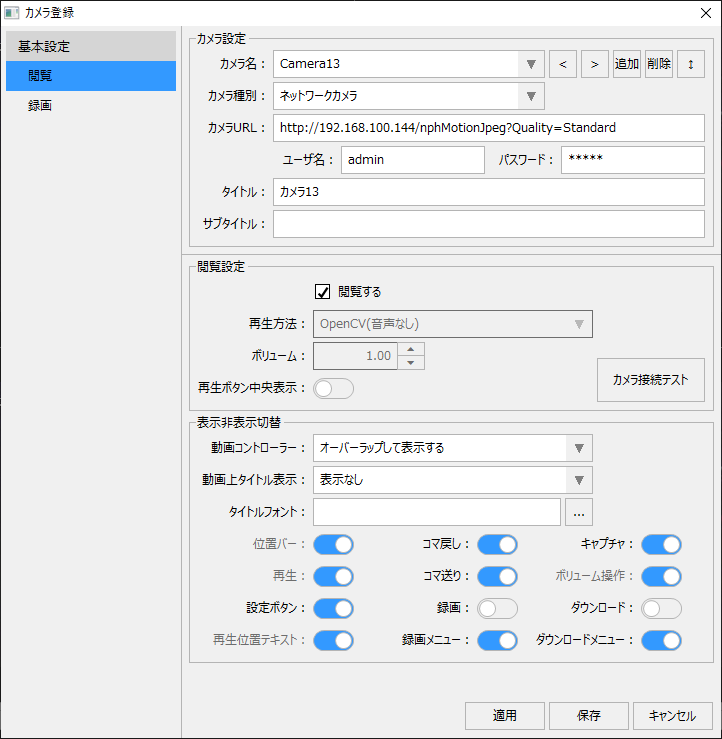
Camera registration is broadly divided into "camera settings," "viewing," and "recording." Camera settings are basic information such as naming the camera and the URL to connect to the camera, and must be registered. The viewing settings involve configuring the playback method for the camera and the location of the video player controller. The recording settings involve defining various parameters for the recording process of the video recorder function, selecting a recorder, and registering recording schedules and event specifications. However, if recording is not required and you simply want to display the video from the network camera, there is no need to configure recording.
For details on how to register a camera, see "Registration Operation for Camera Registration".
Functions that use camera registration
Camera registration is available as a common setting function for the system. Camera registration can be called up from the setting menu of each function that requires camera information, or can be added and called up as a special function item in the menu or information bar.
The following is the standard function that calls up the camera registration screen.
function |
Call point |
||
Split display (camera monitor)
|
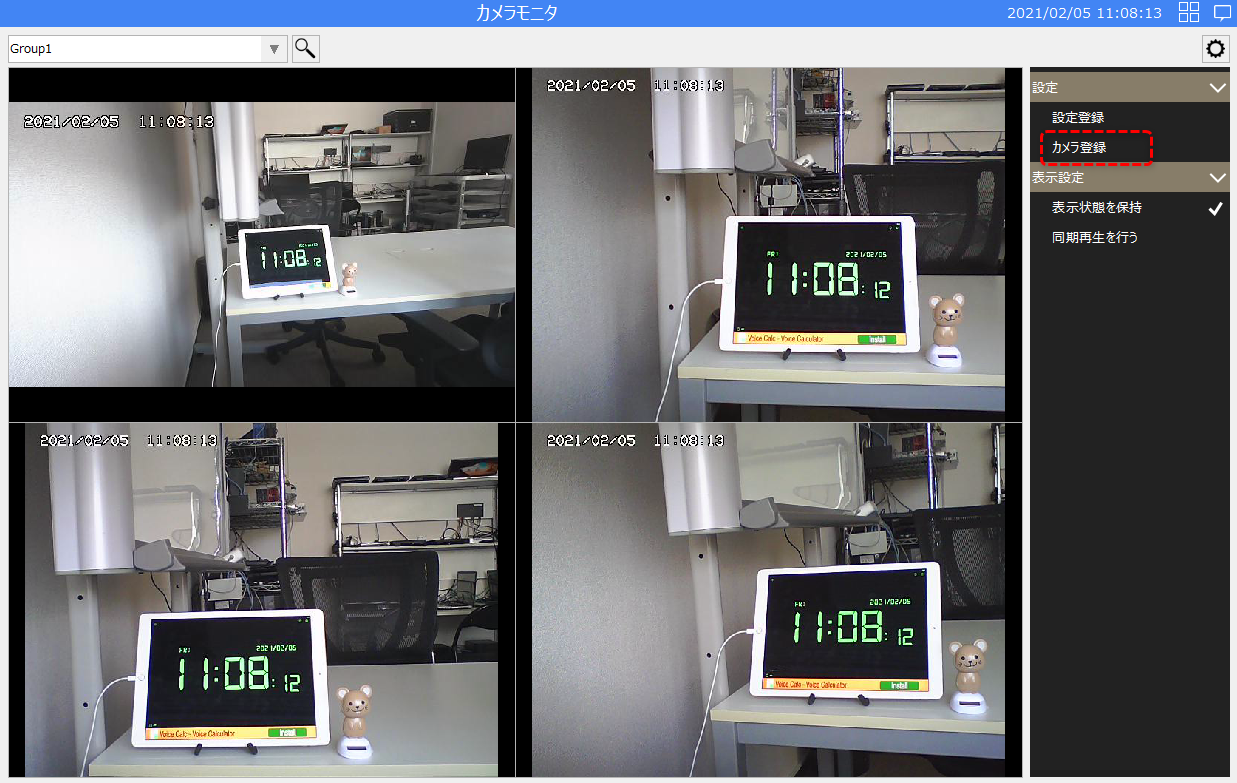
Selecting "Camera Registration" from the split display settings menu will call up and display the camera registration screen.
(Split display/settings menu)
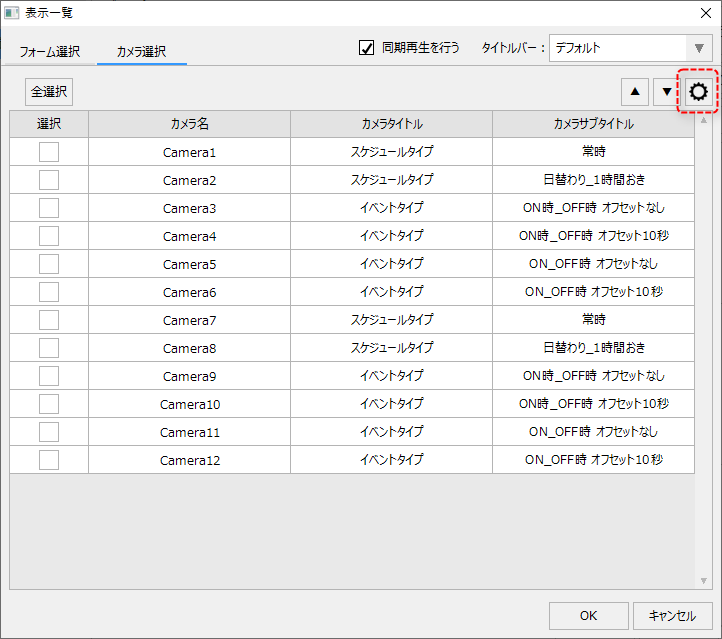
In addition, if you click the settings button on the "Camera selection" tab of the display list dialog, which is displayed from the split display layout settings, the camera registration screen will also be displayed.
(Split display/Layout settings/Display list)
|
||
|
|
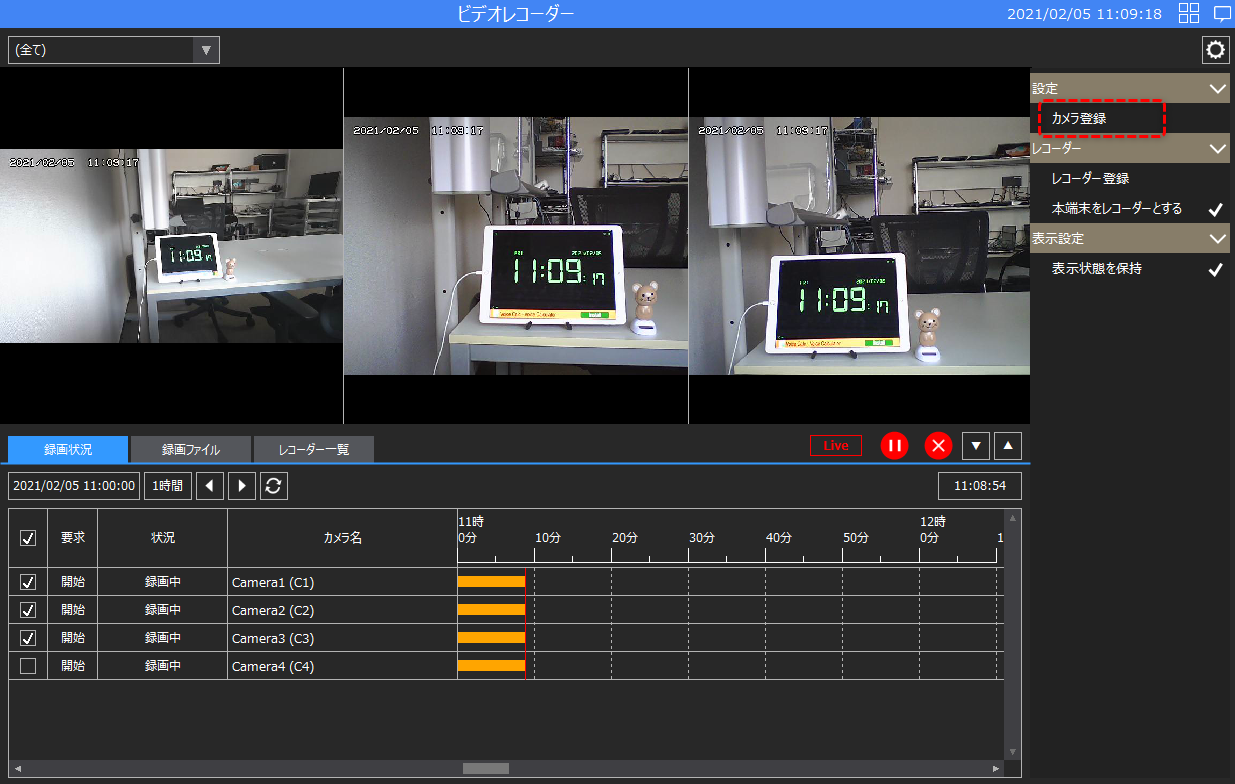
When you select "Camera Registration" from the video recorder's settings menu, the camera registration screen will be called up and displayed.
(Video Recorder/Settings menu)
|

In addition, the "Video Player" part in the parts library can be linked to camera information registered via camera registration.
function |
Setting location |
||
|
|
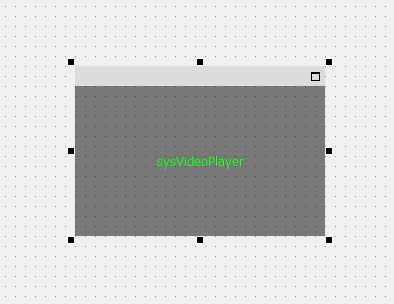
The camera information registered through Camera Registration can also be linked to the video player component.
(Video player component attached to the form)
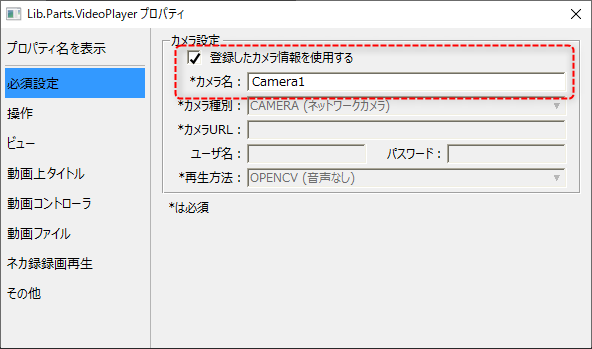
The following is the settings dialog for the video player part. Checking "Use registered camera information" enables you to enter the camera name, and you can specify the camera name registered during camera registration.
|