What is Simple Common Dialog?
The simple common dialog is a general-purpose dialog that has been available for some time. General-purpose dialogs such as simple message displays and Yes/No confirmation dialogs can be easily displayed by calling common methods such as OpenMsg and OpenYesNoMsg.
For example, you can easily display a message box from a script like this:
event OnMouseUp(button)
{
	::OpenMsg("Hello");
}
There are the following types of simple common dialogs. For details on each calling method, please refer to the links below.
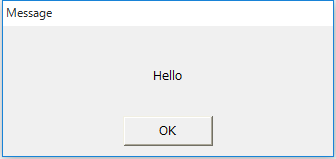
|
Message box (OK button only)
Calling methods (common methods): |
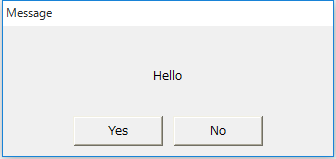
|
Message box (Yes/No button)
Calling methods (common methods): |
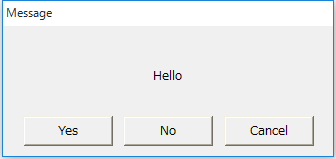
|
Message box (Yes/No/Cancel buttons)
Calling methods (common methods):
|
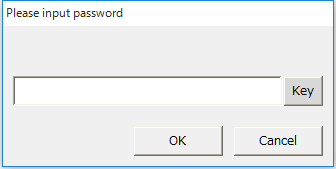
|
Password setting dialog
Calling methods (common methods):
|
|
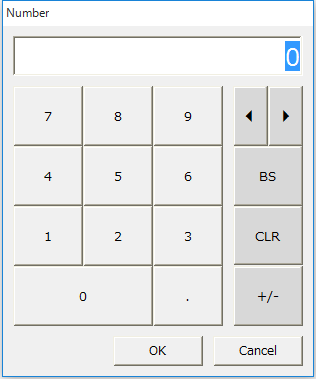
Numeric keyboard
Calling methods (common methods):
|
|
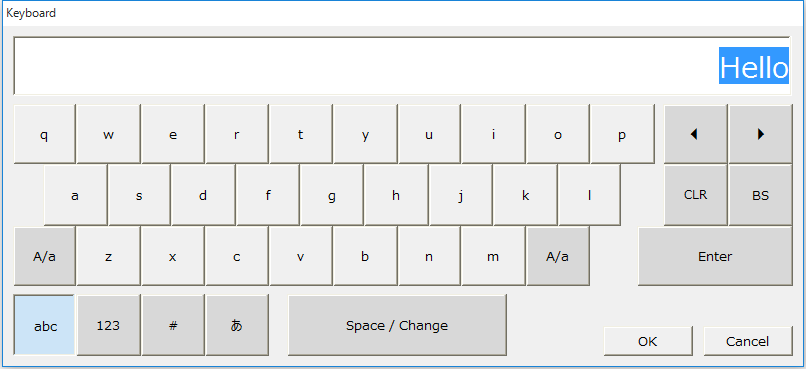
Text Keyboard
Calling methods (common methods):
|
|
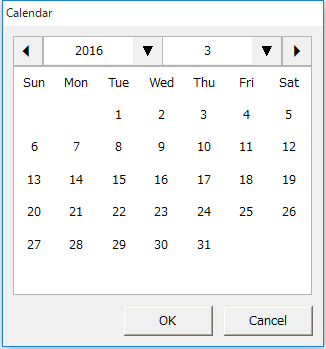
calendar
Calling methods (common methods):
|
|
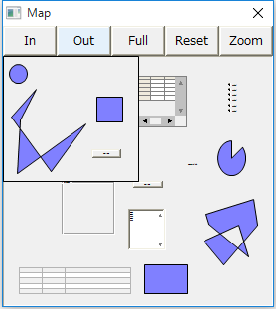
Form Map
Calling methods (common methods):
|
|
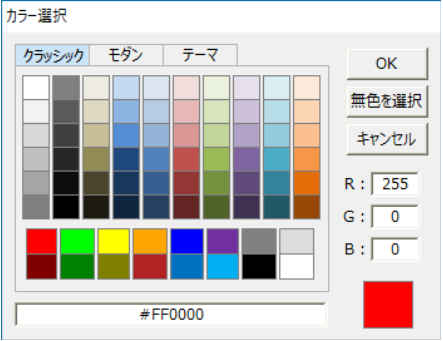
Color Selection
Calling methods (common methods):
|
|
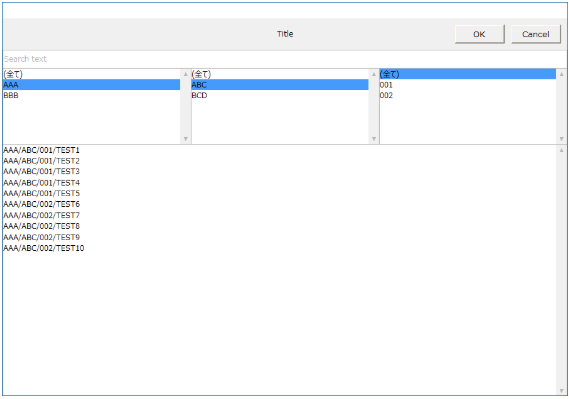
Search Dialog
Calling methods (common methods):
|
|
Methods related to simple common dialogs are provided as common methods. For example, they can be executed as object methods such as "this.OpenYesNoMsg(...)", or as root methods such as "::OpenYesNoMsg(...)". Regardless of how they are called, the dialog will not be hidden behind the form, but the behavior of the hierarchical display when multiple dialogs are displayed at the same time will differ.
▪When executed as a method of an object
▪When executed as a route method |

|
When opening a simple common dialog, you may want to prevent the user from operating the background screen until the dialog is closed. In such cases, you can display the common dialog modally by calling a modal display method with the prefix OpenModal, such as "OpenModalMsg" or "OpenModalYesNoMsg". |