View Health Monitor Settings
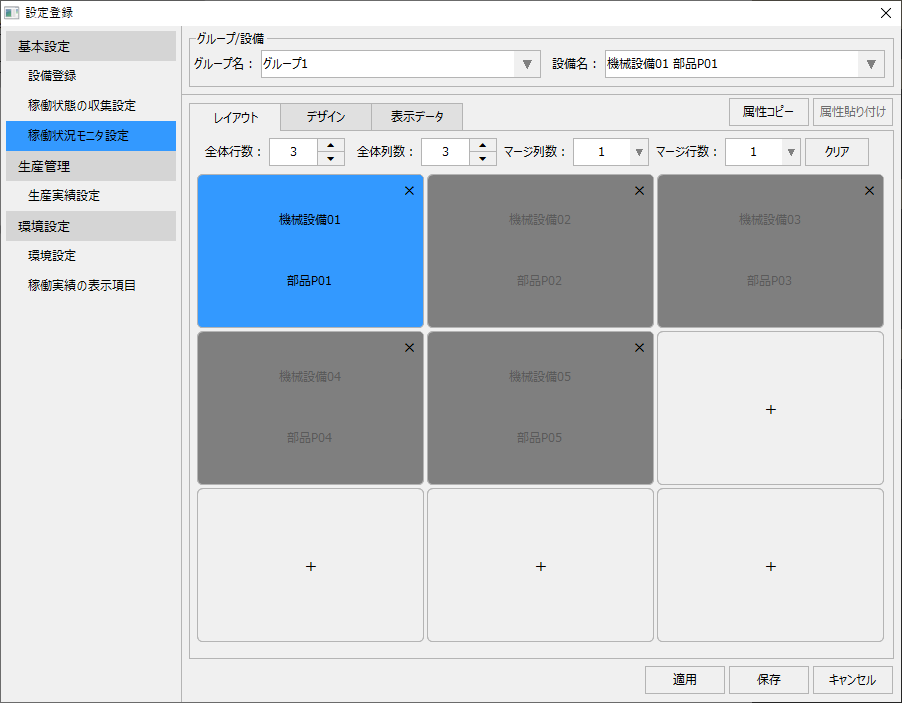
When you select "Operation Status Monitor Settings" from the menu on the left side of the settings registration screen, the display in the center of the screen will change as shown below.
(Settings registration screen: Operation status monitor settings)
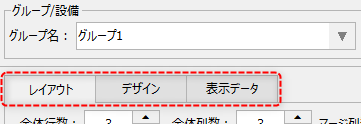
On the operation status monitor settings screen, you can switch between "Layout," "Design," and "Display Data" by selecting the following tabs.
The following describes each setting procedure for the operation status monitor.